AcuRite Weather Stations: Brand Guide, Reviews and Replacement Parts


AcuRite says it has been making weather instruments for more than 80 years. Today it sells everything from basic indoor thermometers to wireless weather stations with Wi-Fi displays and optional lightning sensors.
This page is the starting point for everything AcuRite on our site: which sensor line measures what, our reviews, the parts that fit, and our fix-it guides. Everything here is based on research from AcuRite's own documentation and other sources we link to; we did not test these products ourselves.
See the AcuRite Iris on Amazon
Browse AcuRite parts on Amazon
AcuRite Product Line Overview
AcuRite produces a broad range of weather monitoring products. The most relevant for home weather observers are the 5-in-1 weather stations, which measure temperature, humidity, wind speed, wind direction, and rainfall from a single integrated outdoor sensor.
Measures temperature, humidity, wind speed, wind direction, and rainfall from one outdoor sensor. Sold with different displays, with and without Wi-Fi. AcuRite lists the PRO+ dual solar panel upgrade (06003M) as an add-on for this line.
Adds UV and light intensity to the Iris measurements. Lightning detection works with the 06075M add-on sensor. Not parts-compatible with the Iris series.
Dual solar panel add-on for the Iris 5-in-1 sensor. According to AcuRite it lets the sensor's solar-powered fan run more often, which helps the temperature measurement throughout the day. Installing it means opening the sensor with a Phillips screwdriver, as described in AcuRite's manual.
Standalone indoor and outdoor temperature and humidity monitors. No wind or rain measurement. Entry-level option for users who want basic environmental monitoring without a full weather station.
Standalone rain gauges for garden and home use, from simple magnifying gauges you read by eye to the wireless self-emptying 00899. Which one fits you is in our AcuRite rain gauge comparison.
Wind cups, complete replacement sensors, power adapters, and the PRO+ upgrade. Always confirm your model number before ordering: Iris and Atlas parts are not interchangeable.
Notos, Iris or Atlas? What Each One Measures
AcuRite's three outdoor sensor lines carry a number for what they measure: 3-in-1, 5-in-1 and 7-in-1. Start here if you are choosing, or if you are not sure which one you already own.
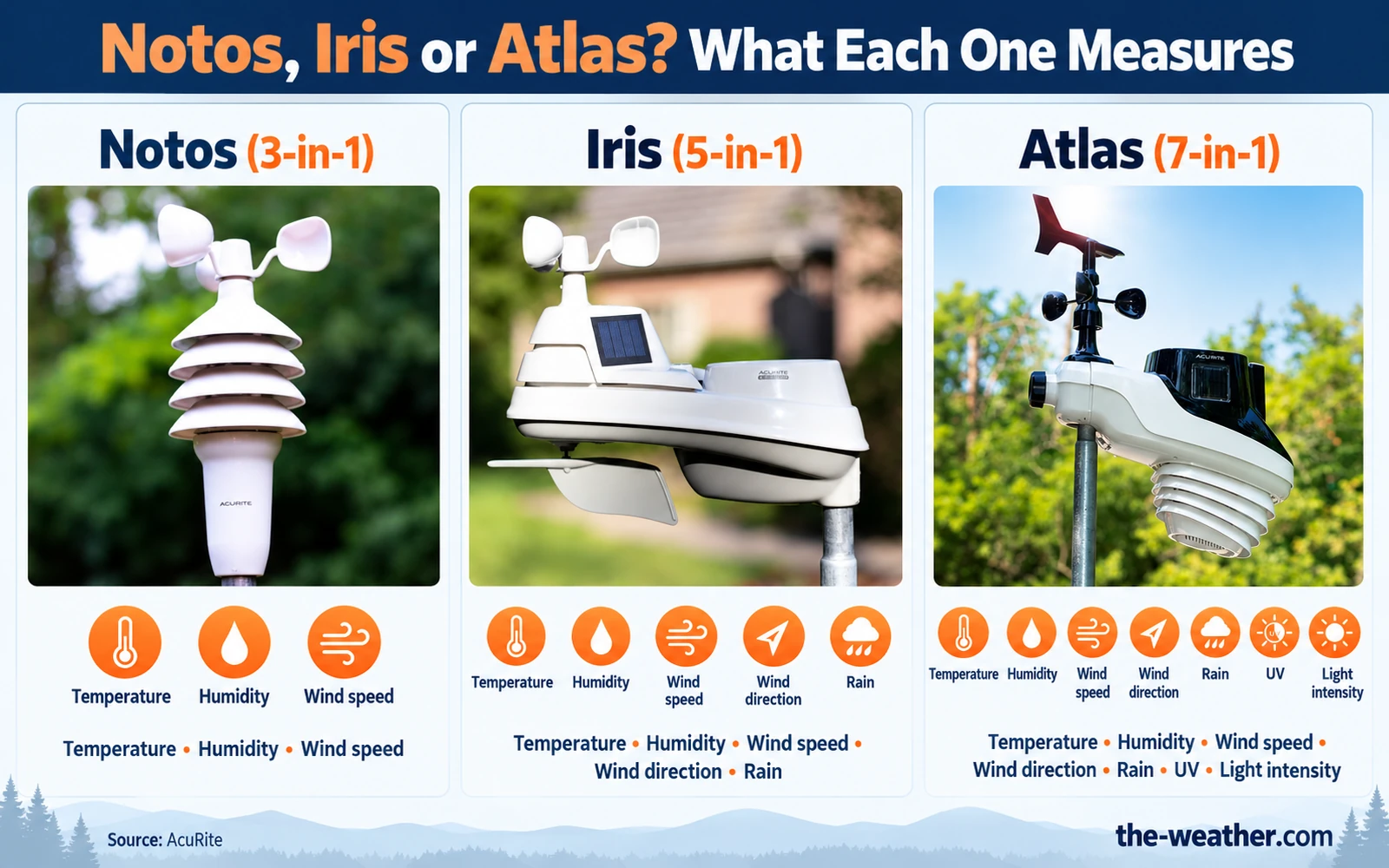
- Notos (3-in-1): temperature, humidity and wind speed. Replacement sensor: 06008M. See our Notos review and Notos vs Iris.
- Iris (5-in-1): adds wind direction and rain. Replacement sensor: 06014MA2BK. See our Iris review.
- Atlas (7-in-1): adds UV and light intensity. Replacement sensor: 06059M. See our Atlas review.
Lightning works as an add-on in AcuRite's charts: the 06045M lightning detection sensor for Iris sets and the 06075M for Atlas. The sensors of the three lines are not interchangeable, so check our replacement sensor guide before you order a part. Sources: AcuRite compatibility charts and AcuRite: the Olympus Series (Notos, Iris, Atlas), checked October 19, 2026.
Iris vs Atlas: Which AcuRite Series Is Right for You?
The two main AcuRite weather station lines have different sensors, and they are not parts-compatible with each other. This table only lists what AcuRite's own charts and product information show:
| Feature | Iris 5-in-1 | Atlas 7-in-1 |
|---|---|---|
| Temperature and humidity | Yes | Yes |
| Wind speed and direction | Yes | Yes |
| Rainfall | Yes | Yes |
| UV and light intensity | No | Yes |
| Lightning detection | Add-on sensor 06045M (needs an Iris display with a lightning option) | Add-on sensor 06075M |
| Dual solar panel upgrade | PRO+ 06003M | Not listed (AcuRite lists the 06051M solar power pack for the Atlas) |
| Replacement sensor | 06014MA2BK | 06059M |
| Sensor parts interchangeable | No, Iris parts only | No, Atlas parts only |
Sources: AcuRite compatibility charts and AcuRite: the Olympus Series, checked October 19, 2026. Some accessories, such as the 06051M solar power pack and the mounting bracket, are listed for more than one line.
In-Depth AcuRite Reviews
A good starting point if you want temperature, humidity, wind and rain from one outdoor sensor. Our review covers the measurements, placement, setup and the trade-offs, based on AcuRite's documentation and other sources.
One thing to know up front: AcuRite itself explains that temperature can read too high on sunny days when the small fan inside the sensor is blocked or not running. Our review and the Iris troubleshooting guide explain what to check.
Read our review
Check Price on Amazon
As an Amazon Associate I earn from qualifying purchases at no extra cost to you.
The PRO+ add-on gives the Iris 5-in-1 sensor dual solar panels. AcuRite's manual says this optimizes the sensor's sun exposure so its solar-powered fan runs more often, which helps the temperature measurement throughout the day. Installing it means opening the sensor (four long and four short screws) and swapping the upper assembly.
It is a temperature upgrade: it does not add wind, rain or other measurements.
Read our review
Check Price on Amazon
As an Amazon Associate I earn from qualifying purchases at no extra cost to you.
Who AcuRite Is Best For
Rainfall, temperature and humidity in one outdoor sensor: the Iris 5-in-1 measures all three.
AcuRite sells separate wind cups, sensors and boards for its Iris and Atlas lines, so one broken part does not have to mean a new station. See our replacement sensor guide.
Both lines can add a lightning sensor, according to AcuRite's charts: 06045M for Iris sets with a lightning-ready display, 06075M for the Atlas.
See how the Iris compares with a popular rival in Ambient WS-2902C vs AcuRite Iris, or look at a station in a different class in our Davis Vantage Pro2 review.
AcuRite Help: Fix It Before You Replace It
Something not working? These guides are built on AcuRite's own support pages and manuals, one problem per page:
AcuRite rain gauge not working: reset and cup-of-water calibration
Which AcuRite replacement sensor fits your display
AcuRite reset guide: sensor, Wi-Fi and factory reset
AcuRite Atlas not connecting
AcuRite Atlas setup, step by step
Replacement wind cups for the 5-in-1
Comparing before you buy? See Notos vs Iris, Ambient WS-2902C vs AcuRite Iris, AcuRite Atlas vs Ambient WS-2902C and our AcuRite Optimus review.
AcuRite Replacement Parts and Maintenance
AcuRite sells separate parts for its outdoor sensors, so a broken wind cup or a failed temperature board does not have to mean a new station. Check your model number first: Iris, Atlas and Notos parts are not interchangeable.
Our parts pages cover the main replaceable AcuRite parts: wind cups, complete sensors, temperature and humidity boards, power adapters and the PRO+ upgrade.
What AcuRite lists for the Iris 5-in-1, and when each part applies:
- Batteries: AcuRite advises fresh 1.5-volt batteries, not mixed, and lithium where it gets colder than -4°F (-20°C).
- Wind cups (06031RM): for cracked or missing cups. Cups whole but not spinning? AcuRite points to the wind cup assembly 12123-5N1WCBSA (cups and bearings). See our wind cups guide.
- Temperature and humidity board (11197-VN1HSPCB): for the -40° or 158° error codes on compatible sensors.
- Complete replacement sensor (06014MA2BK): when the sensor itself has to go. See our replacement sensor guide.
- Power adapters (11202-5V250MA): listed by AcuRite as a replacement part for Iris and Notos.
Browse AcuRite Replacement Parts on Amazon
As an Amazon Associate I earn from qualifying purchases at no extra cost to you.
Want to see AcuRite next to other brands? Our guide to the 5 best home weather stations compares stations such as the Ambient WS-2902C, the Tempest and the Davis Vantage Vue.
AcuRite vs Competitors
Rather than name an overall winner, we compare specific models side by side, with the criteria and sources on each page:
For a broader market overview, see our home weather stations guide.
AcuRite Setup and Wi-Fi Guide
For the Iris, AcuRite's reset article gives the basic order: the A-B-C switch on the same letter in sensor and display, batteries in the outdoor sensor first, then power the display. Wi-Fi models then connect to your home network; the exact steps differ per display, so follow the manual of your model at support.acurite.com.
For model-specific setup, see our AcuRite Iris 5-in-1 review and the AcuRite Atlas setup guide.
Where to Buy AcuRite Products
| Source | Best for | Notes |
|---|---|---|
| Amazon | Weather stations, replacement parts, accessories | Check the model number on the listing. Buying through our links supports the site at no extra cost to you. |
| acurite.com | Official parts, warranties, registration | Official AcuRite store. Sometimes has parts and accessories not listed on Amazon. |
| support.acurite.com | Manuals, compatibility confirmation, troubleshooting | Check here first to confirm which replacement sensor is compatible with your console model. |
Browse All AcuRite Products on Amazon
As an Amazon Associate I earn from qualifying purchases at no extra cost to you.
Frequently Asked Questions
How do I set up my AcuRite weather station?
Set the A-B-C switch in the outdoor sensor and the display to the same letter, put the batteries in the sensor, then power the display, and follow the manual of your model. Wi-Fi models then connect to your home network as described in their manual at support.acurite.com.
What batteries does an AcuRite outdoor sensor use?
Check the battery compartment or manual of your sensor for the number and size. For the Iris, AcuRite advises fresh batteries with a nominal voltage of 1.5 volts, not mixed, and lithium batteries where temperatures can drop below -4°F (-20°C). Some rechargeable batteries have a voltage that is too low or uneven.
How can I access my AcuRite weather data on my phone?
AcuRite's support pages describe two places where readings appear: the display and a My AcuRite account, which needs a connected (Wi-Fi) display or the AcuRite Access. Check your model's manual to see which one you have. If your display works but the app stops updating, the problem is the Wi-Fi connection, not the sensor: see our guide to a weather station that goes offline.
What is the difference between the AcuRite Iris and Atlas?
The Iris (5-in-1) measures temperature, humidity, wind speed, wind direction and rainfall. The Atlas (7-in-1) adds UV and light intensity. Both can add a lightning sensor (06045M for Iris sets with a lightning-ready display, 06075M for the Atlas). The two lines are not parts-compatible, and AcuRite lists the PRO+ dual solar panel upgrade for the Iris only.
Where can I buy AcuRite replacement parts?
AcuRite replacement parts are available on Amazon and directly from acurite.com. Always confirm your model number before ordering: Iris and Atlas parts are not interchangeable. See our full AcuRite replacement parts guide for a complete breakdown of what to buy and when.
Sources
Brand history from the AcuRite official website. Models, parts and compatibility from the AcuRite compatibility charts and AcuRite: the Olympus Series. Batteries, range and troubleshooting from AcuRite support: Iris (5-in-1) Reset , Iris (5-in-1) Temperature Reading Too High, Iris (5-in-1) Shows Inaccurate Temperature or Humidity and Iris temperature and humidity board compatibility. PRO+ installation from AcuRite's 5-in-1 Sensor Pro Add-On instruction manual (06003RM). Checked October 19, 2026. We did not test these products ourselves. No manufacturer compensation was received. As an Amazon Associate I earn from qualifying purchases.
Lena Thornton
Weather Station Analyst and CWOP Contributor. Lena has researched, reviewed and analysed weather stations and instruments for over a decade. She contributes observation data to the Citizen Weather Observer Program (CWOP).
AcuRite on The-Weather.com
Our AcuRite reviews and guides
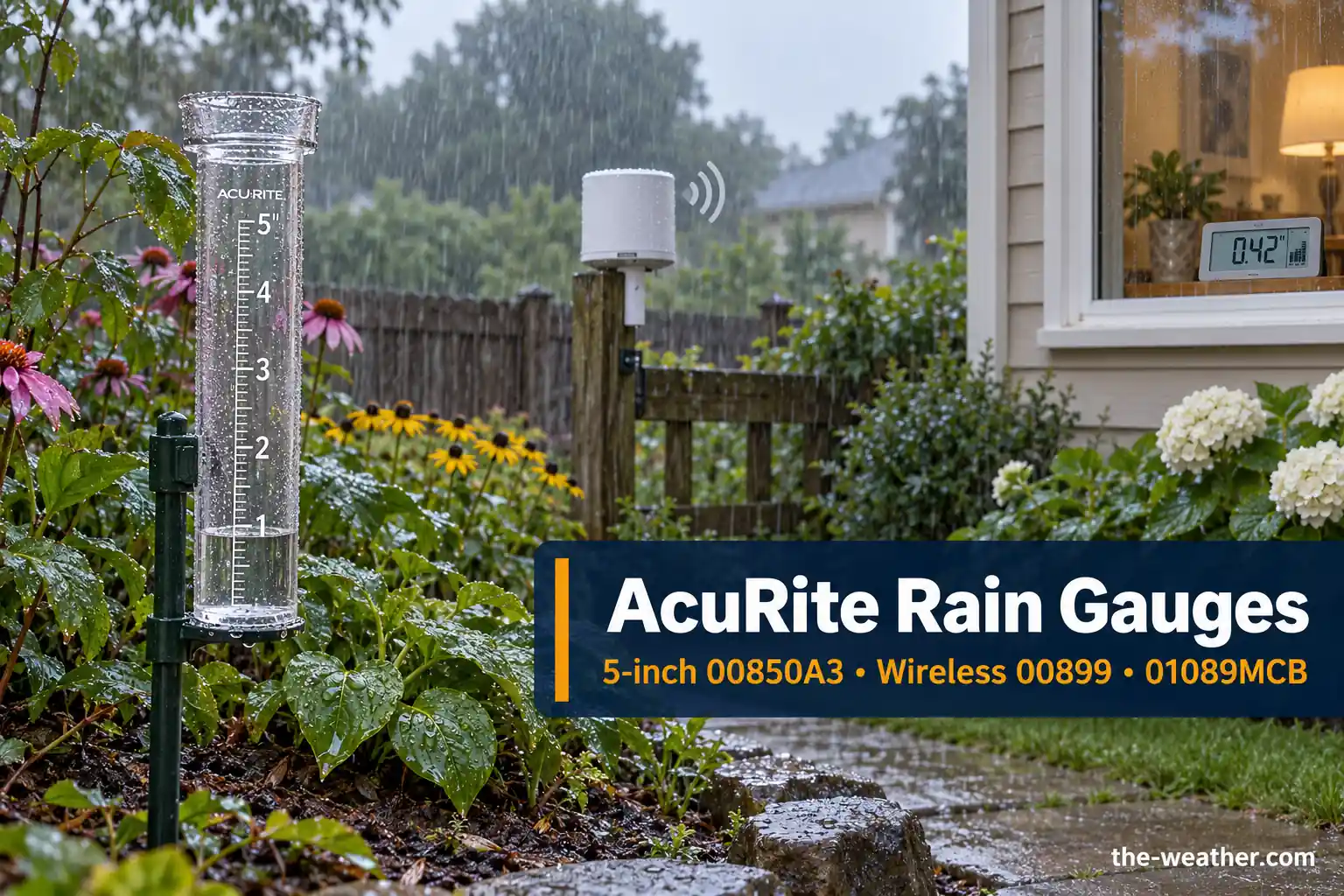
Best AcuRite Rain Gauge: 00850A3 vs Wireless 00899 vs 01089MCB
Compare the AcuRite 00850A3, 00899 and 01089MCB rain gauges: differences in rain history, alarms, accuracy, winter use and replacement parts.
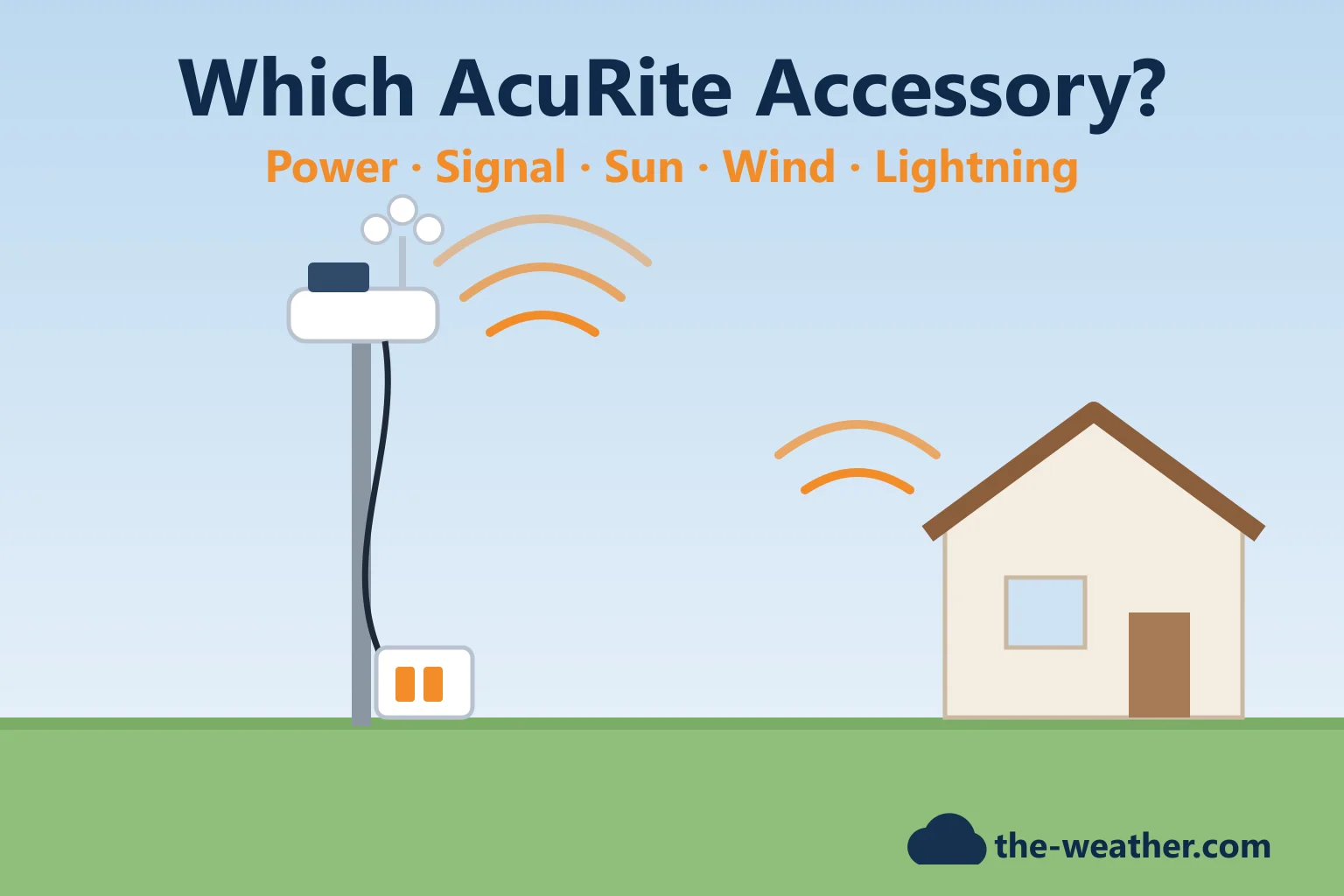
Which AcuRite Accessory Do You Need? A Problem-by-Problem Guide
Batteries hard to reach, weak signal, readings too warm, wind blocked by trees? The AcuRite accessory that fixes each problem, and what it works with, per AcuRite.
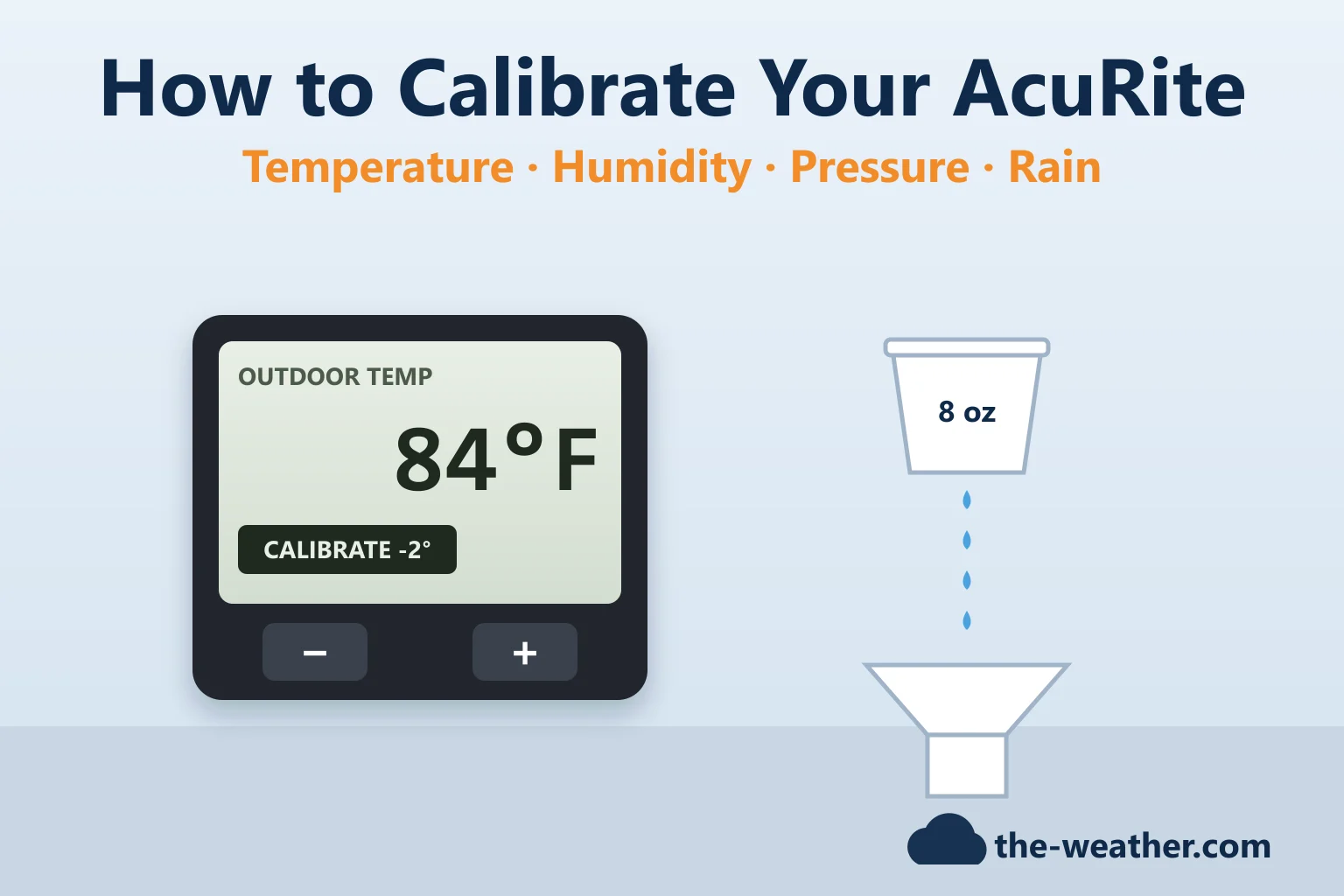
How to Calibrate an AcuRite Weather Station: Temperature, Humidity, Pressure and Rain
Calibrate your AcuRite the way AcuRite describes it: placement first, then the display or app offsets, the 33-day pressure learning and the rain gauge cup test per sensor.
AcuRite Lightning Detection Guide: 02020 Portable, Iris and Atlas Sensors
Which AcuRite lightning option fits you: the portable 02020, the 06045M for Iris or the 06075M for Atlas. Range, setup and false alerts, from AcuRite's own pages.
AcuRite Thermometer Not Showing Outdoor Temperature? A Fix Guide
AcuRite thermometer showing dashes, -40° or a frozen outdoor reading? The checks and the hard reset per sensor model, from AcuRite's own support steps.
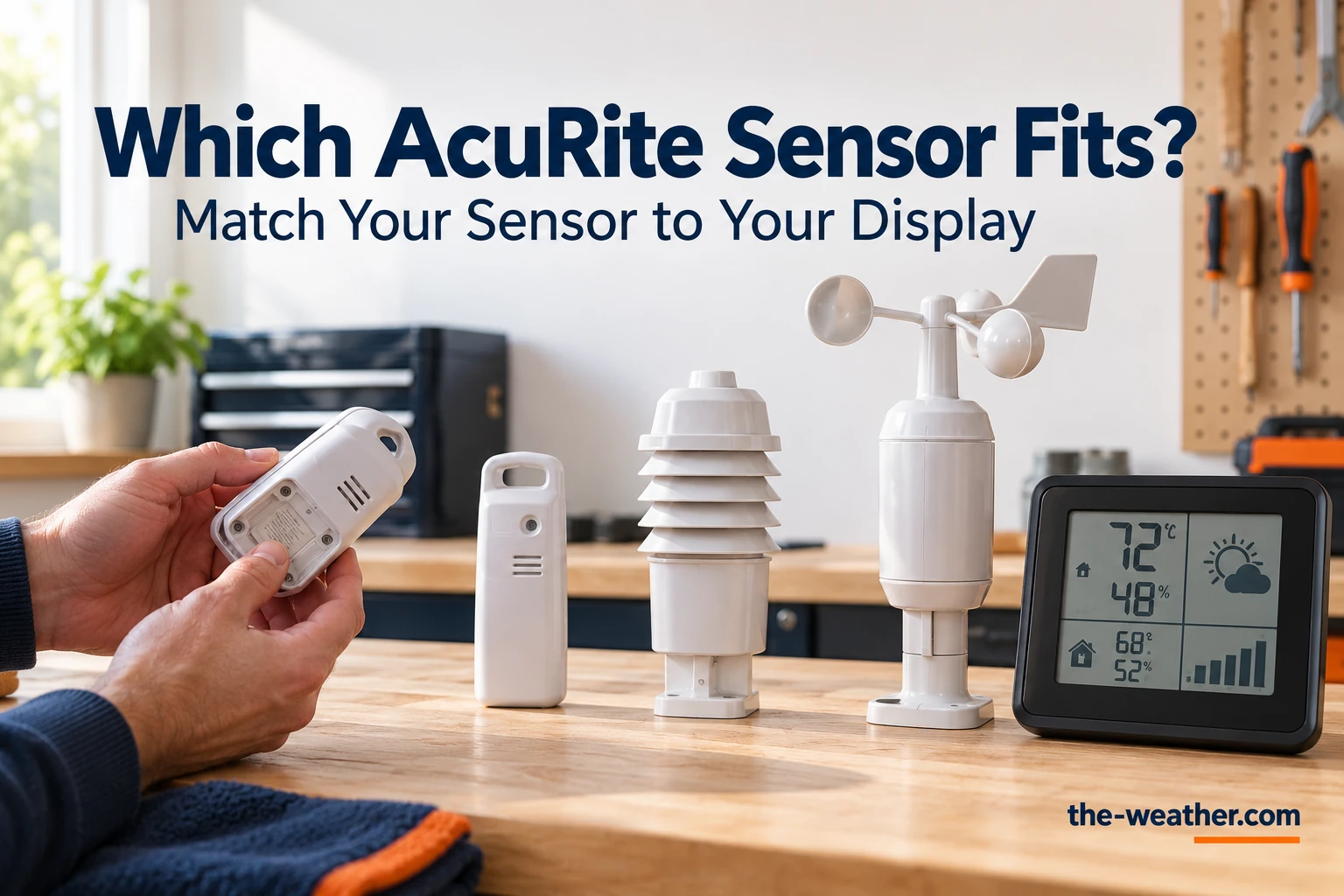
Which AcuRite Replacement Sensor Fits Your Display? A Compatibility Guide
Which AcuRite replacement sensor fits? Iris, Atlas, Optimus and Notos sensors, the A-B-C thermometer sensors, the parts you can swap instead, and how to pair.
AcuRite Rain Gauge Not Working? Setup, Reset and Calibration Guide
AcuRite wireless rain gauge (00899) showing dashes, zeros or rain that never fell? The fixes, how to clear the totals and the cup-of-water calibration, from AcuRite's manual.
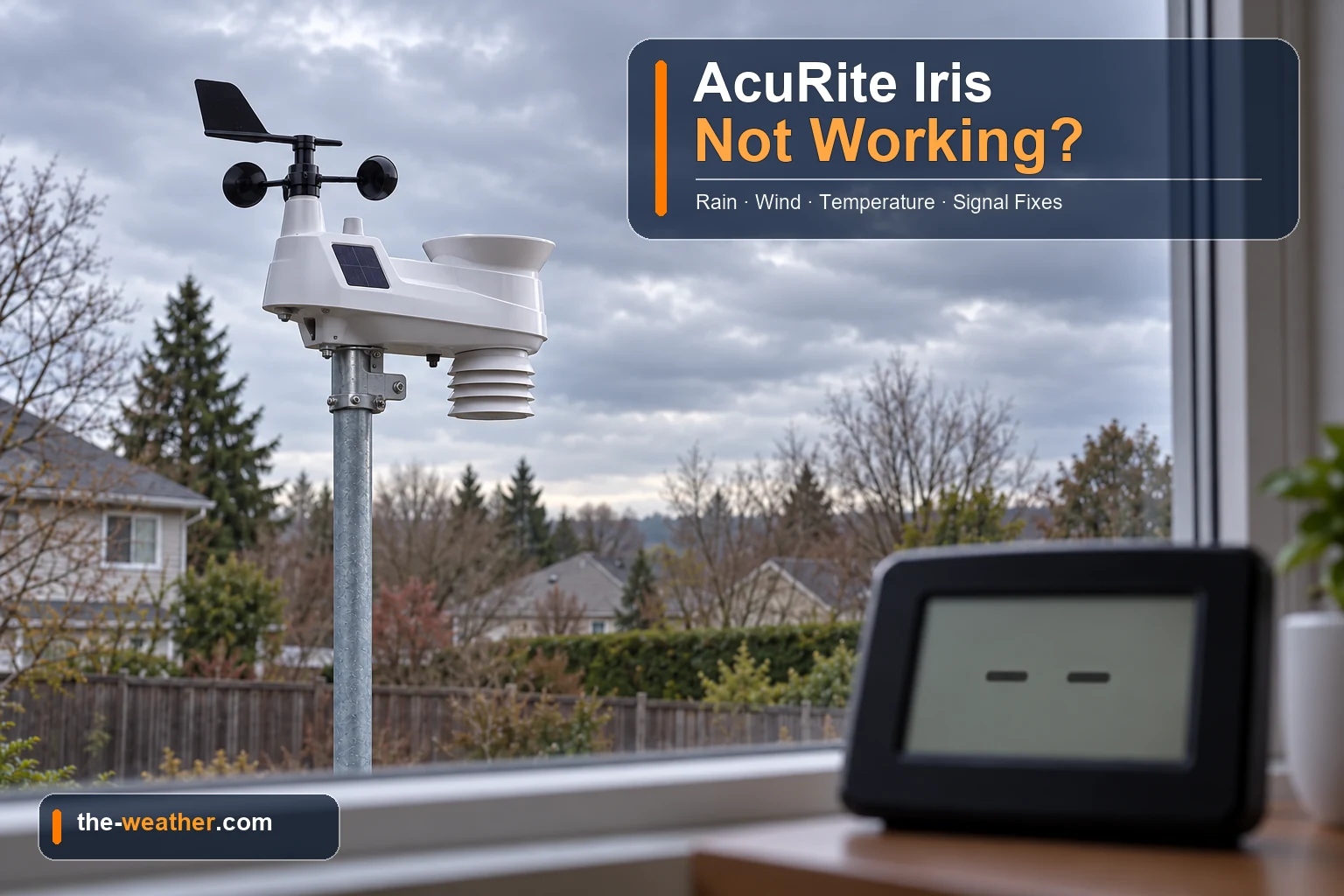
AcuRite Iris (5-in-1) Not Working? A Fix Guide for Rain, Wind, Temperature and Signal
AcuRite Iris (5-in-1) showing dashes, no rain, no wind or a strange temperature? The fixes per symptom, from AcuRite's own support steps, and when a part is needed.
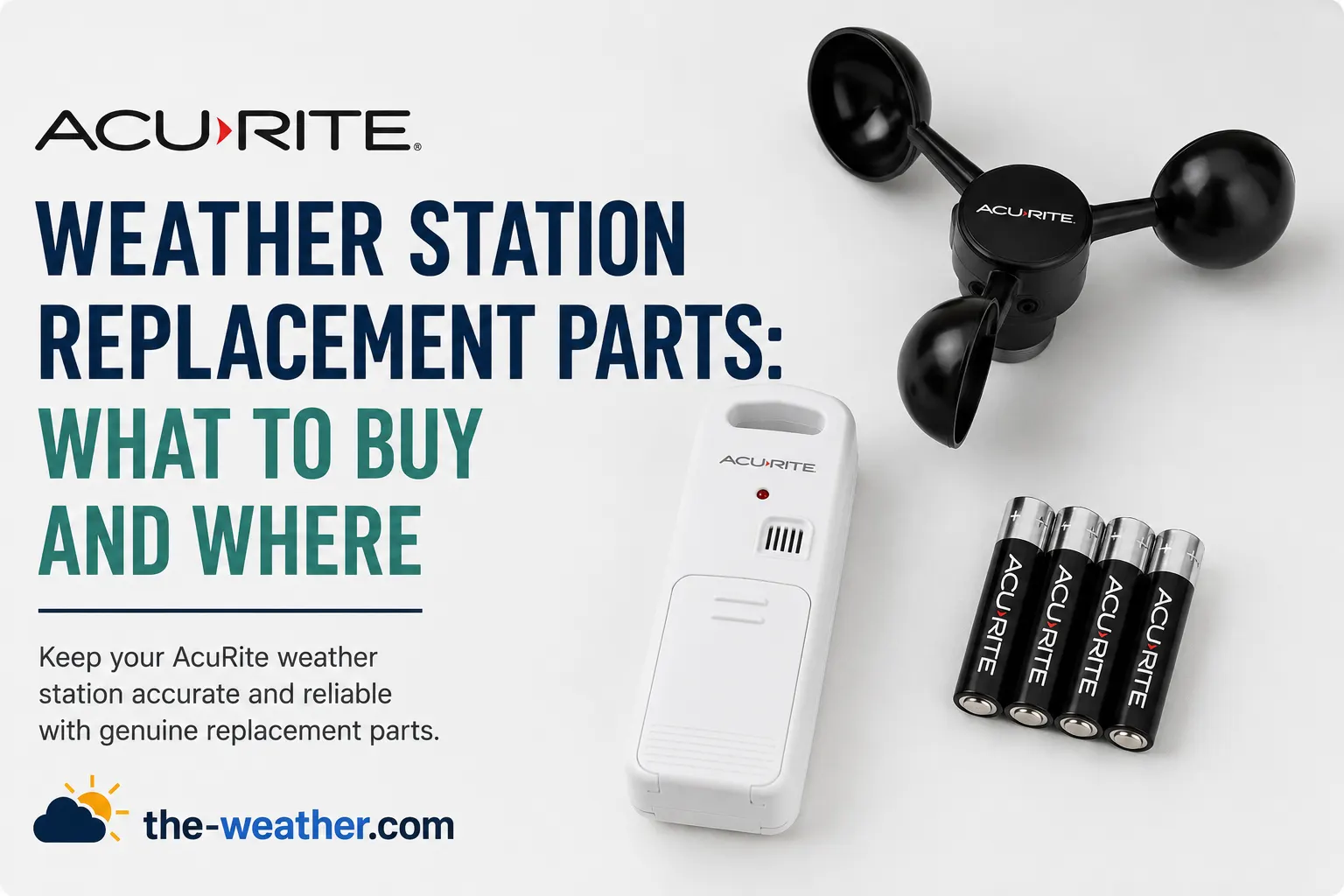
AcuRite Weather Station Replacement Parts: Where to Buy
Which AcuRite part fits which model: Notos, Iris and Atlas part numbers from AcuRite's own parts pages, where to find your model number, and where to buy.