As an Amazon Associate, I earn from qualifying purchases.
In this article 8 sections
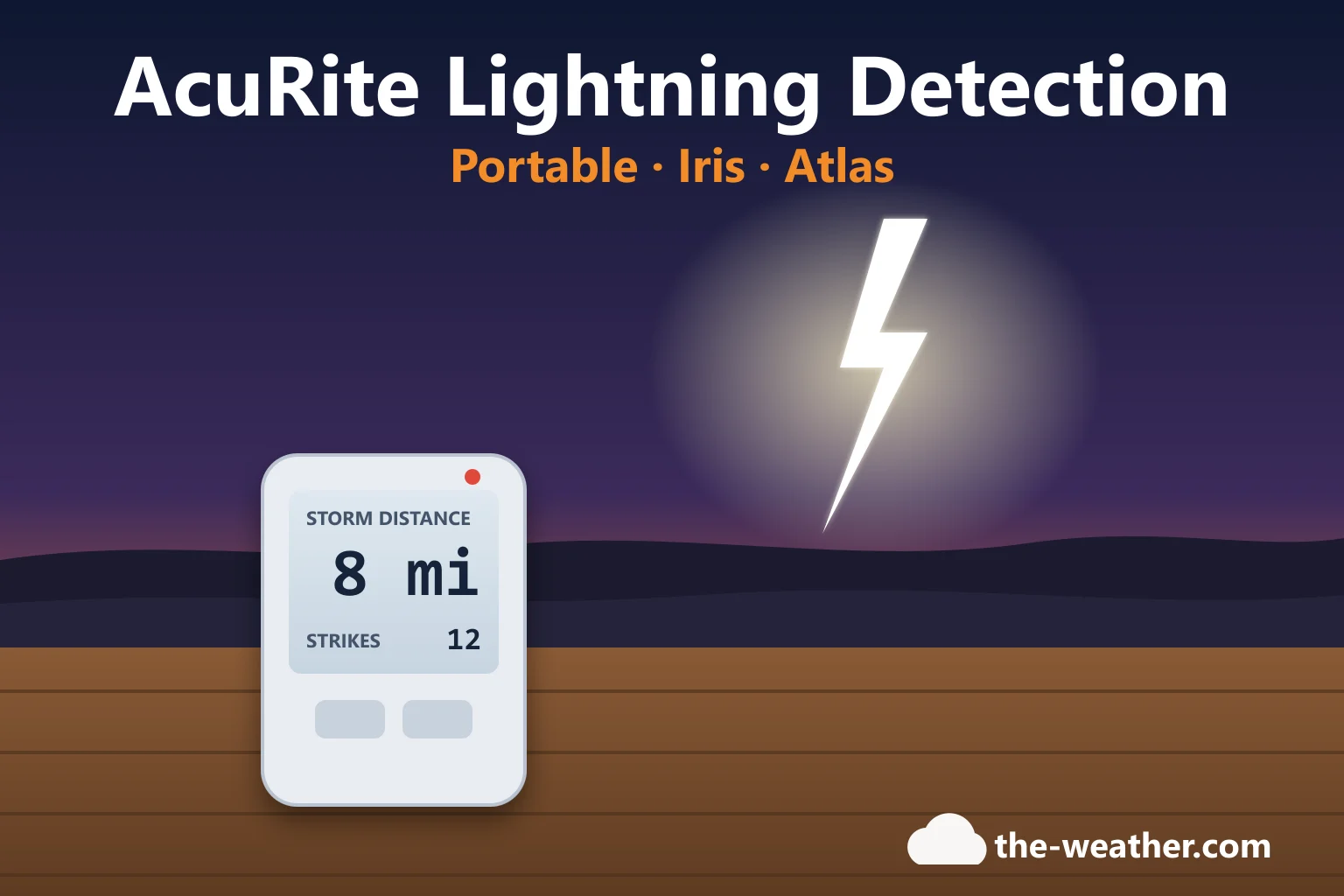
Thunder tells you a storm is close. A lightning detector tells you earlier: it picks up strikes miles away and counts them, so you know whether that dark sky is coming your way. AcuRite sells lightning detection in several forms: a handheld detector, add-on sensors for its Iris and Atlas weather stations, and stations with lightning built in. This guide shows how they differ, what AcuRite says about range and accuracy, and how to stop false alerts.
Short answer: want something to carry to the ballpark or the campsite? That is the portable detector (02020, or the newer 02021 listing). Already own an AcuRite Iris with a lightning-ready display? Add the 06045M sensor. Own an Atlas? Add the 06075M module. AcuRite lists a range of 25 miles (40 km) for the portable detectors, the 06045M, the 06075M and the 01071, with a strike count and an estimated distance (AcuRite). AcuRite also says its detectors are meant for general safety and lightning awareness, not as a perfect strike counter (AcuRite support).
Know which one you need?
AcuRite 02020 portable lightning detectoron Amazon · opens in a new tabFor an Iris display: AcuRite 06045M lightning sensor · For the Atlas: AcuRite 06075M lightning module. Check the compatibility table below first.
Editorial Research
- Written by
- Lena Thornton, Weather Station Analyst & CWOP Contributor
- Based on
- AcuRite's product pages for the portable lightning detector (02020 and 02021), the 06045M and 06075M lightning sensors, the Optimus and the 01071 forecaster, and AcuRite's support articles on how the detector works, interference and the Atlas lightning sensor. We did not test these detectors ourselves.
- Research last verified
- October 19, 2026
Which AcuRite Lightning Option Fits You?
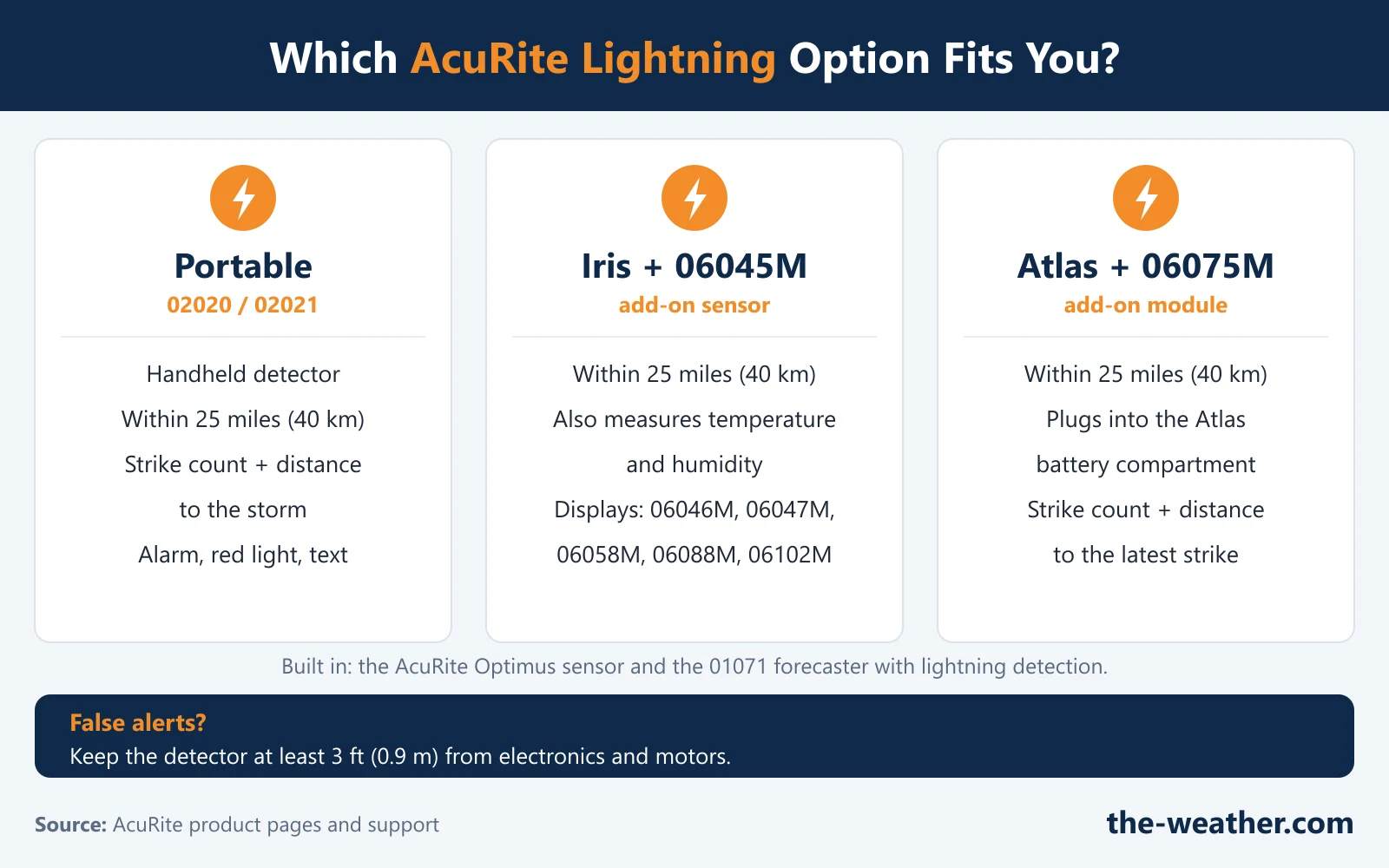
| Option | What it is (per AcuRite) | Works with | Good to know |
|---|---|---|---|
| Portable lightning detector 02020 / 02021 | Handheld detector with alarm, flashing red light and text alerts, strike counter and estimated distance to the storm | Works on its own | Outdoor and indoor modes. Both listings mention a clip and an English/French display; the 02021 listing adds 2 AAA batteries and an optional USB-C power input. |
| Lightning sensor 06045M (current listing 06045MA1) | Add-on sensor that detects lightning and also measures temperature and humidity | AcuRite lists displays 06046M, 06047M, 06058M, 06088M and 06102M | Up to 330 ft from the display, readings every 24 seconds. Also works with My AcuRite (strikes per day, closest strike, time of the last strike). |
| Atlas lightning sensor 06075M | Module that plugs into the battery compartment of the Atlas sensor | AcuRite Atlas (7-in-1) | Adds a strike counter and the estimated distance to the latest strike |
| Optimus weather station | Lightning is one of the measurements of the outdoor sensor | Its own HD display and the AcuRite NOW app | The product page we checked gives no lightning range; see our Optimus review |
| Forecaster 01071 | Display with an outdoor sensor that detects lightning and measures temperature and humidity | Its own display | Strike totals for the day, week and month, and on-screen alerts |
Sources: AcuRite product pages for the 02020, 02021, 06045M, 06075M, Optimus and 01071, and AcuRite's lightning detection chart article. All except the Optimus page list a detection range of 25 miles (40 km). Checked October 19, 2026.
How AcuRite's Lightning Detection Works
AcuRite explains that its detectors use a radio that listens at 500 kHz for the particular signal pattern that the electrical "spark" of a lightning strike creates. That has two consequences you should know before you buy:
- Man-made sparks can look like lightning. AcuRite names radio towers, power plants, garage door motors, a car's ignition system, starting an electric motor and even flipping a light switch.
- There is a trade-off. AcuRite's filters remove many of these false signals, but making the filter stricter would also make the detector less sensitive to real, distant strikes.
AcuRite's own conclusion: the system will not give a perfect strike count with perfect distances, it is "rather accurate" in most cases, and it is meant for general safety and lightning awareness. In our view that is exactly how to use it: as an early heads-up that a storm is building, next to official warnings, not instead of them. For the bigger picture on detectors from other brands, see our lightning detector guide.
False Alerts and "Unable to Detect"
For the 02020 and the 06045M, AcuRite advises placing the detector at least 3 feet (0.9 m) away from electronics that can cause interference; for the Atlas module it says to move either the source of interference or the sensor. The interference sources AcuRite lists:
- Electric motors (car wiper and fan motors, hard drives and disc drives, garage door openers, well pumps, sump pumps)
- CRT monitors and TVs
- Fluorescent light fixtures, on or off
- Microwave ovens while in use
- Computers and mobile phones
Portable detector (02020)
If the screen says "Unable to detect... please relocate", move it away from those sources. Using it indoors? AcuRite's indoor mode makes the detector less sensitive to interference: press and hold the two buttons AcuRite names for 2 seconds until it beeps and shows "INDOOR". When you switch it off, it goes back to the default outdoor mode. Beeping at an awkward moment? Hold the button AcuRite describes for 5 seconds to mute the alerts for up to 60 minutes; the display shows "MUTED". The exact buttons are in AcuRite's 02020 support article.
Iris lightning sensor (06045M)
When interference stops the sensor from detecting lightning, its interference light flashes (AcuRite describes it as a blinking yellow light). The fix, according to AcuRite: relocate the sensor, at least 3 feet from electronics.
Atlas lightning sensor (06075M)
For too many strikes, a wrong count or the "Cannot Detect Lightning" error, AcuRite first asks you to rule out interference, then to reseat the module:
- Remove the batteries from the Atlas sensor, or unplug its battery pack, power adapter or solar power pack.
- Unplug the lightning detector from the sensor for at least 10 seconds.
- Plug it back in, lining up the notch with the module slot, and check that the clips click into place.
- Put the batteries back or reconnect the power source.
- On an Atlas display, open the menu, choose "Connections" and then "Sensor Information" to check that the lightning detector is recognized and set to the same designation as your sensor. With the AcuRite Access (09155M), check that lightning data shows on the dashboard.
Bonus: the 06045M Unlocks Extra Sensors on Some Iris Displays
Good to know: AcuRite explains that displays 06046, 02080 and 01022 need the 06045 lightning detector before they can connect two extra sensors (the 06002M or 06044M). The order matters: connect the Iris sensor first, set the lightning detector to the same channel as the Iris sensor, and put the extra sensors on the two remaining channels. Displays 06056 and 01536 take up to three 06002M and/or 06044M sensors; AcuRite does not list the 06045 as a requirement for them. Our AcuRite sensor guide covers which sensors fit which display.
Which Should You Choose?
- You want lightning alerts wherever you are (golf course, campsite, kids' games): the portable detector. It is the only one that goes with you.
- You own an Iris with one of the listed displays: the 06045M adds lightning plus an extra temperature and humidity reading. Check your display model against AcuRite's list first.
- You own an Atlas: the 06075M plugs into the sensor you already have. See our Atlas review.
- You are buying a new station anyway: look at a model with lightning built in, such as the Optimus, or an Iris set that comes with lightning. Our Iris review lists the lightning-ready displays.
Ready to add lightning detection?
AcuRite 02020 portable lightning detectoron Amazon · opens in a new tabAdd-ons: 06045M for Iris · 06075M for Atlas. More AcuRite options in our AcuRite overview.
AcuRite Lightning Detector FAQ
How far away can an AcuRite lightning detector detect lightning?
AcuRite lists 25 miles (40 km) for its portable detectors (02020 and 02021), the 06045M and 06075M sensors and the 01071 forecaster. They count strikes and give an estimated distance to the storm or the latest strike.
Why is my AcuRite lightning detector counting strikes when there is no storm?
AcuRite says man-made sparks can create the same radio signal as lightning, such as garage door motors, a car's ignition, starting an electric motor or flipping a light switch. It also lists interference sources that can cause false strikes or block detection (motors, pumps, fluorescent lights, microwaves, computers and phones). Move the detector at least 3 feet from such sources.
Which displays work with the AcuRite 06045M lightning sensor?
AcuRite's product page lists displays 06046M, 06047M, 06058M, 06088M and 06102M. It can also report to My AcuRite.
Can I add lightning detection to my AcuRite Atlas?
Yes. AcuRite's 06075M module plugs into the battery compartment of the Atlas sensor and adds a strike counter and the estimated distance to the latest strike, within 25 miles.
Is an AcuRite lightning detector accurate?
AcuRite says it will not give a perfect count or perfect distances, but is rather accurate in most cases, and is meant for general safety and lightning awareness. Treat it as an early warning, not as your only safety signal.
Update Log
- October 20, 2026: Page published. All facts checked against the AcuRite pages listed below on October 19, 2026.
Sources
- AcuRite: How Does the Lightning Detector Work?
- AcuRite: Lightning Detector Model #02020
- AcuRite: Interference or Yellow Light Blinking on Lightning Detector 06045M
- AcuRite: Atlas (7-in-1) Inaccurate Lightning
- AcuRite: Lightning Detection Charts
- AcuRite: Additional Sensors Not Connecting to Iris (5-in-1) Display
- AcuRite product pages: Portable Lightning Detector 02020, Portable Lightning Detector 02021, Lightning Detection Sensor 06045M, Atlas Lightning Detection Sensor 06075M, Optimus, Forecaster with Lightning 01071
See also: Lightning detector guide · AcuRite weather stations · AcuRite Atlas review · Which AcuRite sensor fits