
La Crosse Technology Weather Stations: Models, App and Help

La Crosse Technology is a family-owned company in La Crosse, Wisconsin. Its story starts in 1983 with owner and president Allan McCormick, who began by selling clocks. The La Crosse Technology brand itself dates from 1999, and according to the company its first branded wireless forecast station, the WS-7054, arrived around 2000. In 2022 it became a second-generation company, when Jack and Calway McCormick became part-owners.
Clocks are still in the family DNA: many La Crosse weather stations set their own time from the WWVB atomic time signal. So if your station knows the time better than your microwave does, that is why.
This page is the starting point for everything La Crosse on our site: which station measures what, which ones work with the La Crosse View app, our reviews and setup pages, and our fix-it pages. Everything here is based on La Crosse's own product pages, manuals and support pages, which we link to. We did not test these products ourselves.
See the La Crosse C85845 on Amazon
Browse La Crosse Technology on Amazon
As an Amazon Associate I earn from qualifying purchases at no extra cost to you.
La Crosse Technology Product Families
La Crosse sells a lot of products, and the model numbers can make your eyes cross. For home weather watchers they fall into five families. The sixth card is for when something stops working:
A color display plus one outdoor temperature and humidity sensor. The forecast icons come from the station's own pressure reading, not from the internet. Examples: the C85845, S77925 and 308-1414 series. No app, no account.
Stations that send their readings to the La Crosse View app. Some add wind and rain sensors, such as the V42. They connect on 2.4 GHz Wi-Fi only.
The TX141TH series for the color stations, and LTV sensors (temperature and humidity, rain, wind, water leak) for La Crosse View systems. A sensor only works with stations that list it, so check your manual first.
Where the company started. La Crosse's atomic clocks and many of its stations set themselves from the WWVB radio time signal.
Sensors that watch a freezer, a crawl space or a pipe for leaks and send alerts to La Crosse View, for example the Temp Tracker and Leak Geek sets. They connect through a gateway La Crosse calls the Bridge.
Dashes instead of an outdoor temperature, a lost Wi-Fi connection, an old rain total: our reset page shows which button does what, model by model.
La Crosse Models on Our Site: What Each One Measures
These are the La Crosse stations we have review, setup or help pages for. The specs come from La Crosse's own product pages, except where a row says otherwise. One thing to know first: La Crosse sells many stations in several versions (the C85845 runs from V2 to V6), and the sensor and range can differ per version. The version is printed on your manual and the box.
| Model | What it measures | Outdoor sensor and range | Wi-Fi / app | Our pages |
|---|---|---|---|---|
| C85845 color station | Indoor and outdoor temperature and humidity, heat index, dew point, comfort level, forecast icons from the station's pressure reading, HI/LO records, atomic time. No wind or rain. | TX141TH series; up to 330 ft on the V3 listing, up to 300 ft on the V2 listing | No | Review · Setup · Sensor not connecting |
| S77925 color station | Indoor and outdoor temperature and humidity, heat index, dew point, indoor comfort meter, relative pressure with a 24-hour history graph, 6 forecast icons, HI/LO records with time stamps, atomic time. No wind. | TX141TH-BV3 (listed in the S77925 manual) | No | Setup · Reset steps |
| 308-1414B color station | Indoor and outdoor temperature and humidity with trend arrows and HI/LO alerts, forecast icons, heat index, dew point, min/max records, atomic time. No wind or rain. | TX141TH-B | No | 308-1414B review |
| C83100 Wi-Fi station | Wind, rain, indoor and outdoor temperature and humidity, daily high and low records, forecast icons. | See the C83100 manual | Yes, La Crosse View | Wi-Fi reset and rain reset |
Sources: La Crosse product pages for the C85845, C85845V3, C85845V2, S77925, 308-1414B and C83100, plus the S77925 manual (PDF), checked October 24, 2026. La Crosse's store tags the C85845V2, the 308-1414BV2 and the C83100 as retired; newer versions such as the C85845V6 and 308-1414BV3 are listed separately.
We also have older pages about a station sold as "328-69357"; La Crosse does not list that model number. See the 328-69357 setup page.
Want wind and rain from a current La Crosse station? La Crosse's V42 page says its included sensors track wind speed, wind direction, rainfall, temperature and humidity, shown on a color display together with daily and hourly AccuWeather forecasts, and that it works with the La Crosse View app. We have no review of the V42 yet.
The La Crosse View App: Which Stations Use It
Short answer: only the Wi-Fi stations and the alert systems. The no-Wi-Fi color stations (C85845, S77925, 308-1414B) show everything on their own display and never talk to an app.
What La Crosse says about the app:
- Free on iOS and Android. La Crosse lists remote monitoring, push alerts, history graphs and basic data exports as free features. It also sells a paid PLUS plan with longer data exports and email and text alerts.
- A companion, not a forecast app. La Crosse says forecast information is limited to its in-home displays; the app is for your own readings, alerts and history.
- 2.4 GHz Wi-Fi only. View-compatible stations cannot use the 5 GHz band of a dual-band router. If both bands share one name and password, La Crosse says the station should still connect; if they have different names, use the 2.4 GHz name during setup. The display also needs its power cord to connect.
- Weather Underground on a few models only. La Crosse's View FAQ names the V40A-PROV2, V40A-PRO, V40-PRO and S84060 as the stations that connect to both La Crosse View and Weather Underground, and La Crosse's store tags the V40-PRO and S84060 as retired. Want to share your data publicly? Check that list first, and see our Weather Underground page.
Stations La Crosse's store marks as "La Crosse View Connected" include the V42, V23-WTH, V21-WTHV4, V15 and C74443. Retired models such as the V40-PRO and C83100 used the app too. The V42 display also shows daily and hourly AccuWeather forecasts. Sources: La Crosse View overview, View subscription plans, La Crosse View router info and La Crosse Wi-Fi weather stations, checked October 24, 2026.
Our La Crosse Reviews
A color display for indoor and outdoor temperature and humidity, with heat index, dew point and forecast icons, and no app to set up. Our review covers what it measures, what it leaves out (wind, rain, any phone access) and who it suits.
Good to know up front: the forecast icons need time. The C85845 manuals give 7 to 10 days before they become reliable, while the station learns your local air pressure. So a sunny icon on a rainy first day is not a broken station.
Read our review
Check Price on Amazon
As an Amazon Associate I earn from qualifying purchases at no extra cost to you.
An indoor and outdoor temperature and humidity station with forecast icons. La Crosse sells the 308-1414 in several versions: its store tags the 308-1414BV2 as retired and lists the 308-1414BV3 separately, so check which version a seller offers before you buy.
Who La Crosse Is Best For
Want indoor and outdoor readings on a clear color screen, and nothing to log in to? The color stations such as the C85845 and S77925 work without Wi-Fi, an app or an account.
Many La Crosse stations set the time and date from the WWVB atomic signal, so the station doubles as a self-setting clock.
The Wi-Fi stations send readings to the free La Crosse View app, with alerts and history graphs. Plan for a 2.4 GHz network.
Only a few models connect to Weather Underground, according to La Crosse's View FAQ. If public data sharing matters to you, compare with brands built around it, such as Ambient Weather.
La Crosse Help: Fix It Before You Replace It
Most La Crosse trouble comes down to batteries, distance or the wrong reset. These fixes come from La Crosse's manuals and support pages:
| What you see | What La Crosse says | Our page |
|---|---|---|
| Dashes (- -) for the outdoor reading | The station has lost the sensor. Fresh name-brand alkaline batteries first, then a sensor search (TEMP on the C85845, EXTRA on the S77925). La Crosse's rule of thumb: halve the open-air range for every wall, window or tree in the way. | Sensor search per model · C85845 sensor not connecting |
| Sensor still will not pair | A factory restart. On the C85845 V3 and S88907: all power off, press a station button at least 20 times, wait 15 minutes. The S77925 resets with ALERTS and LIGHT. | Factory restart steps |
| LOST WIFI or a new router | Phone on the 2.4 GHz network, display plugged in, then a Wi-Fi search. After a new network, a factory restart may be needed. | Wi-Fi stations · Station offline |
| Time wrong, or off by whole hours | A time signal search, then check the time zone and DST in the Settings Menu. | Atomic time fixes |
| Dim, blank or garbled display | Usually power, says the S88907 FAQ: batteries out, press a button 20 times, wait 1 to 2 hours, fresh batteries in. | Display power reset · Display issues |
| An old rain total or HI/LO record | Clear one record instead of resetting everything. The buttons differ per model; the C85845 resets its HI/LO at midnight by itself. | Clear one record |
| Forecast icon looks silly after setup | Normal at first: 7 to 10 days on the C85845, while the station learns the local pressure. | Waiting times after a reset |
Sources: La Crosse manuals for the C85845 (all versions and V3), S77925 and C83100, the S88907 FAQ, and La Crosse's Basic Restart, La Crosse View Troubleshooting and View Sensor Help pages. Full list on our reset page.
Setting up a new station? Pair the sensor and display indoors first, a few feet apart, and only mount the sensor outside once the outdoor reading shows. Model by model: C85845 setup, and S77925 setup. Then give the sensor a shady spot: a sensor in the afternoon sun reports the temperature of a parked car, not of your yard.
La Crosse Manuals, Support and Warranty
- Manuals: La Crosse's advice is to search your model number with the search icon at the top of lacrossetechnology.com. Each product page has a Support tab with the manual, FAQs and set-up videos. The model number is on the cover of your manual. See Manuals & FAQs.
- Replacement sensors: La Crosse warns to order the correct model and frequency. Check the sensor list in your manual or the compatible sensors on your product page before you buy one.
- Warranty: La Crosse's standard warranty is a 1-year limited warranty against manufacturing defects, for products bought and used in North America, for the original purchaser. See La Crosse warranty.
- Contact: phone numbers and opening hours for technical support, the web store and La Crosse View are on the La Crosse customer service page.
Parts for another brand, or not sure what to replace? Our weather station parts overview and sensor replacement page cover the basics across brands.
La Crosse vs Other Brands
Rather than crown one brand, we look at specific models. Our other brand pages use the same approach:
- AcuRite weather stations: Notos, Iris and Atlas, with wind and rain on the Iris and Atlas
- Ambient Weather and our Ambient WS-2902C review
- Davis Instruments
- Wi-Fi weather stations compared
Want stations from several brands side by side? See the 5 best home weather stations and our home weather stations overview.
Where to Buy La Crosse Technology Products
| Source | Best for | Notes |
|---|---|---|
| Amazon | Stations and sensors | Check the full model number and version on the listing: many La Crosse stations come in several versions. Buying through our links supports the site at no extra cost to you. |
| lacrossetechnology.com | Current models, sensors, manuals | The official store. A product page shows whether a model is retired and which sensors are compatible. |
Browse La Crosse Technology on Amazon
As an Amazon Associate I earn from qualifying purchases at no extra cost to you.
Frequently Asked Questions
Do La Crosse weather stations measure wind and rain?
Some do. The color stations on our site (C85845, S77925, 308-1414B) measure temperature and humidity, not wind or rain. For wind and rain, look at La Crosse's Wi-Fi stations with wind and rain sensors, such as the V42.
Do La Crosse weather stations connect to Wi-Fi?
Only the Wi-Fi models, which work with the La Crosse View app. They connect on 2.4 GHz only. The color stations such as the C85845 and S77925 have no Wi-Fi: the outdoor sensor talks only to the display.
Is the La Crosse View app free?
Yes. La Crosse lists remote monitoring, push alerts, history graphs and basic data exports as free. A paid PLUS plan adds longer data exports and email and text alerts.
Where do I find the manual for my La Crosse station?
Search your model number on lacrossetechnology.com and open the Support tab on the product page. It has the manual, FAQs and set-up videos. The model number is on the cover of your manual.
Why does my La Crosse station show dashes for the outdoor temperature?
The station has lost the signal from the outdoor sensor. Put fresh name-brand alkaline batteries in the sensor, then run a sensor search. If that fails, do a factory restart. Our reset page has the buttons for each model.
Who owns La Crosse Technology?
It is a family-owned company in La Crosse, Wisconsin. Its story starts in 1983 with owner and president Allan McCormick, and since 2022 Jack and Calway McCormick are part-owners too, according to the company.
Sources
Company history from La Crosse Technology's Our Story and About Us pages. Models and specs from the La Crosse product pages linked in the model table and the V42 page. App facts from the La Crosse View overview, subscription plans and router info. Fixes from La Crosse's manuals and support pages, listed on our reset page. Support and warranty from Manuals & FAQs, Warranty and Customer Service. Checked October 24, 2026. We did not test these products ourselves. No manufacturer compensation was received. As an Amazon Associate I earn from qualifying purchases.
Lena Thornton
Weather Station Analyst and CWOP Contributor. Lena has researched, reviewed and analysed weather stations and instruments for over a decade. She contributes observation data to the Citizen Weather Observer Program (CWOP).
La Crosse Technology on The-Weather.com
Our La Crosse Technology reviews and guides
How to Reset a La Crosse Weather Station: Model-by-Model Steps
Dashes, lost Wi-Fi or wrong rain totals on a La Crosse station? Which reset to use, step by step from La Crosse's own manuals, and how long to wait after.
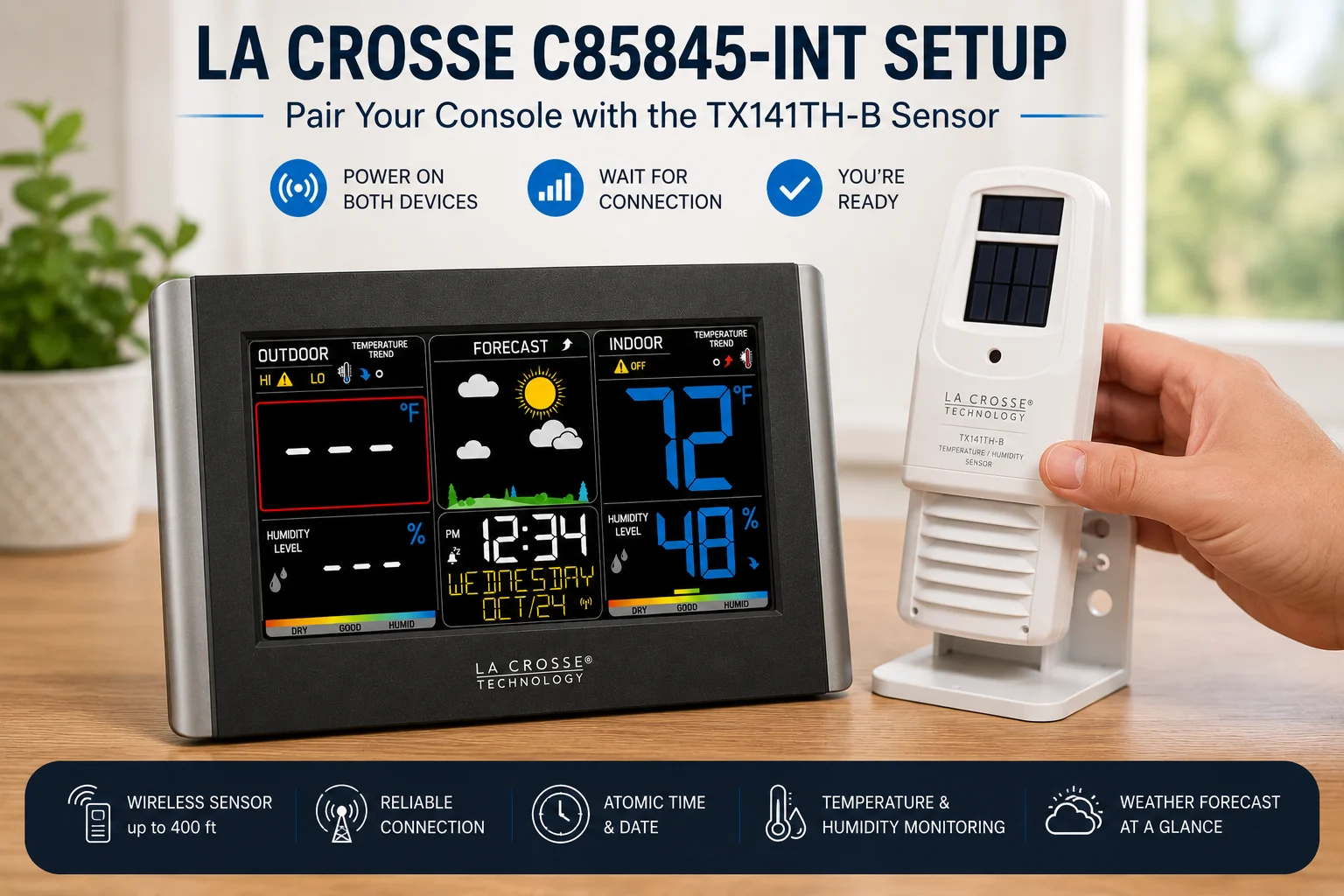
La Crosse C85845-INT Setup: Step-by-Step Pairing and Placement
La Crosse C85845-INT setup walkthrough: outdoor sensor pairing, north-facing placement, WWVB atomic time, alert configuration, and barometric forecast calibration.
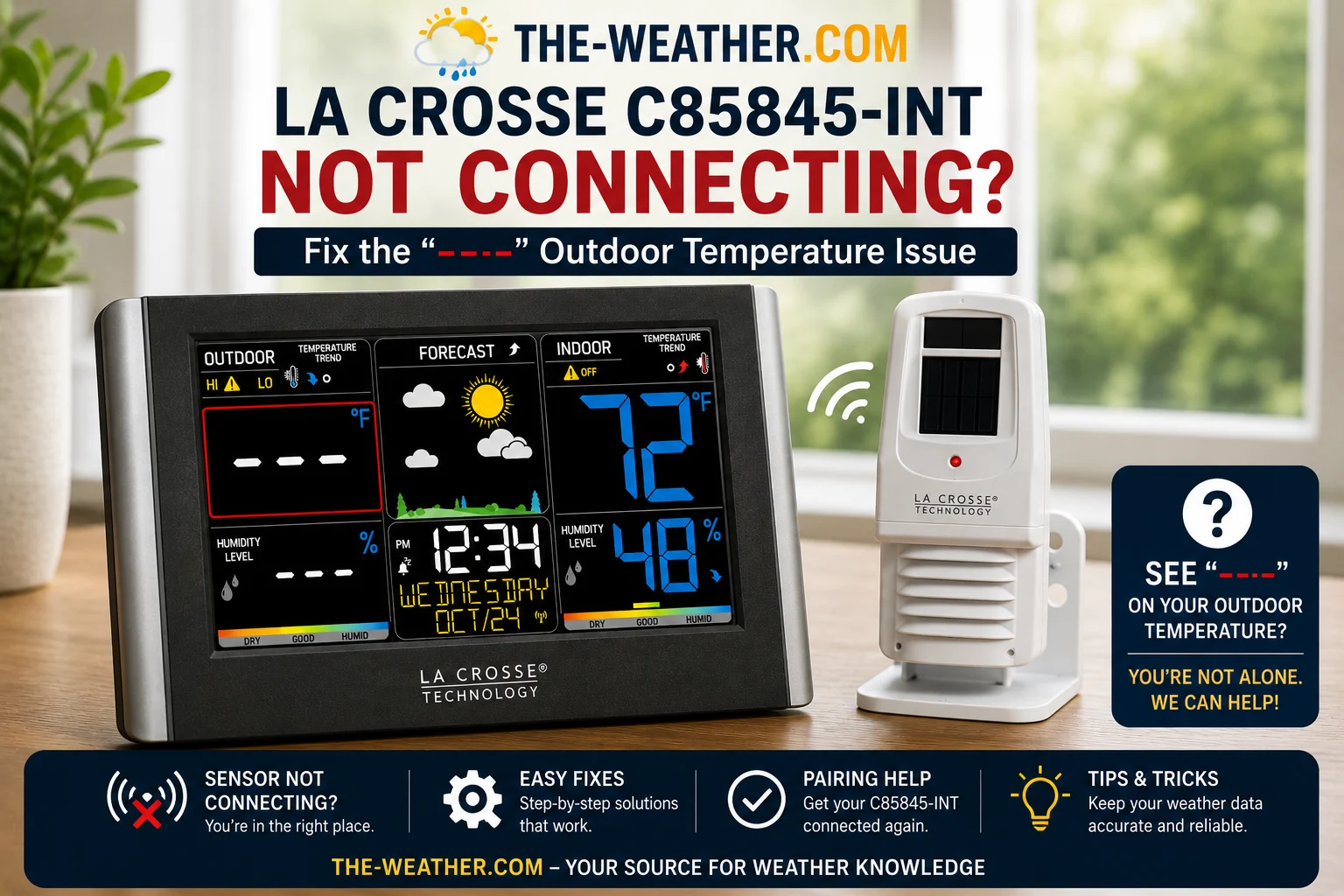
La Crosse C85845-INT Outdoor Sensor Not Connecting: 6 Fixes That Work
La Crosse C85845-INT showing dashes for outdoor temperature? Here are 6 fixes Quick Connect, factory reset, channel check, battery replacement, range test, sensor swap.

La Crosse 328-69357 Not Connecting to Wi-Fi: Fix It Today
Seven fixes for the La Crosse 328-69357 Wi-Fi connection problem: 2.4GHz band issues, Smart Config failures, mesh networks, and factory reset, all sourced from La Crosse official support.
How to Set Up the La Crosse 328-69357 Without the Headaches
Step-by-step setup for the La Crosse 328-69357 weather station: sensor mounting, Wi-Fi connection via La Crosse View app, and the 5 most common setup mistakes.

La Crosse 328-69357 Review: Who Should Buy It?
The La Crosse 328-69357 tracks wind, rain, temperature, humidity and pressure with Wi-Fi and the La Crosse View app. Here's who it's right for and when to look elsewhere.

La Crosse S77925 Not Connecting: Fix It in 5 Minutes
La Crosse S77925 showing dashes or NO for outdoor readings? These are the verified fixes from La Crosse's official documentation sensor sync, range, and battery issues.

La Crosse S77925 Review: Color Display, No Wi-Fi
The La Crosse S77925 has a color display, 24-hour pressure history, atomic clock, seasonal animated backgrounds, and custom alerts. No Wi-Fi. Here's who it suits.

Tornado Outbreak April 2026: Do You Have a NOAA Weather Radio?
Multiple tornadoes struck Minnesota, Wisconsin, Illinois and Missouri on April 17. See which NOAA weather radio gives you 8 minutes warning before a tornado hits.
All 11 La Crosse Technology articles