As an Amazon Associate, I earn from qualifying purchases.
In this article 10 sections
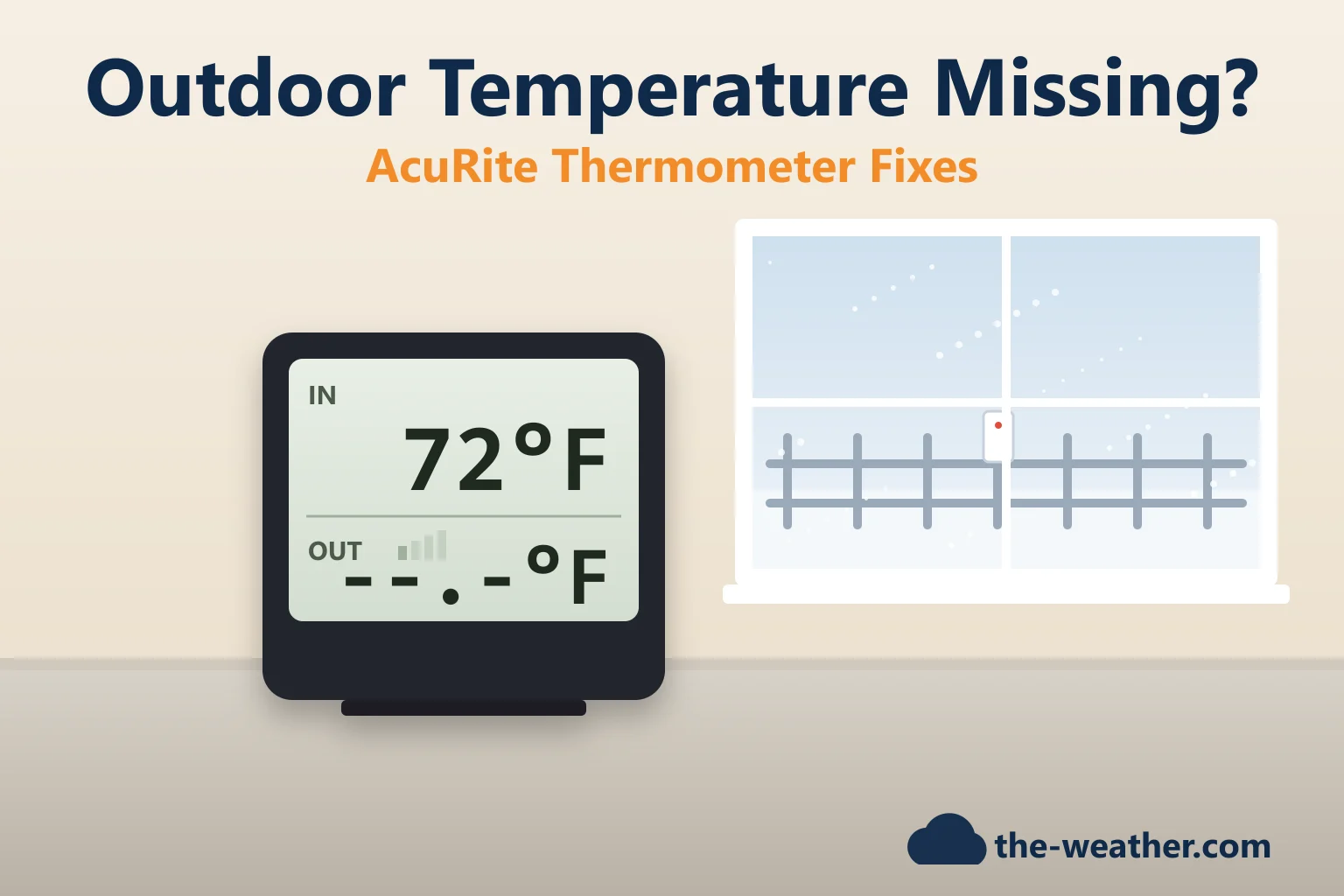
Your AcuRite thermometer shows the kitchen temperature just fine, but where the outdoor reading should be there are only dashes. Or the outdoor number has not moved since Tuesday. Or it claims it is -40 degrees on a mild afternoon. Before you order a new sensor: AcuRite treats all of these as the same problem, a lost connection between the outdoor sensor and the display, and most of the time you can fix that yourself.
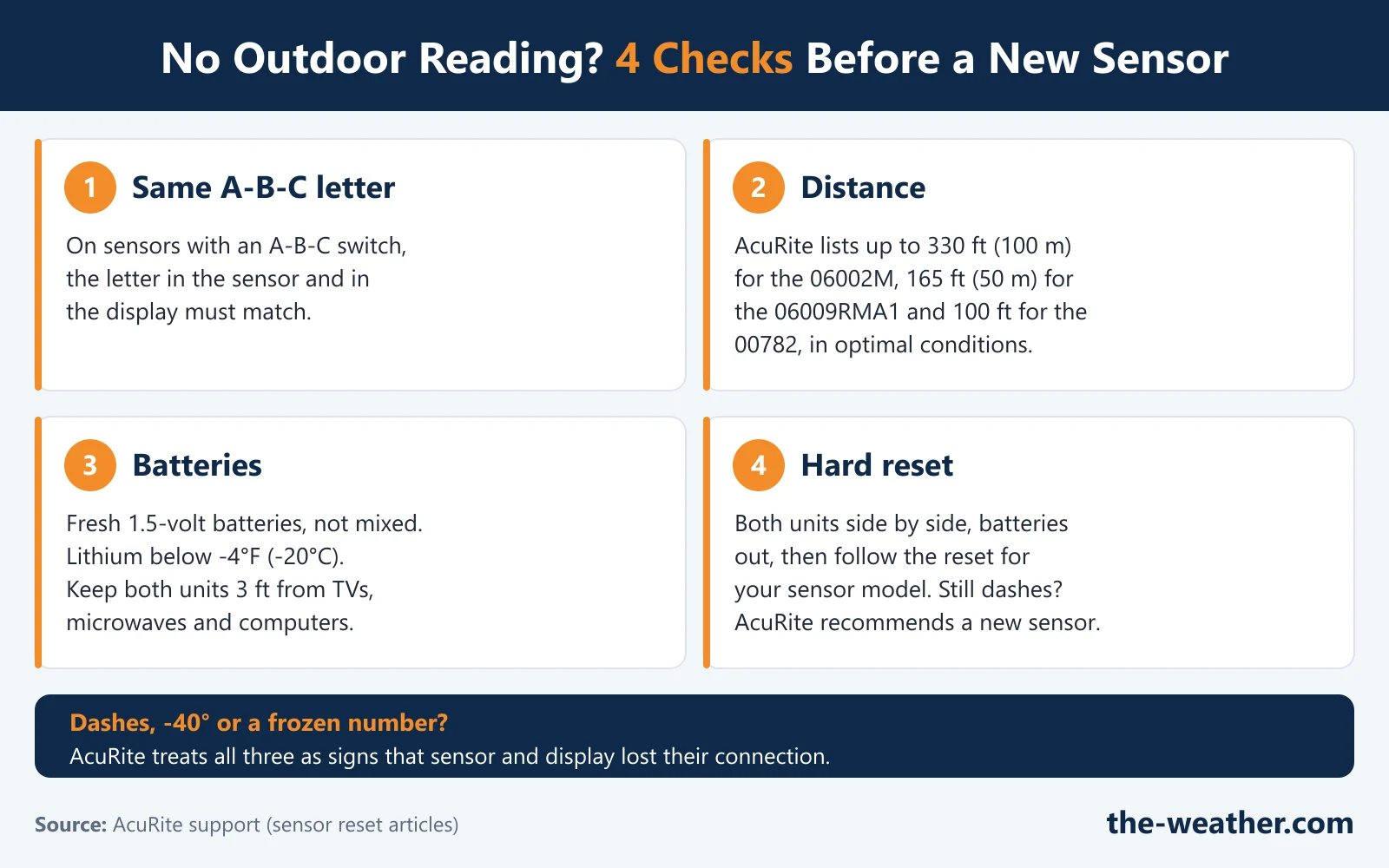
Short answer: find the model number on the back of your outdoor sensor first, because the steps differ per model. Then check the A-B-C letter (if your sensor has the switch), the distance between the units, at least 3 ft from electronics, and fresh 1.5-volt batteries (lithium below -4°F). After that, do the hard reset for your sensor model with both units side by side. If the outdoor reading still shows dashes or an error with the recommended batteries, AcuRite recommends a replacement sensor. Source: AcuRite support.
Already did the reset and still see dashes?
AcuRite 06002M replacement sensoron Amazon · opens in a new tabOnly for displays with an A-B-C switch. Not sure which sensor fits yours? Check our AcuRite replacement sensor guide first. Want a new thermometer altogether? See our indoor/outdoor thermometer picks.
Editorial Research
- Written by
- Lena Thornton, Weather Station Analyst & CWOP Contributor
- Based on
- AcuRite's own support articles: the hard resets for sensor models 06002M/00592TXR, 06009RMA1/00606TX and 00609A1TXR/00609A2TX, and model 00782, plus "Where can I find my model number?". We did not test these steps on our own thermometer.
- Research last verified
- October 19, 2026
What the Display Is Telling You
AcuRite lists the same signs for a sensor that has lost its connection to the display:
| What you see | What it means (per AcuRite) |
|---|---|
| Dashes instead of the outdoor temperature | No data from the sensor |
| An outdoor temperature that does not change | The display is still showing the last reading it received |
| -40 degrees outdoors | A sign of the same connection problem |
| 1% outdoor humidity | The same, on sensors that also measure humidity |
So the fix is almost always the same: get the sensor and the display talking again.
Step 1: Find Your Sensor's Model Number
AcuRite's first instruction is to check the model number of the outdoor sensor, which is on the back of the sensor. That matters because AcuRite's small outdoor sensors look alike, but they work differently:
| Sensor model (per AcuRite) | Measures | A-B-C switch | Range in optimal conditions |
|---|---|---|---|
| 06002M / 00592TXR | Temperature and humidity | Yes | Up to 330 ft (100 m) |
| 06009RMA1 / 00606TX | Temperature only | No | Up to 165 ft (50 m) |
| 11112-609TXC / 00609A1TXR / 00609A2TX | Temperature and humidity | No (not for displays with the switch) | Up to 165 ft (50 m) |
| Model 00782 | Outdoor temperature | Not mentioned; its reset uses reset buttons | Up to 100 ft |
No model number on the sensor? AcuRite says the display's model number is on its back or bottom (remove the stand if you need to), and for clocks and analog thermometers near the bar code on the packaging. Our AcuRite replacement sensor guide explains which sensor works with which display.
Step 2: The A-B-C Switch
If your sensor has an A-B-C switch (inside the battery compartment), it must be set to the same letter as the switch in your display. Any letter works, as long as both match.
AcuRite adds a tip that solves a surprising number of mysteries: if you have more than one AcuRite sensor, give each one its own letter. And if your display keeps showing a strong signal while your own sensor has no batteries, it is picking up another sensor nearby, possibly your neighbor's. That is a good moment to switch both of your units to a different letter.
Step 3: Distance and Interference
Move the display and/or the sensor closer together. The ranges in the table above are for optimal conditions, so in a real house you may need less distance. Also keep both units at least 3 feet (0.9 m) away from electronics that can interfere, such as TVs, microwaves and computers, according to AcuRite.
A classic case, in our view: the display sits right next to the TV or the microwave, and everything worked fine until you moved it there.
Step 4: The Right Batteries
- Use fresh batteries in the sensor.
- Use batteries with a nominal voltage of 1.5 volts. AcuRite notes that some rechargeable batteries have a voltage that is too low or uneven to power the sensor properly.
- Do not mix battery types, brands or old and new batteries.
- Where it gets colder than -4°F (-20°C), AcuRite recommends lithium batteries in the sensor.
If your sensor goes quiet when it gets very cold, that is where AcuRite's lithium advice comes in: lithium batteries below -4°F (-20°C).
Step 5: The Hard Reset for Your Sensor Model
If the checks above did not help, do the hard reset. Bring both units together first. The exact steps depend on your sensor, so pick yours:
Sensor 06002M / 00592TXR (with A-B-C switch)
- Remove the batteries from the outdoor sensor. The wireless reception indicator on the display should drop to zero bars. (If it still shows a strong signal, your display is connected to another sensor nearby.)
- Remove the batteries and/or power adapter from the display.
- Set the A-B-C switch on both units to a new, matching letter. If your display has a reset button, press and hold it for 20 seconds.
- Put the batteries back in the outdoor sensor. The red light on the front should blink about every 16 seconds, not stay on.
- Put the batteries and/or power cord back in the display. If it has a reset button, immediately press and hold it again for 20 seconds.
- Leave both units within a couple of feet of each other for about 5 minutes, or until you see a solid sensor signal.
Sensors 06009RMA1 / 00606TX and 00609A1TXR / 00609A2TX
- Remove the batteries from the outdoor sensor and check that the reception indicator drops to zero bars.
- Remove the batteries and/or power adapter from the display.
- Put the batteries back in the outdoor sensor. The red light should blink about every 30 seconds, not stay on.
- Put the batteries and/or power cord back in the display.
- Leave both units within a couple of feet of each other for about 5 minutes, or until you see a solid sensor signal.
Model 00782
- Remove the batteries from both the sensor and the display.
- With the batteries out, press and hold each reset button for 20 seconds.
- Put the batteries back in the display first, and press and hold its reset button again for 20 seconds.
- Put the batteries back in the sensor last, and press and hold its reset button for 20 seconds. The red light should blink about every 60 seconds.
- Leave both units within a couple of feet of each other for about 5 minutes, or until you see a solid sensor signal.
A weather station rather than a simple thermometer? The steps are similar but not identical: see our AcuRite reset guide, the Iris fix guide or the reset in our Notos review.
When You Really Need a New Sensor
AcuRite's rule is clear: if the outdoor temperature (or humidity) still turns to dashes or keeps showing an error code after the reset, with the recommended batteries, a replacement sensor is recommended. For model 00782, AcuRite says the unit would need to be replaced.
Order the replacement by model, not by looks. AcuRite warns that its tower sensors look alike but are not compatible with the same displays. It also says the 06002M (with A-B-C switch) only works with displays that have the switch, and the 00609 sensor does not work with them.
Need a new sensor?
AcuRite 06002M sensoron Amazon · opens in a new tabFor displays with an A-B-C switch. Other models: see our replacement sensor guide and the AcuRite parts overview.
AcuRite Thermometer Troubleshooting FAQ
Why does my AcuRite thermometer show dashes for the outdoor temperature?
The display is not receiving data from the outdoor sensor. AcuRite's checklist: the same A-B-C letter on both units (if your sensor has the switch), within range, at least 3 ft from electronics, and fresh 1.5-volt batteries. Then do the hard reset for your sensor model.
Why does my AcuRite say it is -40 degrees outside?
AcuRite lists an outdoor temperature of -40 degrees as one of the signs that the sensor is not connecting properly to the display, together with dashes and a reading that does not change. Work through the checks and the hard reset.
How far can the AcuRite outdoor sensor be from the display?
It depends on the sensor. AcuRite lists up to 330 ft (100 m) for the 06002M, up to 165 ft (50 m) for the 06009RMA1 and 00609 sensors, and up to 100 ft for the 00782 set, in optimal conditions.
What batteries should go in the AcuRite outdoor sensor?
Fresh batteries with a nominal voltage of 1.5 volts, not mixed. AcuRite recommends lithium batteries where temperatures drop below -4°F (-20°C), and notes that some rechargeable batteries have too low or uneven a voltage.
How do I know if I need a new AcuRite sensor?
AcuRite says: if the outdoor reading still turns to dashes or shows an error code after the hard reset with the recommended batteries, a replacement sensor is recommended. Match it by model number; our replacement sensor guide shows how.
Update Log
- October 20, 2026: Page published. All steps checked against the AcuRite support articles listed below on October 19, 2026.
Sources
- AcuRite: Hard Reset for Sensor Model 00592TXR/06002M
- AcuRite: Hard Reset for Sensor Models 00606TX/06009RMA1 & 00609A1TXR/00609A2TX
- AcuRite: Hard Reset for Model 00782
- AcuRite: Where Can I Find My Model Number?
See also: AcuRite weather stations · Which AcuRite sensor fits · Best indoor outdoor thermometers · AcuRite reset guide