As an Amazon Associate, I earn from qualifying purchases.
In this article 11 sections
- First: Which AcuRite Rain Gauge Do You Have?
- Setup Mistakes That Cause Problems Later
- Dashes on the Display: No Connection
- Zeros While It Rains: The Tipping Lever
- Rain When It Did Not Rain
- How to Reset or Clear the Rain Totals (00899)
- Calibrate With One Cup of Water
- Care, Winter and Batteries
- AcuRite Rain Gauge FAQ
- Update Log
- Sources
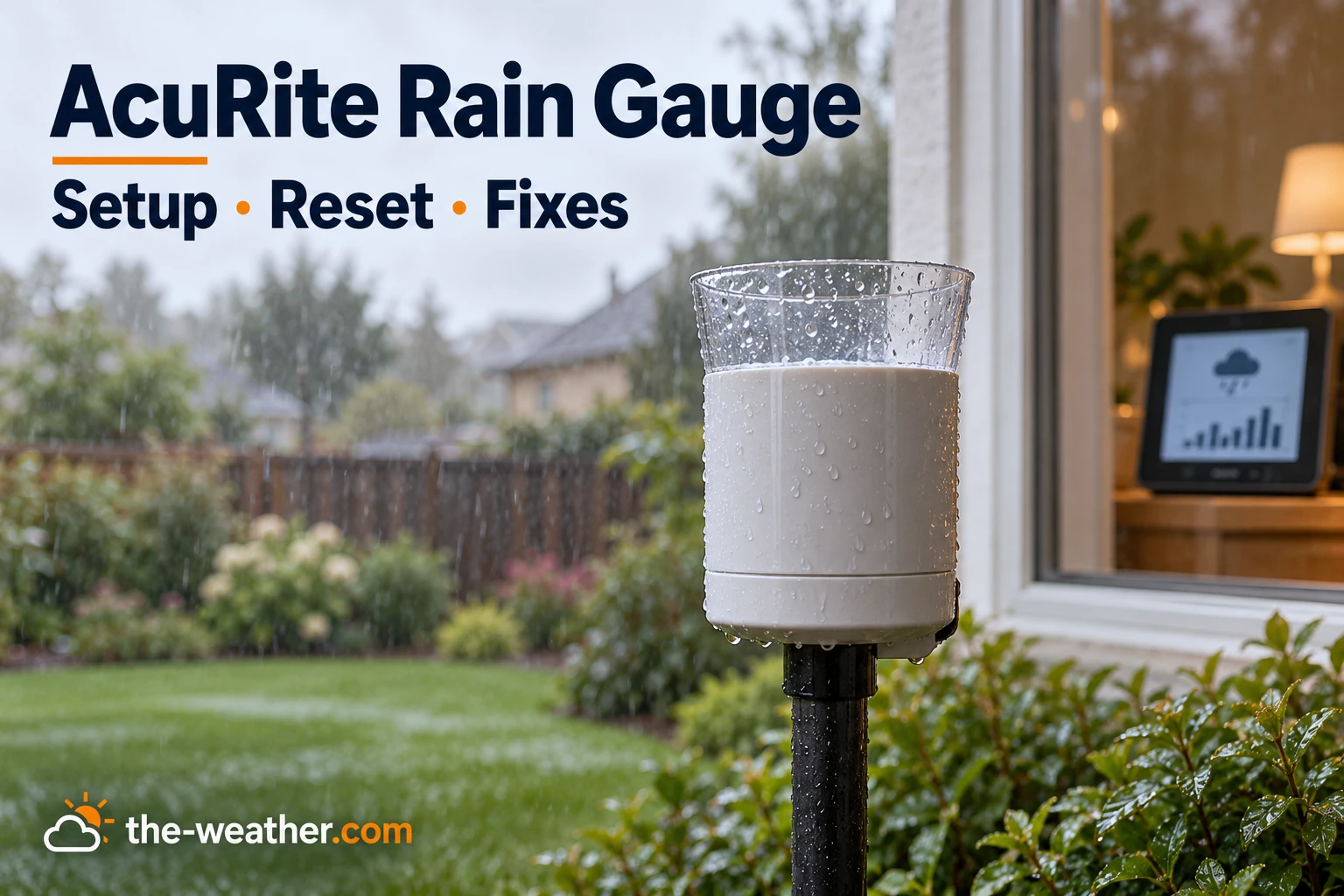
A rain gauge has one job, and when it gets it wrong you notice right away: the lawn is soaked and the display says 0.00. Or the opposite, a dry sunny day with "rain" on the screen. AcuRite's wireless rain gauge works with a simple tipping mechanism, so start with the checks below before you replace a part.
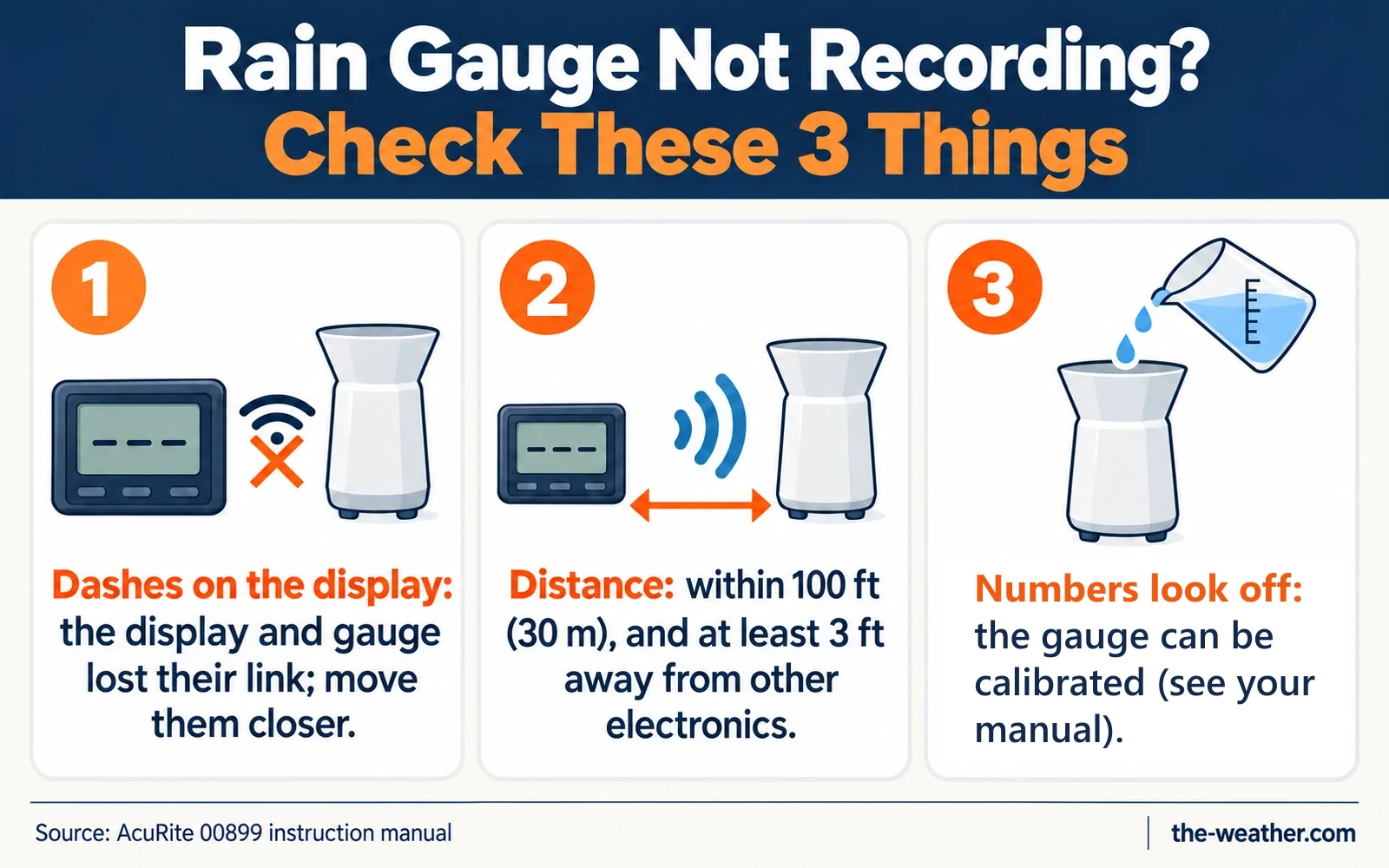
Short answer: dashes on the display mean the gauge and display lost their wireless link: move them closer (within 100 ft for the wireless self-emptying gauge), keep them 3 ft from electronics, use standard alkaline batteries and reset them side by side, gauge first. Zeros while it rains point to the tipping lever: check that it moves freely (and on a new gauge, that all packing was removed). Totals that are too high or low can be calibrated with exactly one cup of water. Source: the AcuRite 00899 manual. Rain gauge inside an Iris (5-in-1) sensor? See our Iris troubleshooting guide.
Looking for the gauge itself?
AcuRite 00899 self-emptying rain gaugeon Amazon · opens in a new tabWant to fix yours first? The checks below come straight from AcuRite's manual.
Editorial Research
- Written by
- Lena Thornton, Weather Station Analyst & CWOP Contributor
- Based on
- The AcuRite instruction manual for the wireless self-emptying rain gauge (model 00899), plus AcuRite's Iris (5-in-1) support articles for the short comparison with the Iris. We did not test these steps on our own gauge.
- Research last verified
- October 19, 2026
First: Which AcuRite Rain Gauge Do You Have?
AcuRite sells rain gauges in different forms, and the fixes are not the same for each. This page is about the wireless self-emptying gauge 00899. The rain gauge inside an Iris sensor has its own steps and values, which are in our Iris guide. Other models may work differently, so check your own manual if the steps do not match.
| Type | How to recognize it | Where the fixes are |
|---|---|---|
| Wireless self-emptying rain gauge (model 00899) | A separate rain gauge with its own small display; it has no wind or temperature sensor | This page, all sections |
| Rain gauge inside the Iris (5-in-1) sensor | The rain funnel is part of the all-in-one sensor with wind cups and a wind vane | Our Iris troubleshooting guide, including rain cleaning and calibration |
| Plain magnifying rain gauge, such as the 00850A3 (no electronics) | A clear tube you read by eye | Nothing to reset; see our rain gauge guide |
Not sure which one you have? Check the model number in your manual.
Setup Mistakes That Cause Problems Later
Many "broken" gauges were simply set up in a way that bites back after a few weeks. From the 00899 manual:
- Packing left inside. The manual says to remove the packing materials from inside the rain gauge and to discard the cardboard stabilizer. The Iris has its own version of this: a plastic shipping tab under the rain collector, according to AcuRite support.
- Time and date not set. The 00899 keeps rain history and alarms, and AcuRite says those need the correct time and date. Hold SET for 3 seconds and set clock, date and units (inch or mm) before you start.
- Not level. The gauge must sit on a flat, level surface, not in a low spot that can flood, and not under anything that blocks the rain.
- Power tools. AcuRite asks you to fasten the base with the included screws using hand tools only, because a power tool can slip and damage the gauge.
- Too low or near metal. For the best wireless range, mount the gauge at least 3 ft above the ground and away from large metal objects, metal surfaces and thick walls.
Dashes on the Display: No Connection
According to the manual, dashes mean the display and rain gauge are not synchronized. Work through this list:
- Distance. The 00899 display and gauge must be within 100 ft (30 m) of each other. The manual adds that the range depends on your home's building materials.
- Interference. Keep both units at least 3 ft (0.9 m) from electronics such as TVs, microwaves, computers and radios.
- Same A-B-C letter. Both the gauge and the display have an A-B-C switch in the battery compartment, and the letters must match.
- Batteries. AcuRite recommends standard alkaline batteries, and says not to use heavy duty or rechargeable ones. The gauge takes 2 AA, the display 3 AA. After a battery change, syncing can take a few minutes.
- Reset in the right order. Bring both units indoors side by side, remove the batteries from both, put the batteries back in the rain gauge first and the display last, then leave them a couple of feet apart for a few minutes.
Looking for a reset button? The reset in the 00899 manual is done this way, by taking the batteries out; the manual does not mention a separate reset button.
On an Iris, dashes and missing rain usually come from the same lost connection as the other readings. Use the hard reset in our Iris troubleshooting guide.
Zeros While It Rains: The Tipping Lever
If the display is connected but stays at zero, the rain is not reaching the counter. Inside every one of these gauges is a small seesaw: water fills one side, it tips, empties, and the other side fills. Each tip is one count. That is also what "self-emptying" means: you never pour anything out.
Wireless self-emptying gauge (00899): take off the cover and check whether the tipping lever flips back and forth easily. Tip it by hand and see if the display counts it. If not, do the reset above.
Iris (5-in-1): the tipping buckets sit inside the sensor, and AcuRite has its own cleaning routine for them. It is in our Iris guide.
Rain When It Did Not Rain
A gauge that "rains" on a dry day is usually moving. The 00899 manual says to mount it securely so it cannot move or sway in the wind, on a solid and level surface, in a clear area. A tipping lever does not know the difference between a raindrop and a wobble. The same line in the manual's troubleshooting table also says to use standard alkaline batteries, not heavy duty, max or rechargeable.
How to Reset or Clear the Rain Totals (00899)
Sometimes you do not need a fix, you just want a clean start: after a test, after cleaning, or at the start of the season. On the 00899 display, press MODE to choose what you see, HIST to look back, and CLEAR to erase. What each mode does, according to the manual:
| Mode | What it shows | How to clear | Good to know |
|---|---|---|---|
| EVENT | The most recent rain event; HIST shows the last 7 events | Press and hold CLEAR while the event is shown | An event ends after 8 hours without rain. Clearing it does not change the other modes. |
| 1 DAY | Today; HIST shows the last 7 days | Press and hold CLEAR while the day is shown | Clearing a day also subtracts it from WEEK, TOTAL A and TOTAL B. |
| WEEK | The calendar week (Sunday to Saturday); HIST shows the last 7 weeks | Press and hold CLEAR while the week is shown | Clearing a week also subtracts it from TOTAL A and TOTAL B. |
| TOTAL A / TOTAL B | All rain since power-on or since the last clear | Press and hold CLEAR while the total is shown | Two separate counters: handy for "this season" and "since I last watered". |
Source: AcuRite 00899 instruction manual. Other models, including the Iris displays, use different buttons: check the manual of your own display.
Clearing a reading only erases data. If the gauge itself is not counting, clearing will not fix it: go back to the tipping lever.
Calibrate With One Cup of Water
If the gauge counts but the totals seem off compared with a neighbor or a manual gauge, the 00899 manual gives a simple test with one cup of water:
| Step | Wireless self-emptying gauge (00899) |
|---|---|
| Before you start | Place the gauge on a level surface, with the display close by |
| The test | Exactly 1 cup (8 oz) of water through a pinhole in a plastic cup, taking more than 20 minutes |
| The display should show | 1.68 inch (42.67 mm) |
| To increase the reading | Turn both screws counter-clockwise (clockwise decreases) |
| About 2% / 4% / 8% change | 1/4 turn / 1/2 turn / 1 full turn |
Source: AcuRite 00899 instruction manual (calibration). Always turn both screws by the same amount. The two calibration screws sit beneath the tipping cups, inside the gauge.
Do not use these numbers on an Iris. The Iris sensor has a different target value and its screws turn the other way, according to AcuRite. Its own calibration steps are in our Iris guide.
A few tips from AcuRite that make the test reliable:
- Go slow. If the cup empties in less than 20 minutes, the result is not accurate. You are trying to imitate a normal, steady rain, not a cloudburst.
- Count the drops. The 00899 manual says there should be nearly the same number of drops between each tip. If not, adjust the calibration screws until it is even, then start the test again.
- No tipping sound? If you do not hear the buckets tip or see water drip out of each side in turn, the problem is the mechanism, not the calibration. Clean it first.
Prefer to watch it once before you try? This video walks through an AcuRite rain gauge calibration:
Video: Charles Lloyd on YouTube. Not an official AcuRite video. Use the target value and screw direction from your own model's manual.
Care, Winter and Batteries
- Keep it clean. AcuRite says a dirty gauge stops rain from flowing through correctly. Clean with a soft damp cloth, no harsh cleaners or abrasives. After cleaning, the 00899 manual suggests a little liquid water repellent from the automotive section on the tipping cups and funnel.
- Bring the 00899 in before a freeze. The manual is clear: it cannot be used in freezing temperatures. Water left inside expands as it freezes and can crack the plastic for good.
- Batteries. Standard alkaline for the 00899, according to its manual: not heavy duty or rechargeable.
Not sure your gauge is the problem at all? Our general guide to a rain gauge not recording covers placement mistakes that apply to every brand.
Want a separate wireless rain gauge?
See the AcuRite 00899 self-emptying rain gaugeon Amazon · opens in a new tabIris owners: you already have a rain gauge in your sensor, so fix that first. Want to compare gauges? Our rain gauge guide covers manual and digital options.
AcuRite Rain Gauge FAQ
Why does my AcuRite rain gauge show dashes?
The 00899 manual says dashes mean the display and rain gauge are not synchronized. Keep them within 100 ft, at least 3 ft from electronics, with matching A-B-C letters and standard alkaline batteries, then reset: batteries back in the gauge first and the display last.
How do I reset the rain total on my AcuRite rain gauge?
On the 00899, choose the mode with MODE (EVENT, 1 DAY, WEEK, TOTAL A or TOTAL B) and press and hold CLEAR while it is shown. Clearing a day or week also subtracts that rain from the larger totals.
How do I calibrate my AcuRite rain gauge?
Let exactly 1 cup (8 oz) of water drip in through a pinhole, taking more than 20 minutes. The 00899 should then show 1.68 inch; to increase the reading, turn both calibration screws counter-clockwise by the same amount. The Iris uses different values: see our Iris guide.
Why does my AcuRite show rain when it is not raining?
Usually the gauge moves or sways, which makes the tipping lever tip. The manual says to mount it securely on a solid, level surface. Use standard alkaline batteries, not heavy duty or rechargeable.
Can the AcuRite rain gauge stay outside in winter?
Not the 00899 wireless self-emptying gauge: its manual says to bring it indoors when freezing is possible, because water left inside can crack the plastic.
Update Log
- October 19, 2026: Page published. Steps checked against the AcuRite 00899 instruction manual and AcuRite's Iris (5-in-1) support articles on no rainfall, rain calibration and reset.
Sources
- AcuRite: Self-Emptying Rain Gauge model 00899, instruction manual (PDF)
- AcuRite: Iris (5-in-1) Rain Calibration
- AcuRite: Iris (5-in-1) No Rainfall
- AcuRite: Iris (5-in-1) Reset
See also: AcuRite weather stations · AcuRite Iris troubleshooting · Rain gauges · AcuRite reset guide