As an Amazon Associate, I earn from qualifying purchases.
In this article 9 sections
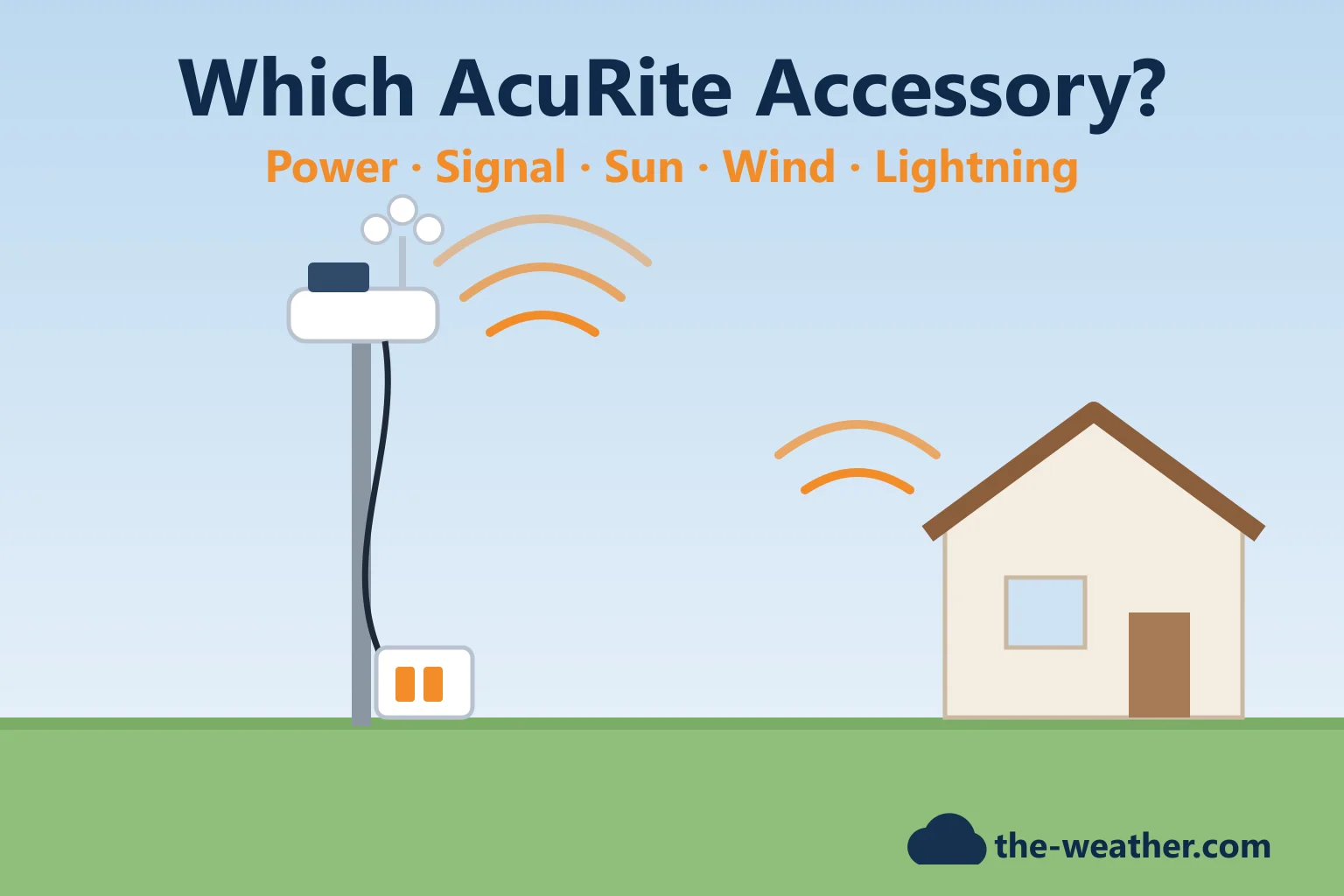
Most AcuRite accessories exist to solve one specific annoyance. Climbing a ladder every time the batteries die. A sensor that cannot reach the display through two walls. Afternoon temperatures that run hot. Wind readings that the neighbor's oak tree keeps calm. This guide starts from the problem, then names the AcuRite add-on that is made for it, and what AcuRite says it works with.
Short answer: pick by problem and by your station line. Hard-to-reach Iris (5-in-1) sensor: remote battery pack 06052M. Atlas or Optimus sensor: AC power adapter 06073M. Weak signal: wireless signal extender 06053M (not for the Atlas, Optimus or Access). Too warm in the sun: radiation shield 06054M for the small sensors; for the single-panel Iris sensor whose fan no longer runs, the PRO+ upgrade 06003M. Atlas wind blocked: wind extension 06072M. HD display losing records in a power cut: power base 06187M. Always check AcuRite's compatibility list for your model first. Sources: AcuRite product pages, see the list below.
The most asked-for AcuRite add-ons
AcuRite 06052M remote battery packon Amazon · opens in a new tabWeak signal: 06053M signal extender · Atlas or Optimus on AC power: 06073M power adapter. Check the compatibility table below first.
Editorial Research
- Written by
- Lena Thornton, Weather Station Analyst & CWOP Contributor
- Based on
- AcuRite's product pages for the 06052M, 06053M, 06054M, 06072M, 06073M, 06187M, 06045M and 06075M, AcuRite's support articles on hot Iris readings, the AcuRite Access, placement and replacement parts (part numbers such as the PRO+ 06003M), the PRO+ manual, and the Optimus product page. We did not test these accessories ourselves.
- Research last verified
- October 19, 2026
Which AcuRite Accessory Fixes Which Problem?
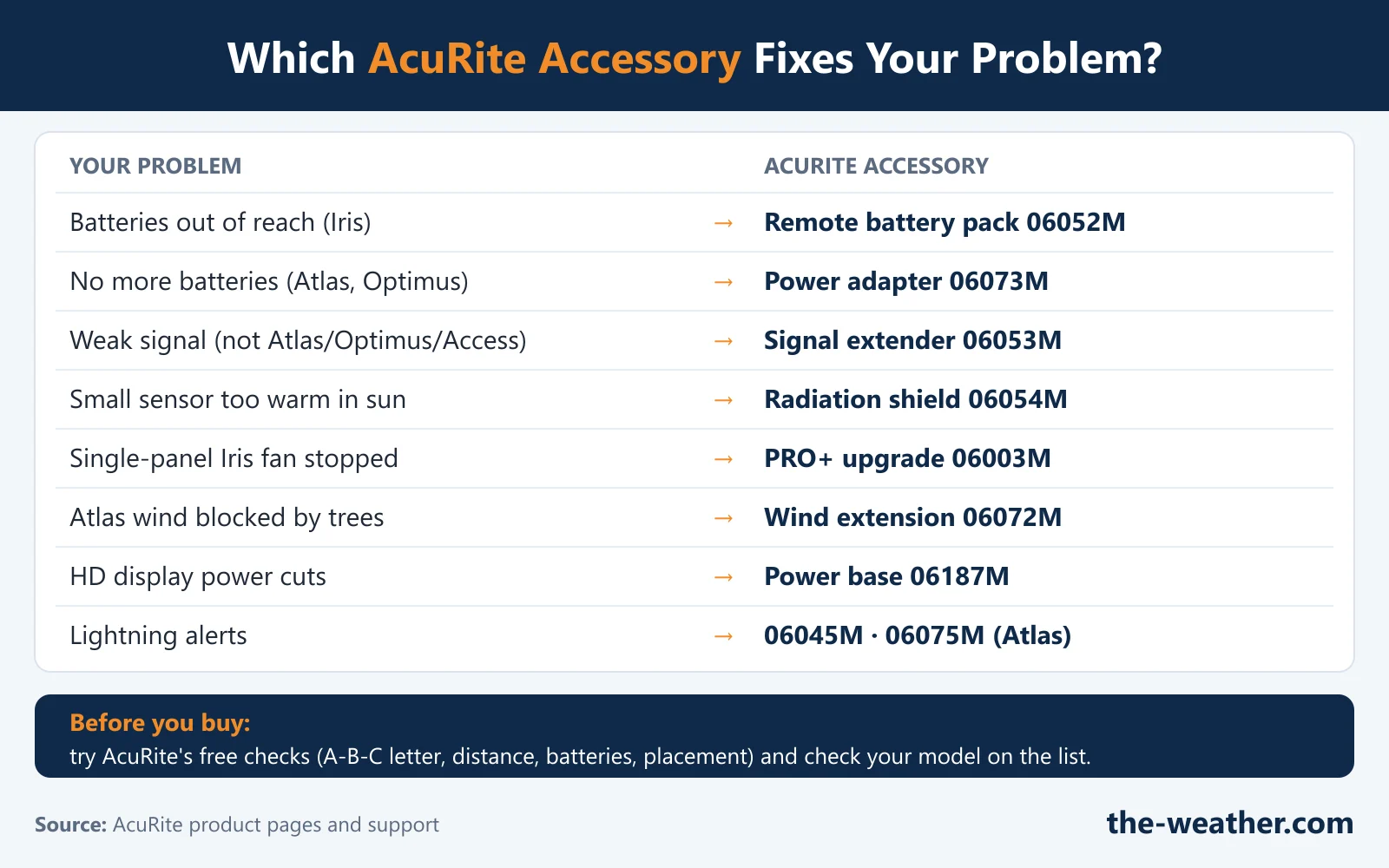
| Your problem | AcuRite accessory | Works with (per AcuRite) |
|---|---|---|
| Changing batteries means climbing to the sensor | Remote Battery Pack 06052M | Any AcuRite 5-in-1 (Iris) sensor, including the PRO+ sensor |
| You never want to change sensor batteries again | Power Adapter 06073M | AcuRite Atlas and Optimus sensors |
| The sensor's signal does not reach the display | Wireless Signal Extender 06053M | Sensors 06002, 06004, 06008, 06014, 06044 and many displays; not the Access 09155M, Atlas or Optimus |
| Temperature reads high in the sun (small sensors) | Solar Radiation Shield 06054M | 592TXR/06002RM, 606TX/06009RM, 609TXC and the 06045M |
| Single-panel Iris reads high because its fan no longer spins in the sun | PRO+ upgrade 06003M | The single-solar-panel Iris sensor 06004M |
| Trees or buildings block the Atlas wind cups | Atlas Wind Extension 06072M | AcuRite Atlas |
| The HD display loses settings and records in a power cut | Uninterruptible Power Base 06187M | HD displays 06188M, 06058M, 06102M, 01545MCB, 06088M |
| You want lightning alerts | Lightning sensor 06045M or Atlas module 06075M | 06045M: displays 06046M, 06047M, 06058M, 06088M, 06102M; 06075M: the Atlas. See our AcuRite lightning guide |
| Wind cups cracked or stiff | Wind cups 06030RM / 06031M (sold as 06031RM) / 06078M | Notos / Iris / Atlas; see our AcuRite parts guide |
Power: Batteries Out of Reach, or No Batteries at All
Remote Battery Pack 06052M (Iris 5-in-1)
AcuRite's battery pack clips into the battery compartment of the sensor and runs a 30-foot cord to a weather-resistant battery box that you mount at ground level. Two details from AcuRite's page are worth knowing: it fits any AcuRite 5-in-1 sensor, including the PRO+ sensor, and its two-compartment design lets you change batteries without the sensor losing power, so no data is lost. In our view this is the accessory for anyone who mounted the sensor high for good wind readings and then discovered ladders.
Power Adapter 06073M (Atlas and Optimus)
For the Atlas and the Optimus, AcuRite sells an AC adapter that plugs into the sensor's battery compartment. It has a 30-foot cord, so the sensor can sit on a roof or a tall pole, and you can keep batteries in the sensor as a backup. The Optimus can also run on AcuRite's Solar Power Pack (06051M), according to its product page.
Uninterruptible Power Base 06187M (HD displays)
This one is for the display, not the sensor. AcuRite says it keeps a compatible HD display running for up to 6 hours after a power cut, with two rechargeable lithium-ion batteries, so your settings and historical records survive. A light shows the state: solid blue when charged, flashing blue while charging, solid red when it is powering the display, blinking red when the batteries are low. Compatible displays per AcuRite: 06188M, 06058M, 06102M, 01545MCB and 06088M.
Signal: When the Sensor Cannot Reach the Display
Before you buy anything, AcuRite's own checks are free: the same A-B-C letter on both units, within range, at least 3 ft from electronics, and fresh batteries. See our thermometer fix guide or Iris fix guide.
If the distance or the walls really are the problem, AcuRite's Wireless Signal Extender 06053M adds up to 330 feet (100 m) of range. According to AcuRite:
- Up to three extenders can be used in a row.
- One extender handles up to 12 devices: up to 9 sensors (06002, 06004, 06008, 06014, 06044) and up to 3 monitors (the 00275 and 00276 series).
- It is not compatible with the AcuRite Access 09155M, the Atlas or the Optimus.
- For the Wireless Rain Gauge 06034M, the extra range is only up to 100 feet (30 m).
AcuRite's page lists a long range of compatible displays (including the 00589, 00634, 00638, 00899, 01524, 01602, 01604 and 02032). Check yours on the product page before you order.
Temperature: Readings That Run Hot
First check the placement: no heat sources, asphalt or concrete nearby, at least 5 feet high. Our AcuRite calibration guide walks through it. If the sun is still the problem, the right add-on depends on your sensor:
- Small sensors (592TXR/06002RM, 606TX/06009RM, 609TXC) and the 06045M lightning detector with temperature and humidity: the Solar Radiation Shield 06054M. AcuRite says it shades the sensor while letting air flow through; the sensor clips inside and the shield has a hanger and keyhole for mounting.
- Single-panel Iris sensor 06004M: first check that the internal fan spins in direct sun and is free of debris. If it does not spin on its own, AcuRite's support suggests a replacement wind cup assembly and points to the PRO+ upgrade (06003M) for the 06004M; AcuRite's PRO+ manual says the upgrade lets the solar-powered fan run more often. See our PRO+ review.
Wind: Get the Cups Above the Obstacles (Atlas)
AcuRite's Atlas Wind Extension 06072M lets you mount the Atlas wind assembly up to 30 feet (9 m) higher than the sensor body, with a 30-foot cable, to get above trees and buildings. AcuRite does not list a wind extension for the Iris or Notos in the sources we checked; for those, the advice is to mount the whole sensor high and in the open (and the 06052M battery pack makes that easier on the Iris).
Found your accessory?
AcuRite 06053M signal extenderon Amazon · opens in a new tabMore: 06054M radiation shield · 06072M Atlas wind extension · 06187M power base · 06045M lightning sensor · 06075M Atlas lightning.
Online Access
AcuRite also lists which sensors work with its AcuRite Access hub (up to 7 sensors), including the Atlas (06059M), the Iris sensors (06014M, 06004M), the Notos (06008RM), the 06002M and the 06045M. Note that the 06053M signal extender does not work with the Access.
AcuRite Accessories FAQ
Can I change the batteries of my AcuRite Iris sensor without climbing up?
Yes, with the 06052M Remote Battery Pack. It plugs into the sensor and has a 30-foot cord to a battery box at ground level; AcuRite says it fits any 5-in-1 sensor, including the PRO+.
Does the AcuRite signal extender work with the Atlas?
No. AcuRite says the 06053M is not compatible with the Atlas, the Optimus or the AcuRite Access 09155M. It works with sensors such as the 06002, 06004, 06008, 06014 and 06044.
Can the AcuRite Atlas run without batteries?
With the 06073M power adapter it runs on AC power; AcuRite says you can still keep batteries in the sensor as a backup. The same adapter fits the Optimus.
Which AcuRite radiation shield do I need?
AcuRite's 06054M Solar Radiation Shield is for the small sensors 592TXR/06002RM, 606TX/06009RM and 609TXC, and the 06045M. For the single-panel Iris sensor (06004M) with a fan that no longer runs, AcuRite points to the PRO+ upgrade 06003M instead.
How do I keep my AcuRite HD display running in a power outage?
AcuRite's 06187M Uninterruptible Power Base powers compatible HD displays (06188M, 06058M, 06102M, 01545MCB, 06088M) for up to 6 hours, saving settings and records.
Update Log
- October 20, 2026: Page published. All facts checked against the AcuRite pages listed below on October 19, 2026.
Sources
- AcuRite product pages: Remote Battery Pack 06052M, Wireless Signal Extender 06053M, Solar Radiation Shield 06054M, Atlas Wind Extension 06072M, Power Adapter 06073M, Uninterruptible Power Base 06187M, Lightning Detection Sensor 06045M, Atlas Lightning Detection Sensor 06075M, Optimus
- AcuRite: Iris (5-in-1) Temperature Reading Too High (PRO+ for 06004M)
- AcuRite: What Sensors are compatible with the AcuRite Access?
- AcuRite parts pages with the PRO+ 06003M and wind cups: Iris 06057, Notos 00639, Atlas 06061; AcuRite PRO+ add-on manual (06003RM)
- Placement and connection checks: AcuRite Iris sensor installation, AcuRite hard reset for sensor 06002M
See also: AcuRite weather stations · AcuRite parts guide · AcuRite calibration guide · Weather station accessories