As an Amazon Associate, I earn from qualifying purchases.
In this article 8 sections
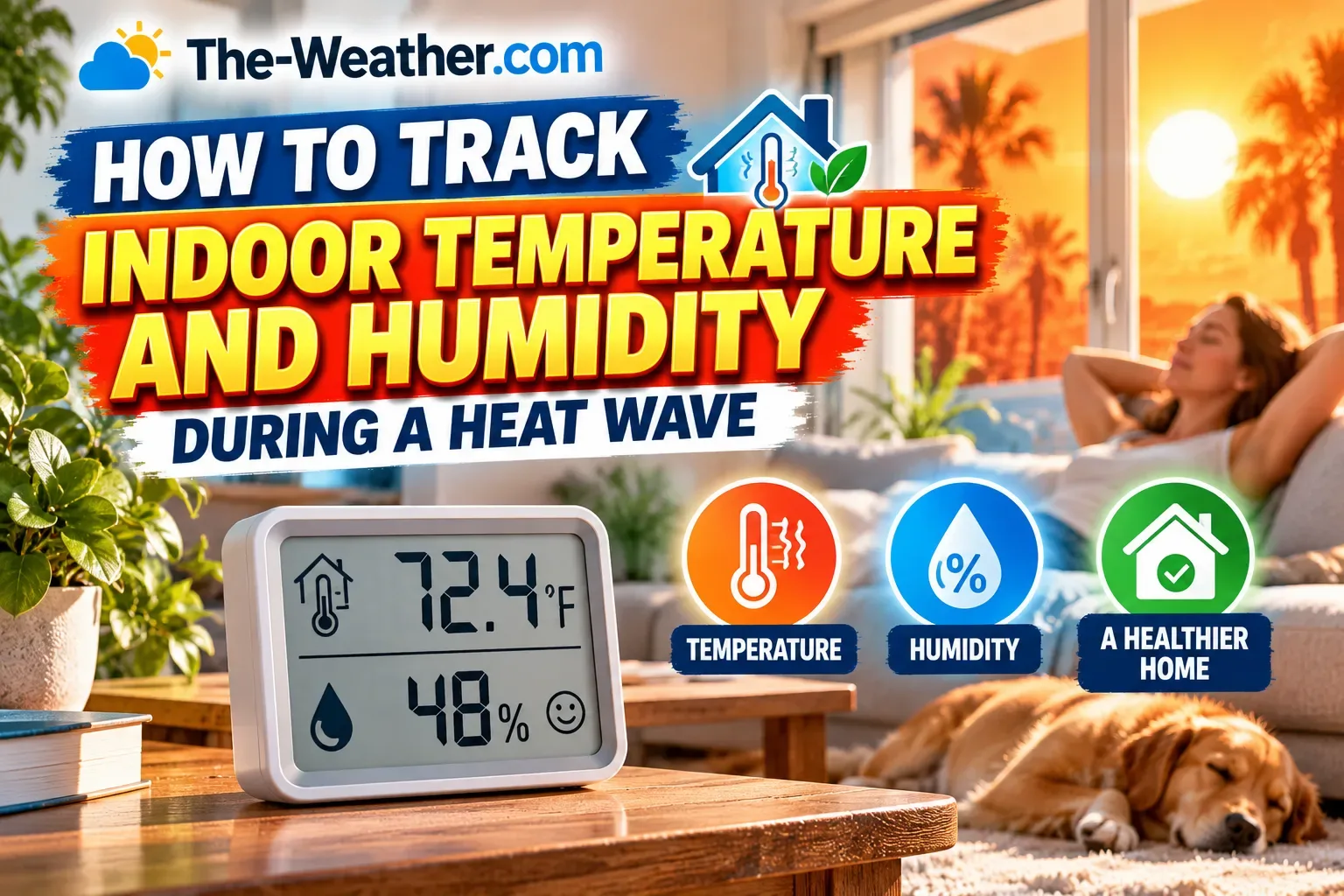
In a heat wave, most of us watch the outdoor temperature. But a lot of heat illness happens indoors: in a top-floor bedroom, a closed-up apartment, or the home of an older relative who "doesn't like the AC". The good news: two numbers give you a useful picture of indoor heat conditions, and a small sensor can watch them for you. Here is what to track, where to put the sensor, and when to act.
Short answer: track indoor temperature and relative humidity in the rooms where people (and pets) spend the most time, especially bedrooms. Two rules from official guidance help: the CDC advises using fans only when indoor temperatures are below 90°F, and the EPA recommends keeping indoor humidity below 60%, ideally between 30% and 50%. A Wi-Fi sensor with phone alerts lets you keep an eye on a room, or someone else's home, when you are not there.
Editorial Research & Review
- Written by
- Lena Thornton, Weather Station Analyst & CWOP Contributor
- Based on
- CDC and EPA guidance, and our existing hygrometer and thermometer research
- Hands-on testing
- Not performed by The-Weather.com for the products on this page
- Research last verified
- October 2, 2026
Why the Indoor Number Matters
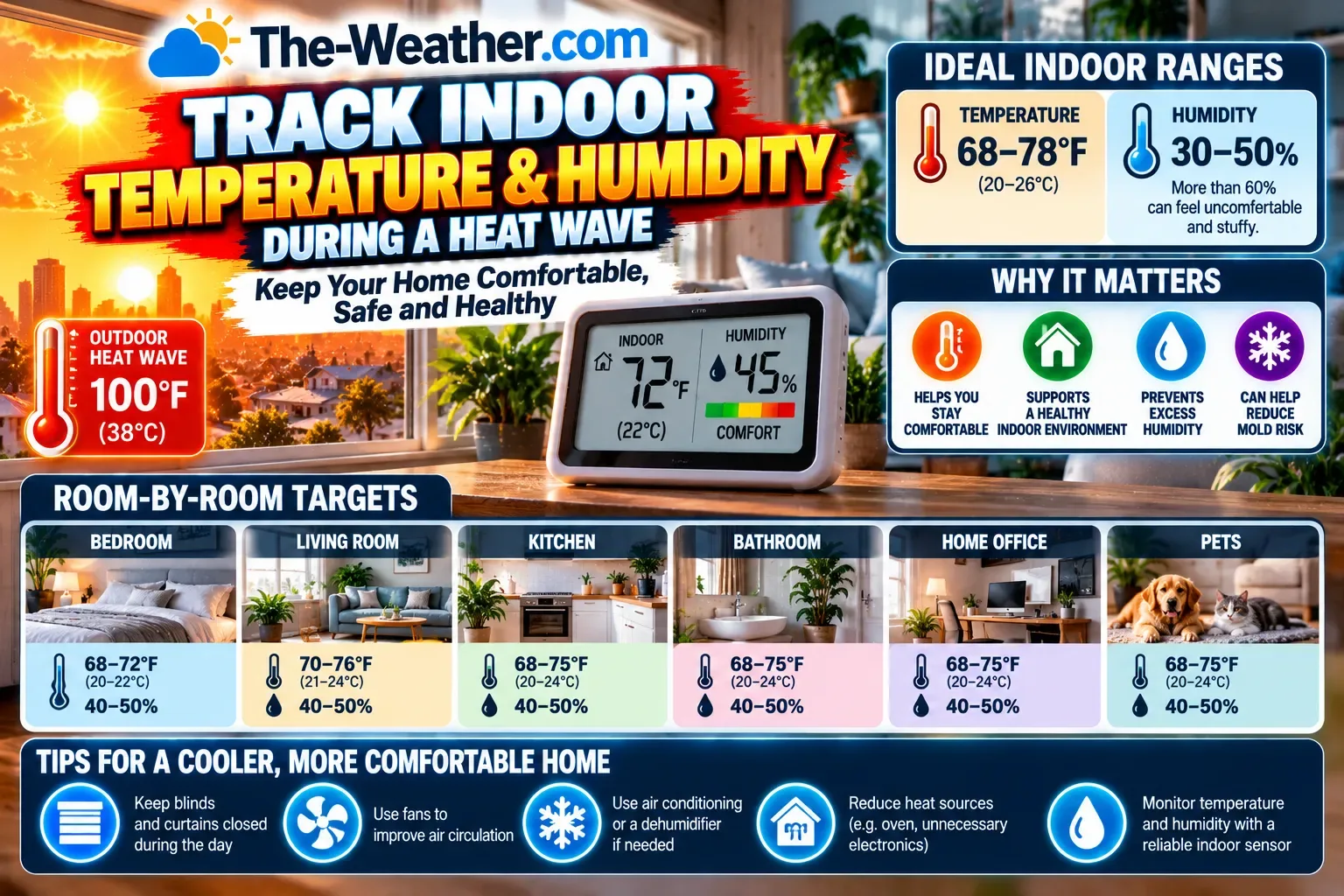
Houses heat up slowly and cool down slowly. After a few hot days, walls and roofs are full of stored heat, and a home can stay warm long after the sun goes down. That is why some rooms are hotter at night than outside. We explain the science in why your house feels hotter than outside.
The temperature on the thermostat is measured in one spot, often a hallway. Upstairs bedrooms, rooms facing west and rooms under the roof can be several degrees warmer. You only know if you measure there.
Humidity matters too. Your body cools itself by sweating. Humid air slows that down, so a humid room feels hotter and is harder on the body than a dry room at the same temperature. That is the same idea as the heat index outdoors (see our Heat Advisory vs Extreme Heat Warning page).
Two Official Rules Worth Knowing
Fans below 90°F only
Fans can make you feel cooler, but above 90°F indoors a fan can raise your body temperature.
Above 90°F: use air conditioning or find a cooling center (dial 2-1-1).
Humidity below 60%
Ideally between 30% and 50%. Long periods above 60% also invite mold.
Too humid: run the AC or a dehumidifier, ventilate bathrooms and kitchens.
Your own alert limit
Choose a temperature at which you act, for example closing blinds or switching on the AC.
For vulnerable people, ask their doctor what is safe.
Sources: CDC heat and health, EPA mold and moisture guidance.
Where to Put the Sensor
Placement tips: keep the sensor at about chest height, out of direct sun, and away from lamps, TVs, the fridge and air vents. A sensor next to a sunny window measures the window, not the room.
Want to check whether your hygrometer is accurate? The simple salt test takes one evening.
What to Do When the Numbers Climb
- Close blinds and curtains on sunny windows during the day.
- Cool down at night when it is cooler outside than inside, if that is safe where you live.
- Cut indoor heat sources: oven, dryer and lamps add more than you think.
- Bring down humidity with the AC or a dehumidifier if it stays above 60%.
- Above 90°F inside: do not rely on a fan. Use air conditioning or go somewhere cool.
The warning signs of heat illness, and when to call 911, are on our What Is a Heat Wave? page.
Indoor Sensors That Do the Watching for You
Find your match in 10 seconds
Strong fit for watching from a distance
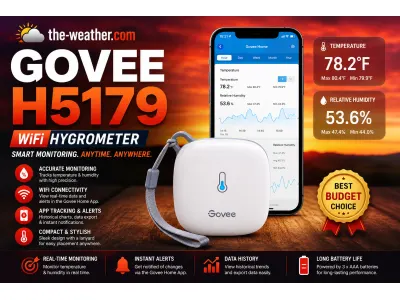
Govee H5179 Wi-Fi Thermometer Hygrometer
Why it fits: Wi-Fi with phone alerts when temperature or humidity passes your limit, history graphs and in-app calibration. Ideal for a parent's home or a pet at home during a heat wave.
Research basis: our Govee H5179 review, Govee's specifications.
Good fit if
- You want alerts when you are away
- You care for someone in another home
- You like graphs of the day and night
Skip it if
- The home has no 2.4 GHz Wi-Fi
- You want no app at all
- You need several rooms on one screen
Check current price on Amazon
Check current price on AmazonGovee H5179 · opens in a new tabNot sure yet? Read our Govee H5179 review
Strong fit for several rooms
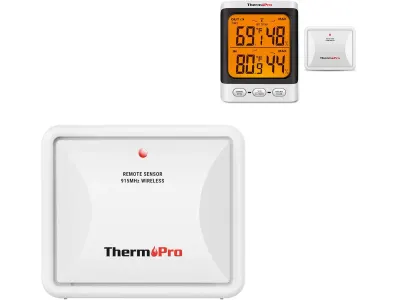
ThermoPro TP62
Why it fits: one display with up to 3 wireless sensors, so you can watch the bedroom, the top floor and outside at the same time. No Wi-Fi or app needed.
Research basis: our ThermoPro TP62 review, ThermoPro's specifications.
Good fit if
- You want to compare rooms at a glance
- You want something simple for older relatives
- You prefer no app
Skip it if
- You need phone alerts
- You want data history in an app
- You only need one room
Check current price on Amazon
Check current price on AmazonThermoPro TP62 · opens in a new tabNot sure yet? Read our ThermoPro TP62 review
Strong fit for a simple bedroom check
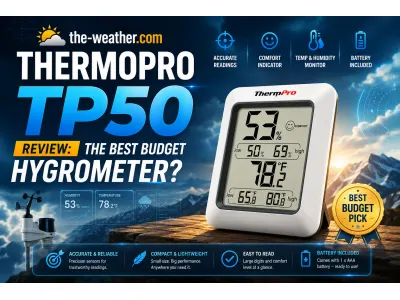
ThermoPro TP50
Why it fits: a small, affordable display with temperature, humidity, a comfort indicator and daily high and low. Put it on the nightstand and you see at once if the room is too warm or too humid.
Research basis: our ThermoPro TP50 review, ThermoPro's specifications.
Good fit if
- You want a cheap sensor per room
- You like a clear number without an app
- You want to see last night's high
Skip it if
- You need alerts
- You want a backlit display
- You need the highest accuracy
Check current price on Amazon
Check current price on AmazonThermoPro TP50 · opens in a new tabNot sure yet? Read our ThermoPro TP50 review
Strong fit for precise data
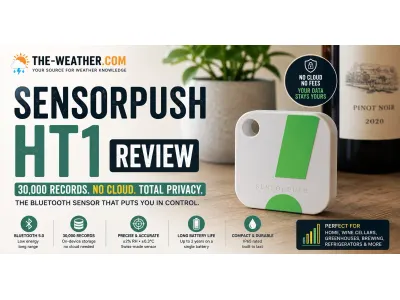
SensorPush HT1
Why it fits: a tiny screenless sensor with a Swiss-made sensing chip that logs every minute to a free app. Over Bluetooth it works nearby; for alerts away from home you need the separate SensorPush G1 Wi-Fi gateway.
Research basis: our SensorPush HT1 review, SensorPush's specifications.
Good fit if
- You want precise readings and long history
- You want to tuck a sensor out of sight
- You may add more sensors later
Skip it if
- You want a display on the sensor
- You want remote alerts without buying a gateway
- You want the cheapest option
Check current price on Amazon
Check current price on AmazonSensorPush HT1 · opens in a new tabNot sure yet? Read our SensorPush HT1 review
Indoor Heat FAQ
What indoor temperature is too hot during a heat wave?
There is no single number for everyone. The CDC advises not to rely on fans when it is 90°F or more indoors; at that point use air conditioning or a cooling center. Older adults, young children and people with health conditions are at risk at lower temperatures, so ask a doctor what is safe for them.
What indoor humidity is best?
The EPA recommends keeping indoor humidity below 60%, ideally between 30% and 50%. Humid air makes heat harder on the body and, over time, invites mold.
Where should I put an indoor thermometer?
In the rooms where people and pets spend the most time, especially bedrooms, at about chest height, out of direct sun and away from lamps, appliances and air vents.
Can I check the temperature in my parent's home from my phone?
Yes, with a Wi-Fi sensor such as the Govee H5179, or a Bluetooth sensor plus a Wi-Fi gateway such as the SensorPush HT1 with the G1. You can set alerts for temperature and humidity limits.
Update Log
- October 2, 2026: Page published. Fan guidance checked against the CDC and humidity guidance against the EPA.
Sources
- CDC: heat and health
- EPA: mold and moisture, indoor humidity
- Our reviews: Govee H5179, ThermoPro TP62, ThermoPro TP50, SensorPush HT1
See also: Heat Advisory vs Extreme Heat Warning · Best Hygrometer for Home · Best Hygrometer for Bedroom