
As an Amazon Associate, I earn from qualifying purchases.
In this article 11 sections
- First: three questions for your supplier
- Step 1: how much power a CPAP really uses
- Step 2: how many nights per battery size
- What makes your nights shorter
- The battery-saver route: 12 V DC instead of the wall outlet
- Maker batteries vs a power station
- Sleeping through the switch: UPS mode
- Which size makes sense for a CPAP?
- Power stations that fit a CPAP backup
- My take
- Quick Answers
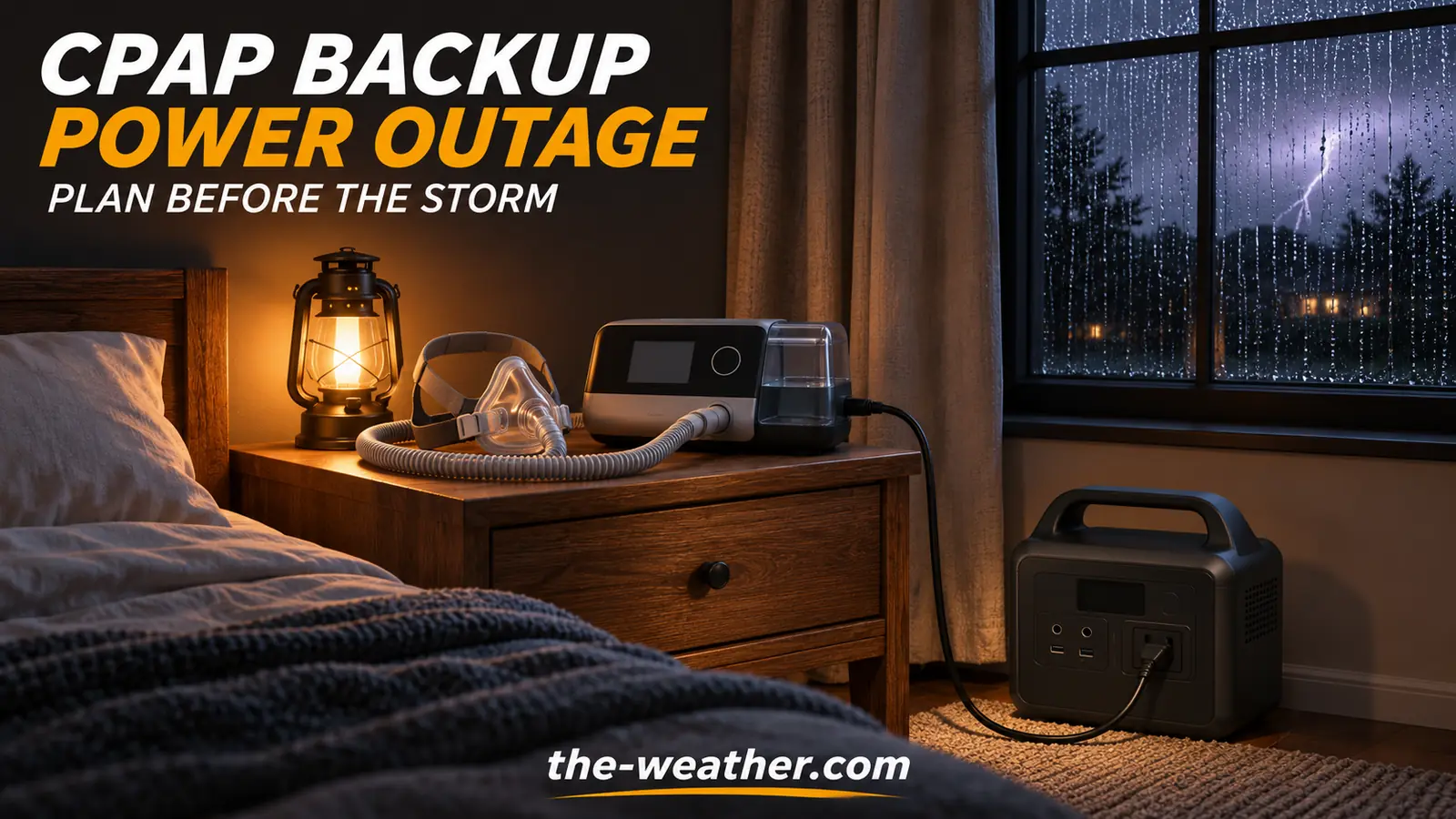
The wind picks up, the lights flicker, and if you sleep with a CPAP, one question jumps the line: what about tonight? A CPAP is a small load, so a portable power station (a big rechargeable battery with normal wall outlets) can carry it for a surprisingly long time. How long depends mostly on one switch: the humidifier. Here is the math, from ResMed's own figures.
Short answer: ResMed measured an AirSense 10 AutoSet at about 7 Wh per hour on its own, 22 Wh with the humidifier and 34 Wh with the humidifier plus a heated tube. For an 8-hour night through the station's wall outlet, that works out to roughly 15 nights without the humidifier on a 1,024 Wh station, but only about 3 nights with humidifier and heated tube. Before you count on any battery, ask your CPAP supplier or maker which power sources they approve for your machine. This page is about power, not about your therapy.
Editorial Research
- Written by
- Lena Thornton, Weather Station Analyst & CWOP Contributor
- Based on
- ResMed's own power consumption sheet for Air10 devices, the ResMed AirSense 10 and AirSense 11 user guides, the ResMed Air10 DC/DC converter user guide, the FDA power outage booklet and tips for home medical devices, the runtime formula in the Jackery Explorer 1500 user manual, and the makers' own specifications for the power stations named. We did not test these products, and this is not medical advice; every runtime below is our own calculation, shown step by step.
- Research last verified
- November 28, 2026
First: three questions for your supplier
A CPAP is a medical device, so the first step is not a shopping cart. The FDA has a free booklet, Home Use Devices: How to Prepare for and Handle Power Outages for Medical Devices that Require Electricity, with a page of questions to ask your device maker or supplier. Three of them matter most here:
- "Can my device operate on another power source? If yes, what type?"
- "Could I be harmed if my device stops for a short period of time?"
- "How long will the device last on battery power?"
The FDA's disaster tips add two more: tell your electric company and fire department that you have a medical device that needs power, and when the power comes back, check that the settings on your device have not changed, because devices "often" reset to a default mode after an interruption. Write your settings down before storm season. It takes one minute and saves a lot of squinting at 2 a.m.
Step 1: how much power a CPAP really uses
ResMed measured its own machines and published the result. In its sheet Power consumption of Air10 devices (2015), an AirSense 10 AutoSet set to 8 to 15 cm H2O, humidity level 6 and tube temperature 28 °C used:
- 7 Wh per hour running on its own (device only);
- 22 Wh per hour with the humidifier;
- 34 Wh per hour with the humidifier and the heated ClimateLineAir tube;
- 5 Wh per hour in standby.
Look at that jump. The machine that blows the air is the small part; heating water and the tube is what eats the battery. ResMed says the same in plain words in its DC/DC converter user guide: with the HumidAir humidifier attached, the device "uses considerably more power" and will "drain the battery more quickly". And the AirSense 10 user guide advises: "If you are using an external battery, you should turn off the humidifier in order to maximise the life of your battery."
Have an AirSense 11? We could not open a measured sheet like the one above for it, but the AirSense 11 user guide lists a typical power consumption of 56.1 W and a peak of 73.2 W. That is a spec sheet number, so we use it as the careful upper case in the table. Another brand? Look for "power consumption" in the technical specifications at the back of your user guide.
Step 2: how many nights per battery size
A power station never gives you every watt-hour on the box: turning battery power into wall-outlet power costs some energy. Jackery prints the formula in its Explorer 1500 user manual: battery Wh × 0.85 ÷ the device's watts. We use the same 0.85 for every size below, and an 8-hour night.
What makes your nights shorter
Treat the table as a planning estimate, not a promise. Your real number will be lower when:
- the station uses some power itself: the part that makes wall-outlet power uses some energy just by being switched on, and at a load as small as 7 W that matters a lot. BLUETTI, for example, lists a 5 W standby draw for its Elite 30 mini (it does not say whether that is with the AC outlets on); check the manual of your station for its "standby" or "no-load" figure;
- your pressure is higher than the 8 to 15 cm H2O in ResMed's test, or the humidity and tube temperature are set higher;
- the room is cold, which makes a heated humidifier and tube work harder (hello, winter storm);
- the station was not full when the power went out, or the phone, the lamp and the router share it.
So plan with fewer nights than the table shows, and be pleasantly surprised.
The battery-saver route: 12 V DC instead of the wall outlet
Many power stations also have a 12 V car outlet. ResMed sells DC/DC converters for exactly that kind of socket: the Air10 DC/DC converter 90W takes 12 V or 24 V in (13 / 6.5 A) and gives 24 V out, with a typical power consumption of 51 W and a peak of 106 W in its own specs; the AirSense 11 user guide lists an Air11 DC/DC converter as its accessory. Going DC skips the station's AC inverter, so less power is lost on the way. Two checks before you count on it: the converter has to be the one ResMed lists for your machine, and the station's 12 V outlet has to be rated for the converter's peak. Check the port list in your station's manual.
Maker batteries vs a power station
Keep these two apart. The AirSense 10 user guide lists ResMed's own Power Station II battery and the Air10 DC/DC converter as accessories; the AirSense 11 guide lists the Air11 DC/DC converter. Those are the power options your maker names. A general power station from Anker, BLUETTI or Jackery is not on ResMed's list, so it is exactly the kind of "other power source" the FDA tells you to ask your supplier about. For the AirSense 11, ResMed's own Australian shop FAQ is clear: "Resmed currently do not endorse any third-party battery solutions for AirSense 11." The math above shows why a station is still tempting, because it also runs the fridge and the phone. But your maker and supplier get the last word on your machine.
Sleeping through the switch: UPS mode
Several stations can work as a UPS (uninterruptible power supply): the CPAP stays plugged into the station, the station into the wall, and when the grid drops the station takes over by itself. Anker lists a 10 ms switchover for the SOLIX C1000 Gen 2 and 10 ms or less for the S2000; BLUETTI lists under 10 ms for the Elite 30 mini. A listed switchover time alone does not prove that your CPAP keeps running smoothly on a given station. Ask your supplier whether that setup is fine for your device too, and remember the FDA tip: check your settings once the power is back.
Which size makes sense for a CPAP?
- About 300 Wh: enough for several nights without the humidifier, and small enough for a corner by the bed. With humidifier and heated tube, not even one full night.
- About 1,000 Wh: a multi-day outage for the CPAP alone, or a few nights with the humidifier, with room left for a phone and a weather radio.
- About 2,000 Wh: room for the CPAP and other devices, depending on what else you plug in (try the size calculator). It covers a week of humidified nights in our table, or the CPAP and the fridge for a shorter outage.
Power stations that fit a CPAP backup
First check with your CPAP supplier or maker whether a power station is fine for your machine. We picked these from the makers' own specifications: a size that matches the table above and a UPS function. We have not tested them, and none of them is on ResMed's accessory list.
Small, for the bedside
BLUETTI Elite 30 mini
Why it is on the list: 288 Wh, 300 W AC output, a UPS switchover under 10 ms and a 12 V DC output, according to BLUETTI, which also lists a 5 W standby draw. In our table about 4 nights for an AirSense 10 without the humidifier; with the 5 W standby added on top, more like 2.5 nights.
Research basis: BLUETTI Elite 30 mini product page.
Strong fit for a multi-day outage
Anker SOLIX C1000 Gen 2
Why it is on the list: 1,024 Wh, 2,000 W and a 10 ms UPS switchover, according to Anker. In our table about 5 nights with the humidifier, or about 15 without it.
Research basis: Anker SOLIX C1000 Gen 2 product page.
Room for more than the CPAP
Anker SOLIX S2000
Why it is on the list: 2,010 Wh, 1,500 W and a UPS switchover of 10 ms or less, according to Anker. About 9.5 humidified nights in our table, or a mix of CPAP and fridge.
Research basis: Anker SOLIX S2000 specifications. New model: check the listing for the US version.
Affiliate links: we may earn a commission if you buy through them, at no extra cost to you. We have not tested these power stations ourselves.
My take
If you sleep with a CPAP, the cheapest backup plan is a phone call: ask your supplier which power sources they approve, and fill in the FDA booklet while the sun is shining. Then do the math with and without the humidifier, and ask your supplier whether you may switch it off, because that one setting decides whether a small station lasts one night or four. And keep the station charged before every storm watch. A battery in the closet at 20% is about as useful as an umbrella with a hole in it.
A gas generator is not a bedroom solution: the CPSC says to run it "outside only, at least 20 feet away from the house". More on that in generator vs power station for storm outages.
Plan the whole house: backup power for storm outages in 4 steps · power station and generator size calculator
Quick Answers
How long will a power station run a CPAP?
Use battery Wh × 0.85 ÷ the CPAP's watts. ResMed measured an AirSense 10 at about 7 Wh per hour on its own and 22 Wh with the humidifier, so a 1,024 Wh station gives roughly 15 nights without and 5 nights with the humidifier. A planning estimate: your settings and the station's own standby draw make it shorter.
Should I turn off the CPAP humidifier on battery?
ResMed's AirSense 10 user guide says to turn off the humidifier when you use an external battery, to make the battery last longer. Ask your supplier if that is fine for your therapy.
How many watts does a ResMed AirSense 11 use?
The AirSense 11 user guide lists a typical power consumption of 56.1 W and a peak of 73.2 W.
Can I run a CPAP from a power station's car outlet?
With the DC/DC converter your CPAP maker lists for your machine, yes: ResMed's Air10 converter takes 12 V or 24 V. Check that the station's 12 V outlet is rated for the converter's peak power.
What should I do with my CPAP when the power comes back?
The FDA advises checking that the settings on your medical device have not changed, because devices often reset to a default mode when power is interrupted.
Sources: ResMed: power consumption of Air10 devices · ResMed AirSense 10 user guide · ResMed AirSense 11 user guide · ResMed Air10 DC/DC converter 90W user guide · FDA: home use devices and power outages (booklet) · FDA: tips about medical devices and natural disasters · Jackery Explorer 1500 user manual · BLUETTI Elite 30 mini · Anker SOLIX C1000 Gen 2 · ResMed Australia: AirSense 11 FAQ · CPSC: winter weather safety tips (2025) · Anker SOLIX S2000