
As an Amazon Associate, I earn from qualifying purchases.
In this article 9 sections
- The alert chain: what keeps working and what does not
- Your phone: alerts come from the tower, not the Wi-Fi
- Your Wi-Fi: the router is easy, the network is not
- Your weather station: the console is the part that needs power
- How long a small power station keeps it all going
- Set it up once, forget it until the storm
- Small power stations for the alert chain
- My take
- Quick Answers
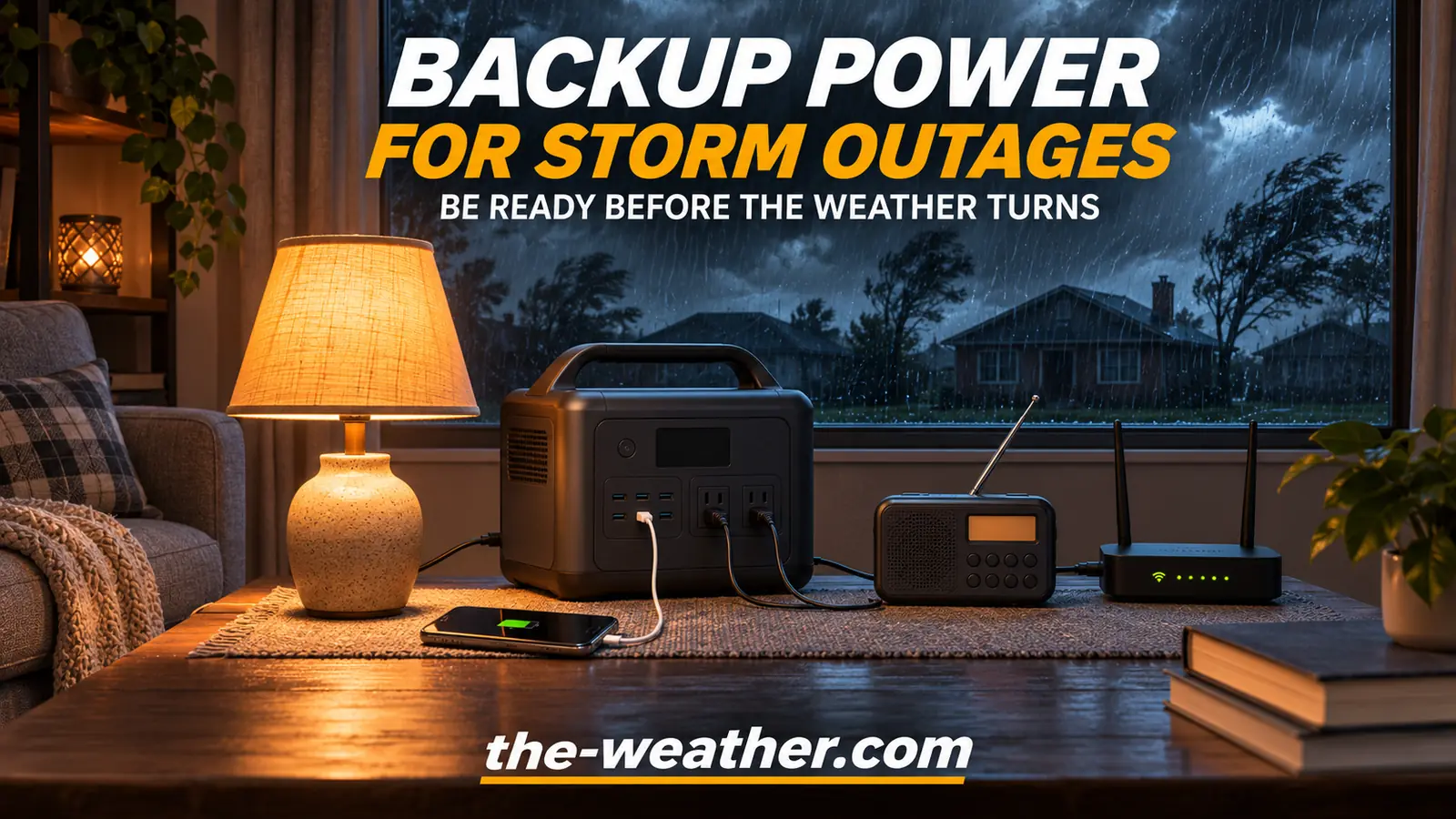
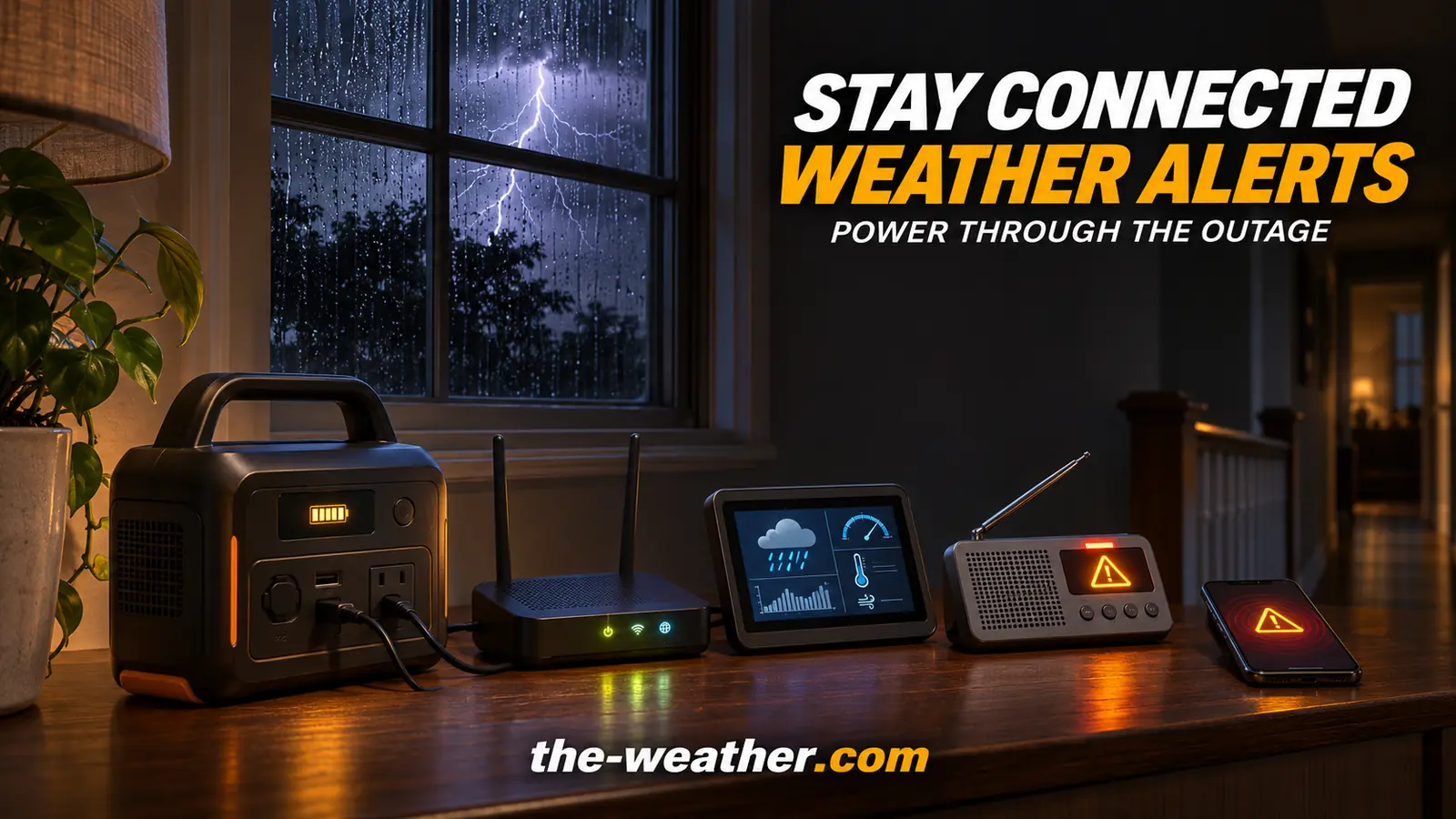
When a storm takes the power, the lights are the obvious loss. The sneaky one is information. The Wi-Fi drops, the weather station on your screen freezes on its last reading, and the forecast you wanted to check is suddenly far away. The good news: the devices that keep you informed use very little power. A small battery goes a long way, if you know which parts matter and which ones a battery cannot save.
Short answer: your phone's emergency alerts do not need your Wi-Fi: the National Weather Service says carriers broadcast them from cell towers, with no app needed. Your weather radio works on its own batteries. What needs backup power is the router (and your provider's modem box) and the weather station console. Those use little: Ambient Weather lists 0.5 watts for its WS-2902 console. In our calculation a small 288 Wh power station keeps a router plus console going for about 10 to 13 hours. But no battery helps if your internet provider's network is down too.
Editorial Research
- Written by
- Lena Thornton, Weather Station Analyst & CWOP Contributor
- Based on
- The National Weather Service page on Wireless Emergency Alerts, the Congressional Research Service on cell service after Hurricane Helene, Ambient Weather's WS-2902 specifications, the runtime formula in the Jackery Explorer 1500 manual, and the makers' specifications for the power stations named. We did not test these products. The runtimes are our own calculation.
- Research last verified
- November 27, 2026
The alert chain: what keeps working and what does not
| Device | Needs house power? | What keeps it going in an outage |
|---|---|---|
| Phone emergency alerts (WEA) | No | A charged phone and a working cell tower. No Wi-Fi or app needed. |
| NOAA weather radio | No, if it has batteries | Fresh batteries, if your radio has a battery backup (check its manual) |
| Wi-Fi router + modem | Yes | A small power station or UPS, and a provider network that is still up |
| Weather station console | Usually yes (adapter) | A power station, or batteries if the console takes them |
| Weather station sensors outside | No | Their own batteries or solar panel |
Your phone: alerts come from the tower, not the Wi-Fi
Wireless Emergency Alerts are the loud warnings that pop up on your phone for a tornado or flash flood. According to the National Weather Service, the carriers broadcast them from cell towers in the threat area, and you do not need to download an app or subscribe. So your home Wi-Fi going down does not stop them.
The weak spot is the tower. Cell sites need power too. After Hurricane Helene, the Congressional Research Service listed "lack of power to cell sites hindering permanent restoration" among the challenges the providers reported. That is why a weather radio is still the backup for your backup. Our do you still need a weather radio page explains which warnings come on which device.
What you can do yourself: keep the phone charged. Any power station from the smallest size up does that many times over.
Your Wi-Fi: the router is easy, the network is not
A router and the modem box from your internet provider are small loads. To see what yours can use at most, look at the power adapter: the output line, for example "12V 1.5A", multiplied gives the maximum watts. In that example: 12 × 1.5 = 18 watts at most. Real use is usually lower than the adapter's maximum, so this is the safe side of the math.
The honest limit: a battery keeps your boxes on. If the provider's own equipment down the street has lost power, your router will glow happily and still have no internet. Nobody can fix that from your living room. Then the phone network and the weather radio are what you have.
Your weather station: the console is the part that needs power
Most home weather stations have sensors outside on their own batteries or solar panel, and a console or gateway inside on a wall adapter. The console is what goes dark in an outage. The good news is how little it uses. Ambient Weather lists the WS-2902 console at 0.5 watts, rising to 1.25 watts in Wi-Fi configuration mode.
Two things to know. First, the console on battery power keeps measuring and showing your local readings, which is the fun part in a storm: you see the pressure drop and the wind gusts with your own eyes. Second, sending data to the internet (your app, Weather Underground) only works if the router and the provider's network are up too.
How long a small power station keeps it all going
Set it up once, forget it until the storm
The trick that makes this work at 3 a.m.: plug the router, the modem and the console into a power station that has a UPS function (it passes wall power through and takes over by itself when the grid drops), and plug the station into the wall. BLUETTI says its Elite 30 mini switches over in under 10 ms; Anker lists 10 ms for the SOLIX C1000 Gen 2. Your Wi-Fi then simply stays on when the lights go out, as long as the provider's network does.
A small tip: check once a season that the station is still at full charge. A UPS that sat quietly at 40% is not the hero you were hoping for.
Small power stations for the alert chain
Chosen by size from the makers' specifications. We have not tested them.
Strong fit for router + console on UPS
BLUETTI Elite 30 mini
Why it is on the list: 288 Wh, 300 W rated AC output and a UPS switchover under 10 ms, according to BLUETTI, which also lists a 5 W standby draw. In our table about 10 to 13 hours for a router plus a weather station console, depending on how much the standby draw applies.
Research basis: BLUETTI Elite 30 mini product page.
For a long outage, with the fridge as well
Anker SOLIX C1000 Gen 2
Why it is on the list: 1,024 Wh, 2,000 W and a 10 ms UPS switchover according to Anker. About two days of router plus console in our table, or a night of fridge (see our refrigerator page).
Research basis: Anker support: C1000 Gen 2 specifications.
Affiliate links: we may earn a commission if you buy through them, at no extra cost to you. We have not tested these power stations ourselves.
Also in this size class, from our product list: the Jackery Solar Generator 300 with a 100 W panel (292 Wh according to the listing) and the LIBRIDS C600 (640 Wh according to the listing). Check on the listing whether the model works as a UPS before you count on it for the router.
My take
In a storm I want three things: the warnings, the forecast and my own readings. The warnings come from the phone and the weather radio, and they do not need your Wi-Fi at all. Make sure both are charged and fresh. The forecast and the readings need the router and the console, and those are the cheapest devices in the house to keep running. A small power station on UPS duty does that job for a night, and a bigger one for a weekend. Just remember the honest limit: if the network outside is down, the battery keeps the lights on your router, not the internet.
Plan the whole house: backup power for storm outages in 4 steps · power station and generator size calculator
Quick Answers
Do emergency alerts work when the power and Wi-Fi are out?
Yes, as long as your phone is charged and the cell tower works. The National Weather Service says carriers broadcast Wireless Emergency Alerts from cell towers, and no app is needed. Wi-Fi is not part of it.
How long can a power station run a Wi-Fi router?
Use battery Wh × 0.85 ÷ the router's watts. With an adapter label of 12 V 1.5 A (18 W at most), a 288 Wh station gives about 10 to 13 hours with a weather station console included, in our calculation (the lower number if the station uses 5 W itself in UPS mode).
Will my internet work if I power my router during an outage?
Only if your internet provider's network still has power. A battery keeps your own router and modem on; it cannot power the provider's equipment outside your house.
How much power does a weather station console use?
Very little. Ambient Weather lists 0.5 watts for its WS-2902 console, and 1.25 watts in Wi-Fi configuration mode. Check your own console's adapter or manual.
Do I still need a weather radio if I have a power station?
Yes. A weather radio works on its own batteries and does not depend on cell towers or internet. After big storms, cell sites can lose power too.
Sources: NWS: Wireless Emergency Alerts · Congressional Research Service: restoration of cell phone services, Hurricane Helene · Ambient Weather WS-2902 specifications · Jackery Explorer 1500 user manual · BLUETTI Elite 30 mini · Anker SOLIX C1000 Gen 2 specifications