
Product covered in this analysis
Tempest Weather Station Offline
Check the current price, delivery options and full specs on Amazon.
As an Amazon Associate, I earn from qualifying purchases.In this article 11 sections
- Find Your Symptom
- Hub Offline: Start With Your Wi-Fi
- Hub Online, Tempest Offline: Distance and Walls
- Power and Sun: Why a Tempest Can Go Quiet in Winter
- Gaps in Your Data After an Internet Outage
- Rain on a Dry Day
- Missed Lightning Strikes
- Still Offline? A Calm Restart Order
- Tempest Offline FAQ
- Update Log
- Sources
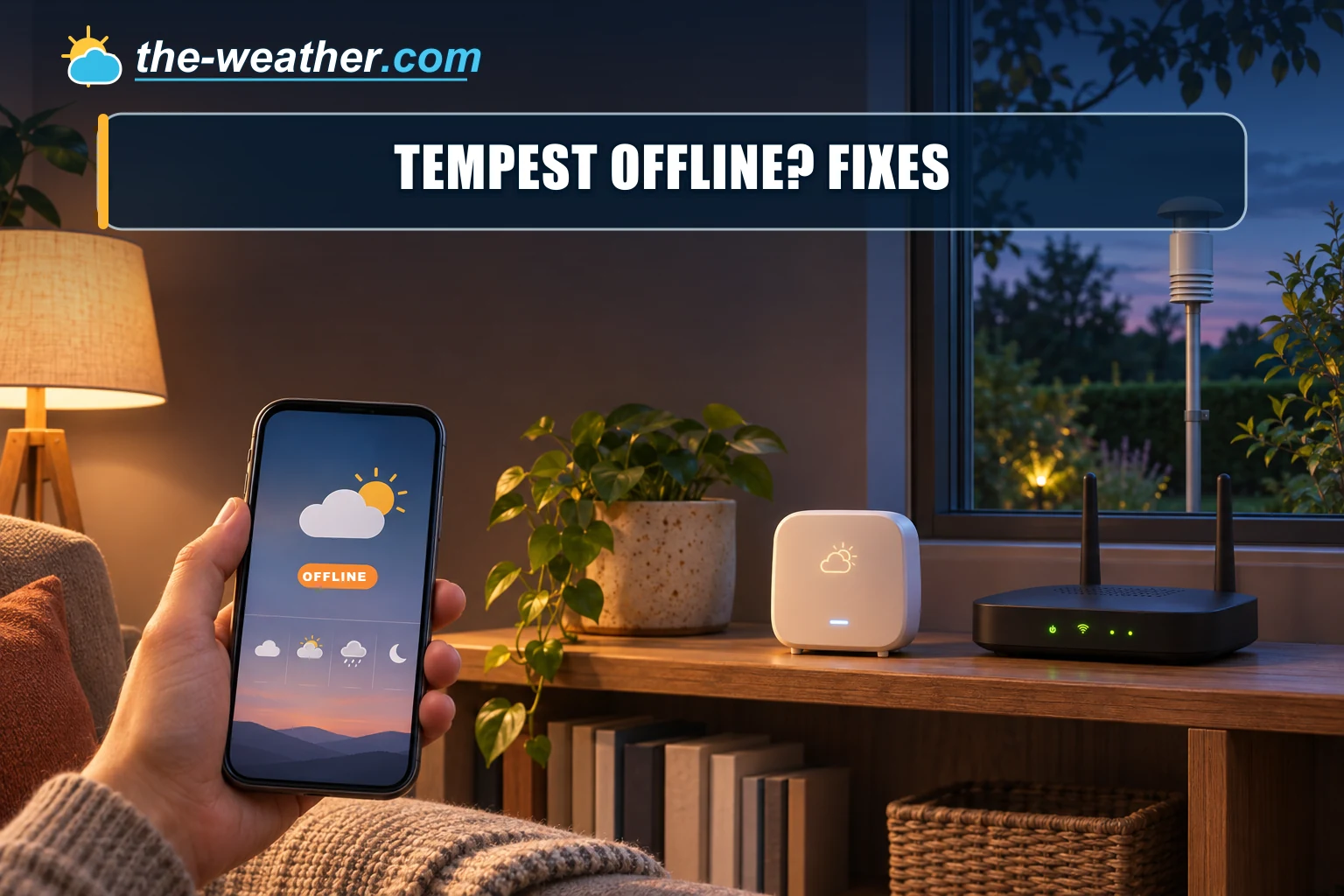
The app says "offline", your graphs have a hole in them, and of course it happened during the one storm you really wanted to see. Before you climb the ladder: a Tempest system has two parts that can lose touch, and most problems sit on the indoor side, not on the pole.
Short answer: first find out which part is offline. If the hub is offline, it is almost always Wi-Fi: the hub needs a 2.4 GHz network (it does not connect to 5 GHz), a 5-volt, 1-amp power supply, and a spot indoors no farther from the router than your other wireless devices. If the hub is online but the Tempest is not, check the distance and walls between them, and whether the Tempest gets enough direct sun to charge. Good news: while the internet is down, the hub keeps storing up to a week of data and fills the gap once it is back. Source: Tempest FAQ.
Editorial Research
- Written by
- Lena Thornton, Weather Station Analyst & CWOP Contributor
- Based on
- WeatherFlow's Tempest FAQ, its help articles, mounting tips, the Tempest '26 announcement and WeatherFlow's public data documentation. We did not test these steps on our own Tempest.
- Research last verified
- November 25, 2026
Find Your Symptom
Pick the line that matches what you see. The sections below explain each fix.
| What you see | Most likely cause | Start here |
|---|---|---|
| Hub offline, no new data anywhere | Wi-Fi: wrong band, weak signal, router change or power supply | Hub offline |
| Hub online, Tempest offline | Distance or walls between Tempest and hub, or a Tempest low on power | Tempest offline |
| Tempest drops offline in winter or after cloudy weeks | Not enough direct sun to recharge its battery | Power and sun |
| A gap in the graphs after an internet outage | Normal: the hub stores data and backfills it | Gaps in your data |
| Rain on a dry day | Vibration or birds on the unit | False rain |
| Missed a lightning strike | The station was offline, or the strike was out of range or not detected | Lightning |
Hub Offline: Start With Your Wi-Fi
The hub is the small box indoors. It receives the Tempest's radio signal and sends the data to the internet over your Wi-Fi. WeatherFlow's FAQ lists exactly what it needs:
Changed your router, its password or its network name lately? Then the hub is still knocking on the old door. Set up the Wi-Fi connection again in the Tempest app. And keep it inside the house: WeatherFlow says the hub "is not intended to be used outdoors".
No home Wi-Fi? WeatherFlow's FAQ says a mobile hotspot can work, but it does not recommend using the Tempest without a Wi-Fi connection.
Hub Online, Tempest Offline: Distance and Walls
The Tempest talks to the hub by radio. WeatherFlow gives these numbers:
- Up to 1,000 ft (about 300 m) apart in perfect line of sight, with no interference.
- In a typical home: at least 300 ft (about 100 m) while keeping a solid connection.
- "The maximum range will be reduced where walls and other obstacles will impede the signal."
So if the Tempest is at the far end of the yard and the hub sits behind two brick walls and a fridge, move the hub first. A window on the Tempest's side of the house is often the easiest fix, as long as the hub stays within good reach of your Wi-Fi. Moving the hub is free; moving the pole is a Saturday.
Power and Sun: Why a Tempest Can Go Quiet in Winter
The Tempest runs on solar power with an internal battery. WeatherFlow is direct about the placement: it "needs exposure to direct sunlight so its internal battery can recharge. Do not locate the device in a shady spot or it may eventually lose power" (Tempest FAQ).
- Short winter days and trees that grew can turn a sunny spot into a shady one. Check the spot in December, not in June.
- Cold is less of a problem than shade: WeatherFlow says the battery keeps charging normally down to about -67°F. The device's operating range is -35°F to 140°F.
- The Tempest '26 has bigger solar panels and a redesigned charging system, which WeatherFlow says keeps the station running "even on cloudy days". Its battery is also removable and replaceable (Tempest '26 announcement).
WeatherFlow's data format also has status flags for a separate power booster accessory (Tempest API documentation). If your spot simply cannot get enough winter sun, ask WeatherFlow support whether that accessory fits your Tempest version.
Gaps in Your Data After an Internet Outage
This one usually fixes itself. According to the FAQ:
- During an internet outage, "the Hub will continue collecting and storing data as long as it has power".
- "The Hub can store up to a week of data from one device."
- "Once reconnected to the internet, the Hub will backfill stored data."
- Meanwhile, the app can show the latest readings over a Bluetooth connection with the hub, if your phone is close by.
Two things can still leave a real hole: a power cut that also turns off the hub, and an outage longer than about a week.
Rain on a Dry Day
The Tempest counts rain by vibration, so anything that shakes or taps it can look like rain. WeatherFlow says the mount "should not shake, sway or vibrate in strong winds", and advises against deck railings and flagpoles. Birds landing on top are the other classic cause; WeatherFlow sells an optional bird deterrent for spots where that keeps happening. More in our Tempest rain accuracy page.
Missed Lightning Strikes
The Tempest detects lightning up to about 25 miles (40 km) away and gives an estimated distance. WeatherFlow's help pages note that a missed strike can come from another problem, such as an offline device or a hub that lost its Wi-Fi, and that not every strike in range is detected. False alerts can come from nearby electrical noise: the FAQ advises placing the Tempest away from electrical disturbances. So if lightning alerts suddenly stop, check the connection first.
Still Offline? A Calm Restart Order
- Check that your internet works on another device.
- Unplug the hub's power for a moment and plug it back in, using a 5 V, 1 A supply.
- Check in the app which part is offline: hub or Tempest.
- If the hub: set up its Wi-Fi again on a 2.4 GHz network.
- If the Tempest: move the hub closer or to a window facing the Tempest, and check that the Tempest gets direct sun.
- Still stuck? Contact WeatherFlow support. The Tempest has a 2-year manufacturer's warranty according to the FAQ.
Looking for general station advice? See weather station offline and outdoor sensor not connecting.
Still choosing, or thinking about a second station?
Check the Tempest on Amazonon Amazon · opens in a new tabRead our Tempest review or compare it with the AcuRite Iris and the Ambient WS-5000.
Tempest Offline FAQ
Why does my Tempest hub not connect to Wi-Fi?
The hub needs a 2.4 GHz network and does not connect to 5 GHz, enterprise networks, username logins or captive portals. It also needs a 5-volt, 1-amp power supply and a spot indoors within good reach of your router.
How far can the Tempest be from the hub?
WeatherFlow says up to 1,000 ft in perfect line of sight, and at least 300 ft in a typical home. Walls and other obstacles reduce the range.
Do I lose data when my internet goes down?
Usually not. The hub keeps collecting data as long as it has power, stores up to a week from one Tempest, and backfills it once the internet is back.
Why does my Tempest go offline in winter?
The most common reason is not enough direct sun to recharge its battery. WeatherFlow says not to place it in a shady spot. The battery keeps charging down to about -67°F, so cold alone is rarely the problem.
Can I put the Tempest hub outside?
No. WeatherFlow says the hub is not intended to be used outdoors and should be inside your house within range of a reliable Wi-Fi connection.
Update Log
- November 25, 2026: Page published. Steps checked against WeatherFlow's FAQ, help pages, mounting tips, API documentation and the Tempest '26 announcement.
Sources
- Tempest: Frequently Asked Questions
- Tempest help: Troubleshooting Measurements & Data
- Tempest: Personal Weather Station Mounting Guidelines and Tips
- Tempest: The Next Generation of Tempest Has Arrived (November 2025)
- WeatherFlow Tempest UDP API documentation
More on the Tempest: Tempest review · Tempest rain accuracy · Installing a Tempest · Tempest vs AcuRite Iris · Tempest vs WS-5000 · Tempest vs WS-2902C · Vantage Vue vs Tempest
Ready to decide?
Get the Tempest Weather Station Offline
Prices and stock change daily. Check the current price, delivery options and what owners say in their reviews.
In this reviewTempest Weather Station OfflineCurrent price, delivery & full specs on Amazon
Check on Amazon →