As an Amazon Associate, I earn from qualifying purchases.
In this article 10 sections
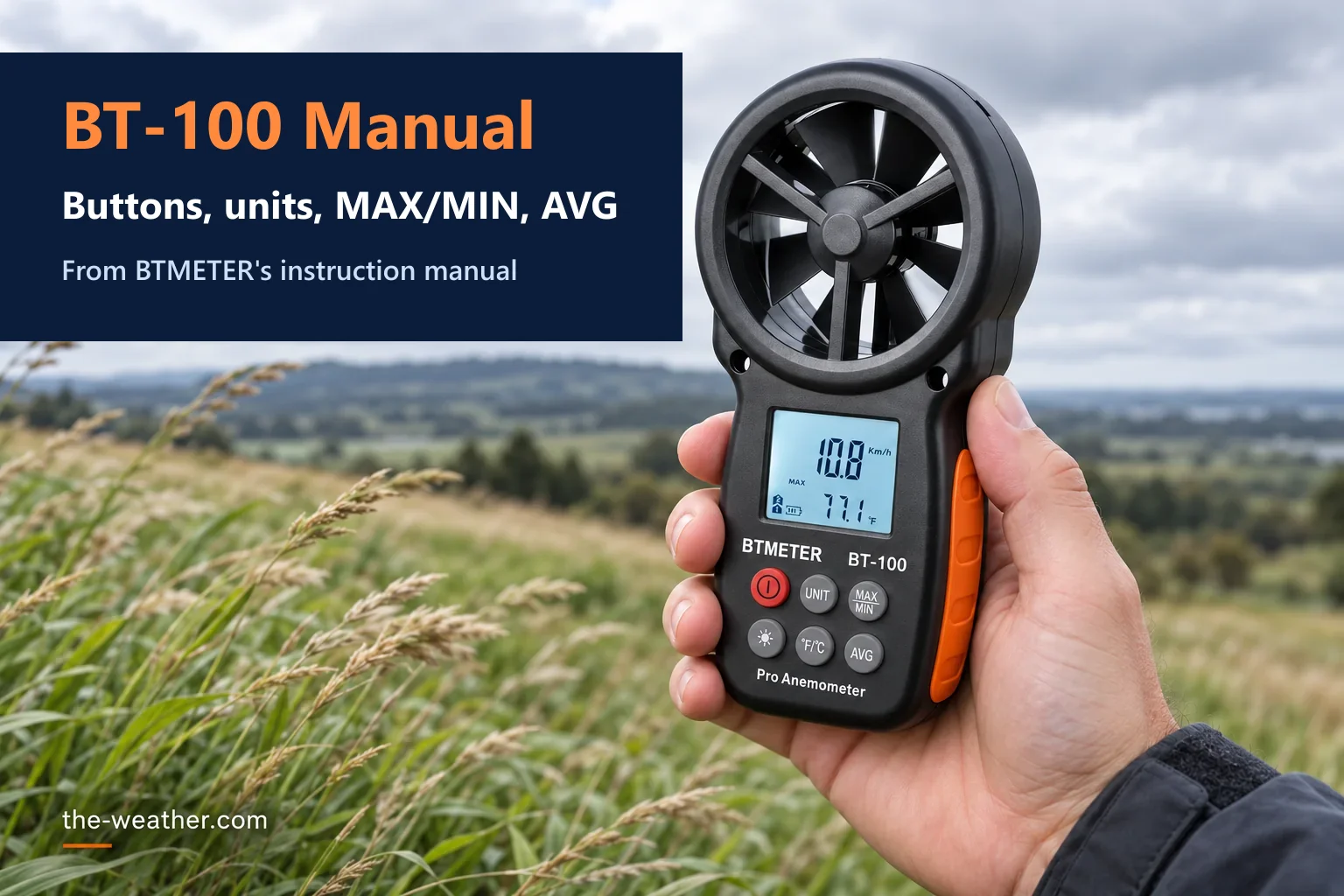
The BTMETER BT-100 has six round buttons and a one-page manual written in hurried English. This page explains that manual in plain English; it does not replace BTMETER's official manual, which comes in the box and is linked under Sources. What it covers: what each button does, how to switch units, how to read MAX, MIN and the 15-second average, what the wind chill symbol means, and the full specifications. Everything comes from BTMETER's own instruction manual; our tips are marked as such.
Short answer: put 2 AAA batteries in, close the cover and press the power button (1) for one second. UNIT (2) cycles m/s, km/h, ft/min, knots and mph. MAX/MIN (3) shows the highest or lowest reading. The light button (4) switches the backlight on for 15 seconds. °F/°C (5) switches the temperature unit. AVG (6) shows the average over 15 seconds. Below 0 °C (32 °F) the screen shows a wind chill symbol.
Editorial Research
- Written by
- Lena Thornton, Weather Station Analyst & CWOP Contributor
- Based on
- BTMETER's anemometer instruction manual for the BT-100, posted on its Amazon listing, and BTMETER's answers in the listing Q&A, read October 22, 2026
- Hands-on testing
- Not performed by The-Weather.com
- Research last verified
- October 22, 2026
The Six Buttons
| Button | Label | What it does |
|---|---|---|
| 1 | Power | Press for 1 second to switch on; press again to switch off |
| 2 | UNIT | Each press moves to the next wind speed unit: m/s, km/h, ft/min, knots, mph |
| 3 | MAX/MIN | Shows the maximum or minimum wind speed |
| 4 | Light (sun symbol) | Backlight on; press again for off. It stays on for 15 seconds |
| 5 | °F/°C | Switches the temperature unit |
| 6 | AVG | Shows the average reading over 15 seconds |
Button numbers follow the drawing in BTMETER's manual.
Getting Started
- Batteries: put 2 AAA 1.5 V batteries (included) in the battery compartment. All symbols blink on the screen for one second.
- Close up: put the battery cover back and screw it down.
- Switch on: press the power button (1) for one second. The screen shows wind speed, temperature and the battery icon.
- Measure: as soon as the vane (impeller) turns, the screen shows the wind speed and temperature. Our tip: point the fan straight into the airflow, and give the temperature reading time to settle before you note it.
Which Unit to Use When (Our Tips)
| Unit | BT-100 range (manual) | Handy for |
|---|---|---|
| mph | 1-65 | Comparing with US weather forecasts and weather stations |
| knots | 1-55 | Sailing and aviation forecasts |
| ft/min | 99-5,860 | HVAC airflow and CFM calculations |
| m/s | 0.5-30 | Drone and kite specs, which often use m/s |
| km/h | 2-90 | Metric forecasts |
Measuring airflow in ft/min? The BT-100 does not turn that into CFM for you. Our CFM guide shows the formula and worked examples for square and round ducts.
Current, MAX, MIN and AVG
- Current: the live reading while the vane turns.
- MAX/MIN (3): the highest or lowest wind speed. Our tip: MAX is how you catch a gust.
- AVG (6): the average over 15 seconds. Our tip: use it at an air vent or on a gusty day, where the live number jumps around.
The manual does not say how to return from MAX/MIN or AVG to the live reading, and it does not explain the small "bft" bar shown at the top of the screen in its drawing.
The Wind Chill Symbol
According to the manual, the wind chill symbol appears on the screen when the temperature is below 0 °C (32 °F). The manual does not explain which wind chill formula the BT-100 uses. For what wind chill means and how it is calculated in the US, see the National Weather Service wind chill chart.
Auto Power Off and Batteries
The manual lists "Manual/Auto Power Off" as a feature but gives no steps or time for the BT-100. The meter draws about 3 mA and has a low battery warning. Our tip: take the batteries out if you store it for months.
Have a BT-100WM or BT-100APP?
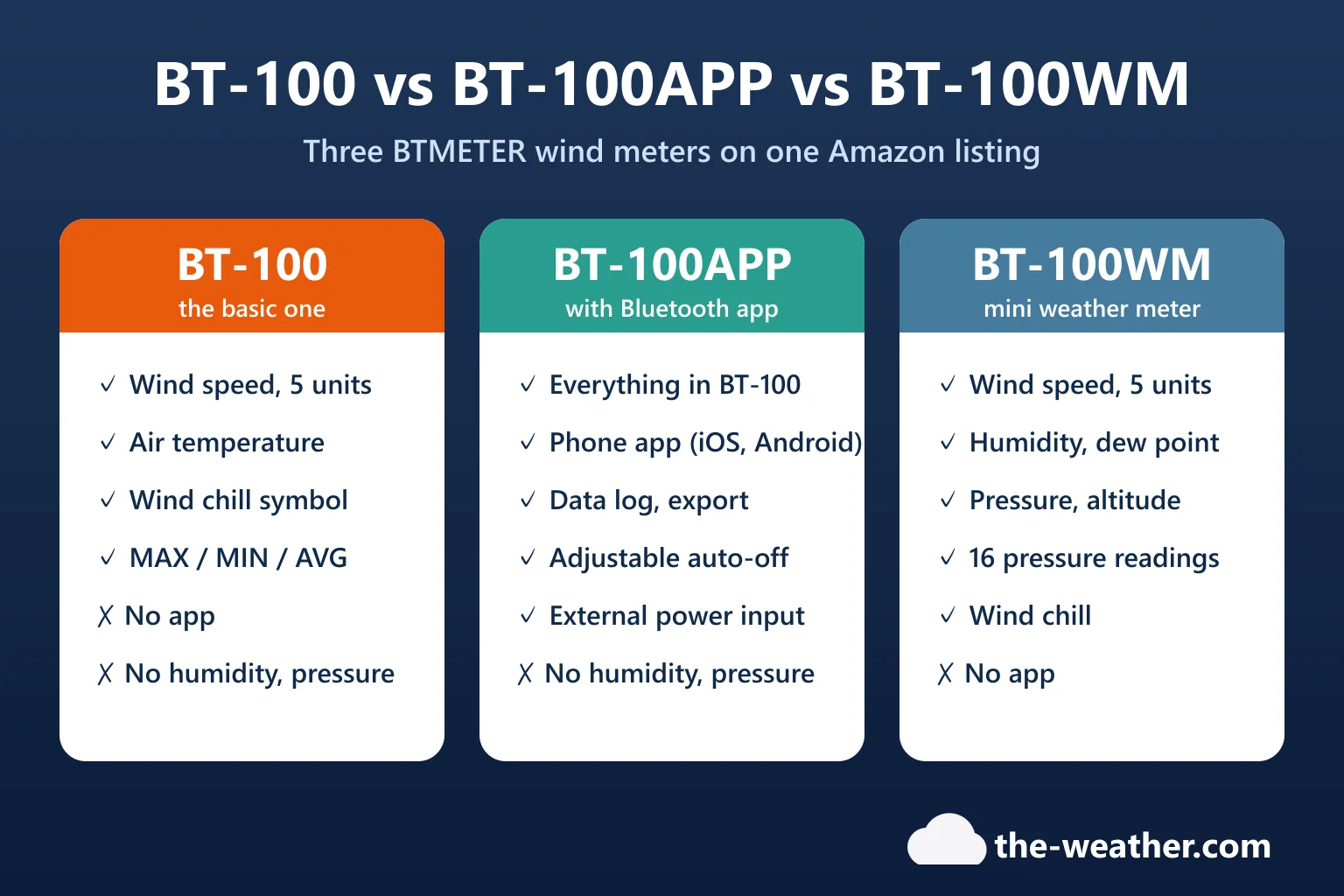
This page is for the basic BT-100. The BT-100WM has different buttons and modes (pressure, altitude, humidity and dew point), and its own manual: for example, you hold a button for 3 seconds to switch the backlight, and pressure calibration has its own mode. The BT-100APP uses the same six buttons plus Bluetooth: install the app by scanning the QR code in its manual, switch the meter on, turn on Bluetooth and wait for the green light. Both are explained in BT-100 vs BT-100APP vs BT-100WM.
Full specifications, where the listing and the manual disagree, and tips for good readings are in our BT-100 review.
Need one? BTMETER BT-100 on Amazon (choose "BT-100 Anemometer"). Affiliate link: we may earn a commission if you buy through it, at no extra cost to you.
BT-100 Manual FAQ
How do I change units on the BTMETER BT-100?
Press the UNIT button (2). Each press moves to the next wind speed unit: m/s, km/h, ft/min, knots and mph. The °F/°C button (5) switches the temperature unit.
What does AVG mean on the BT-100?
AVG shows the average wind speed over 15 seconds, according to BTMETER's manual.
How long does the BT-100 backlight stay on?
15 seconds after you press the light button (4). Press again to switch it off.
When does the wind chill symbol show on the BT-100?
When the temperature is below 0 °C (32 °F), according to the manual.
How do I turn off the BT-100?
Press the power button (1) again. The manual also lists auto power off but gives no time or setting for it.
Update Log
- October 22, 2026: First version, based on BTMETER's instruction manual.
Sources
- BTMETER: Anemometer instruction manual, BT-100 (PDF)
- BTMETER BT-100 Amazon listing with BTMETER's FAQ (ASIN B07J64TCBQ), read October 22, 2026
- National Weather Service: Wind Chill Chart