As an Amazon Associate, I earn from qualifying purchases.
In this article 4 sections
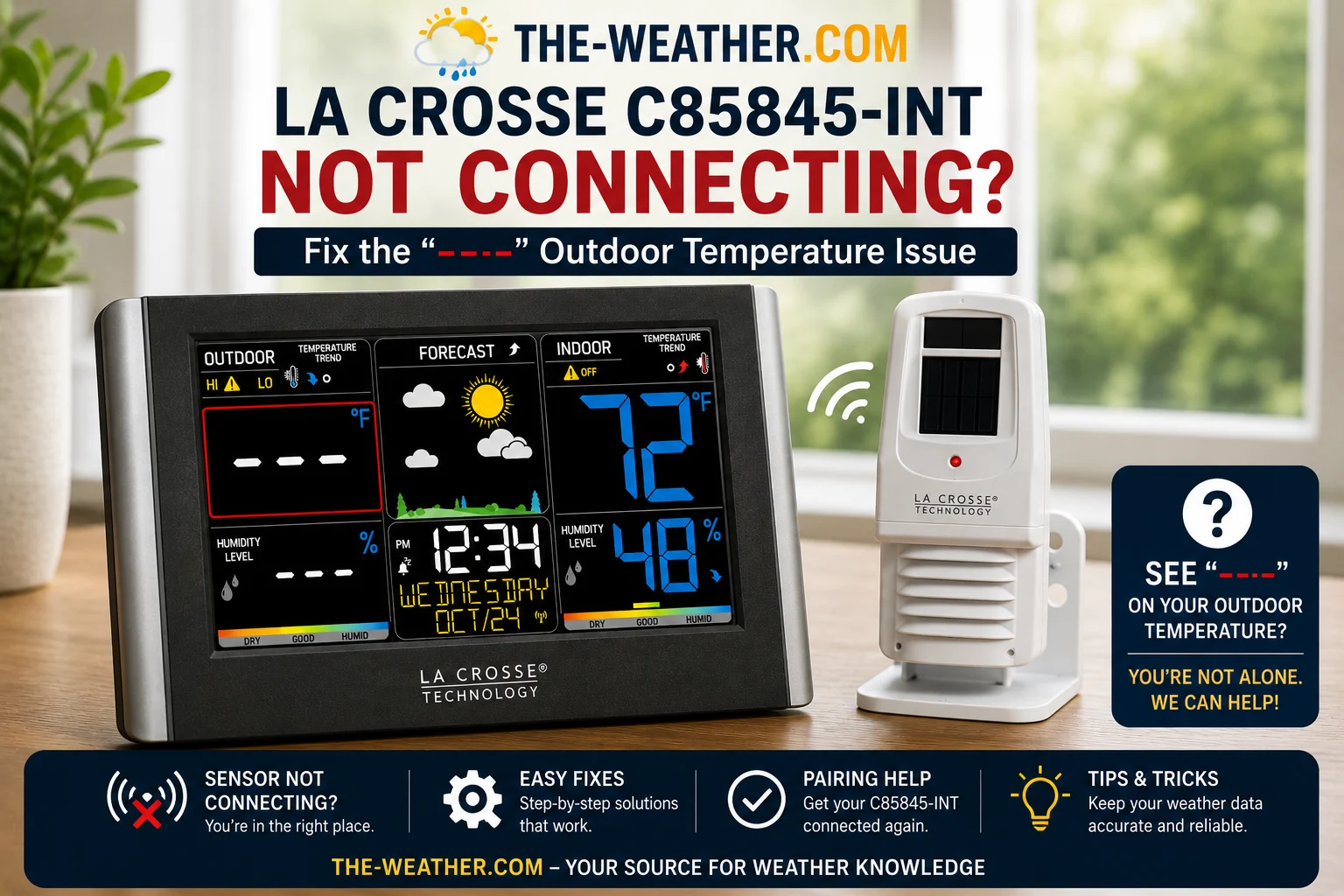
Dashes in the outdoor temperature area mean the C85845-INT display has lost the wireless signal from the TX141TH-B outdoor sensor.
The dashes problem on the C85845-INT almost always has one of three causes: depleted batteries in the outdoor sensor, a channel mismatch after battery replacement, or a wireless link that needs to be re-established after a power interruption. The Quick Connect procedure combined with fresh batteries is one of the most effective first troubleshooting steps for this issue.
This page covers all six fixes in the order La Crosse Technology's own support documentation recommends: starting with the fastest and working toward the more involved. For the full C85845-INT review and specs see the C85845-INT review page. For initial setup and first-time pairing see the C85845-INT setup page.
What Causes the Outdoor Sensor to Stop Connecting
Most common cause. The TX141TH-B sensor draws power continuously: batteries typically last 12 to 24 months. Fix: replace with fresh AA alkaline.
When batteries are replaced the channel switch may shift. The sensor and display must be on the same channel (1, 2, or 3). Fix: check inside battery compartment.
A power interruption can cause the wireless link to be lost, requiring a Quick Connect or re-pairing. Fix: Quick Connect procedure re-establishes it without a full reset.
Maximum range is 330 ft in open air: walls and metal surfaces reduce this significantly. Fix: test with both units indoors first, then move sensor gradually.
Other wireless devices, metal roofing, and concrete walls can block the 433MHz signal. Fix: relocate sensor or display, avoid placing display near electronics.
After several years of outdoor exposure the TX141TH-B transmitter can fail, especially if water has entered the housing. Fix: consider sensor replacement.
The 6 Fixes: In Order
- Remove the battery cover from the TX141TH-B outdoor sensor
- Remove the old batteries and inspect the contacts for corrosion: clean with a dry cloth or pencil eraser if needed
- Install two fresh AA alkaline batteries: use a name brand (Duracell, Energizer) dated at least 7 years ahead
- For normal operation, La Crosse recommends fresh alkaline batteries: avoid rechargeable, heavy duty, or off-brand types
- Wait 2 to 3 minutes for the sensor to begin transmitting
The Quick Connect re-establishes the wireless link without a full reset. Use this when the sensor and display have previously worked together and the connection has been lost due to a power interruption or battery change.
- Bring the outdoor sensor and display console indoors
- Place them 5 to 10 feet apart with nothing between them
- On the display, hold the TEMP button for 5 seconds: the outdoor temperature area will flash to indicate it is searching
- On the outdoor sensor, press and release the TX button (inside the battery compartment or on the back of the sensor)
- Wait up to 2 minutes for the outdoor temperature reading to appear
The TX141TH-B sensor has a small channel switch inside the battery compartment that selects Channel 1, 2, or 3. If the channel on the sensor does not match the channel the display is listening on, the display will show dashes regardless of battery level or distance.
- Open the outdoor sensor battery compartment
- Locate the channel switch: a small sliding or rotating selector marked 1, 2, 3
- Note which channel it is currently set to
- On the display, check the channel indicator: refer to the C85845-INT manual for the channel selection button location
- Set both units to the same channel, then run the Quick Connect (Fix 2)
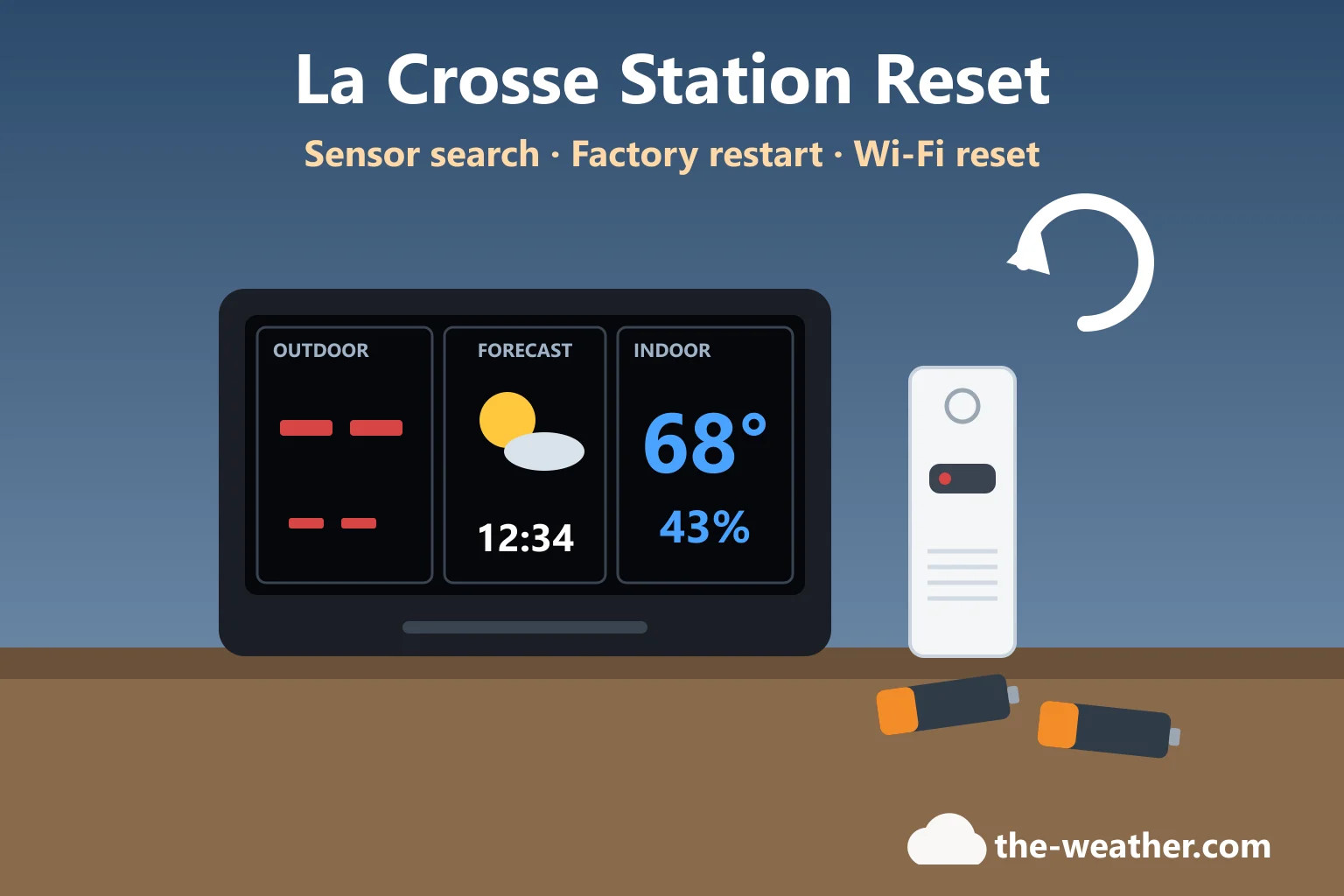
A full factory reset clears all stored pairing data and forces both units to establish a fresh connection. This takes approximately 15 minutes but resolves issues that Quick Connect cannot.
- Unplug the AC adapter from the display console
- Remove the 3 AA backup batteries from the display
- Remove the 2 AA batteries from the outdoor sensor
- Press any button on the display at least 20 times to fully discharge stored memory: wait until the display is completely blank
- Leave both units with no power for at least 10 minutes
- Install fresh batteries in the outdoor sensor first: the sensor LED should flash approximately every 30 seconds
- Restore power to the display (plug in AC adapter, then install backup batteries)
- Do not press any buttons on the display for 15 minutes: allow the units to find each other automatically
Range test: After pairing indoors, place the sensor in a separate room with one wall between the sensor and display. If the outdoor temperature still reads correctly after 15 minutes, the range is sufficient for that location. Add one obstacle at a time until you find the effective limit. The C85845-INT's 330 ft range is in open air: each wall or major obstruction can significantly reduce the effective wireless range depending on construction material.
Freezer test (practical diagnostic tip): A practical way to confirm the display is reading your own sensor is to place the outdoor sensor in the freezer for 30 to 60 minutes and watch whether the outdoor temperature on your display drops accordingly. If it drops, your display is reading your sensor correctly. If it does not change, the display may be locked onto a neighbour's sensor on the same channel: change channels and re-pair. This is a useful field check rather than an officially documented manufacturer procedure.
If the sensor is several years old and all troubleshooting fails, transmitter failure becomes increasingly likely, particularly after extended exposure to rain, standing water, or freezing temperatures.
La Crosse Technology lists the TX141TH-BV3 as a replacement sensor for the C85845 series: however compatibility can vary between console versions. Before ordering, confirm the correct model and frequency on the La Crosse Technology website or contact their support line at 608-785-7939 to verify compatibility with your specific unit.
Quick Diagnosis: Which Fix to Try First
Frequently Asked Questions
Why is my La Crosse C85845 outdoor sensor showing dashes?
Dashes mean the display has lost the wireless signal from the TX141TH-B outdoor sensor. The most common causes are depleted sensor batteries, a channel mismatch, or the wireless link needing re-establishment after a power interruption. Start with fresh AA alkaline batteries in the sensor, then run the Quick Connect procedure.
How do I reset the La Crosse C85845-INT outdoor sensor?
For a Quick Connect: bring both units indoors 5 to 10 feet apart, hold the TEMP button for 5 seconds until the outdoor area flashes, press the TX button on the sensor, and wait 2 minutes. For a full factory reset: remove all power from both units, press a display button 20 times to clear memory, wait 10 minutes, reinstall sensor batteries first, restore display power, and do not press any buttons for 15 minutes.
What channel should the La Crosse C85845 outdoor sensor be on?
The TX141TH-B sensor has a channel switch (1, 2, or 3) inside the battery compartment. The display must be set to the same channel. A channel mismatch after battery replacement is one of the most common causes of no signal: check both units show the same channel before troubleshooting further.
What replacement sensor works with the La Crosse C85845-INT?
La Crosse Technology lists the TX141TH-BV3 as a replacement for the C85845 series: confirm compatibility with your specific console version on the La Crosse Technology website or by calling 608-785-7939 before ordering. If your sensor is several years old and no longer connecting after troubleshooting, transmitter failure becomes increasingly likely and replacement is worth considering.
Related La Crosse pages
Community Feedback
Fresh batteries combined with the Quick Connect procedure are the first troubleshooting steps La Crosse Technology recommends. All fixes on this page are sourced from La Crosse Technology's official support documentation.

Lena Thornton
Weather Station Analyst & CWOP Contributor. Lena researched, reviewed and analysed C85845-INT connectivity issues using La Crosse Technology's official support documentation. Updated July 2026.