As an Amazon Associate, I earn from qualifying purchases.
In this article 9 sections
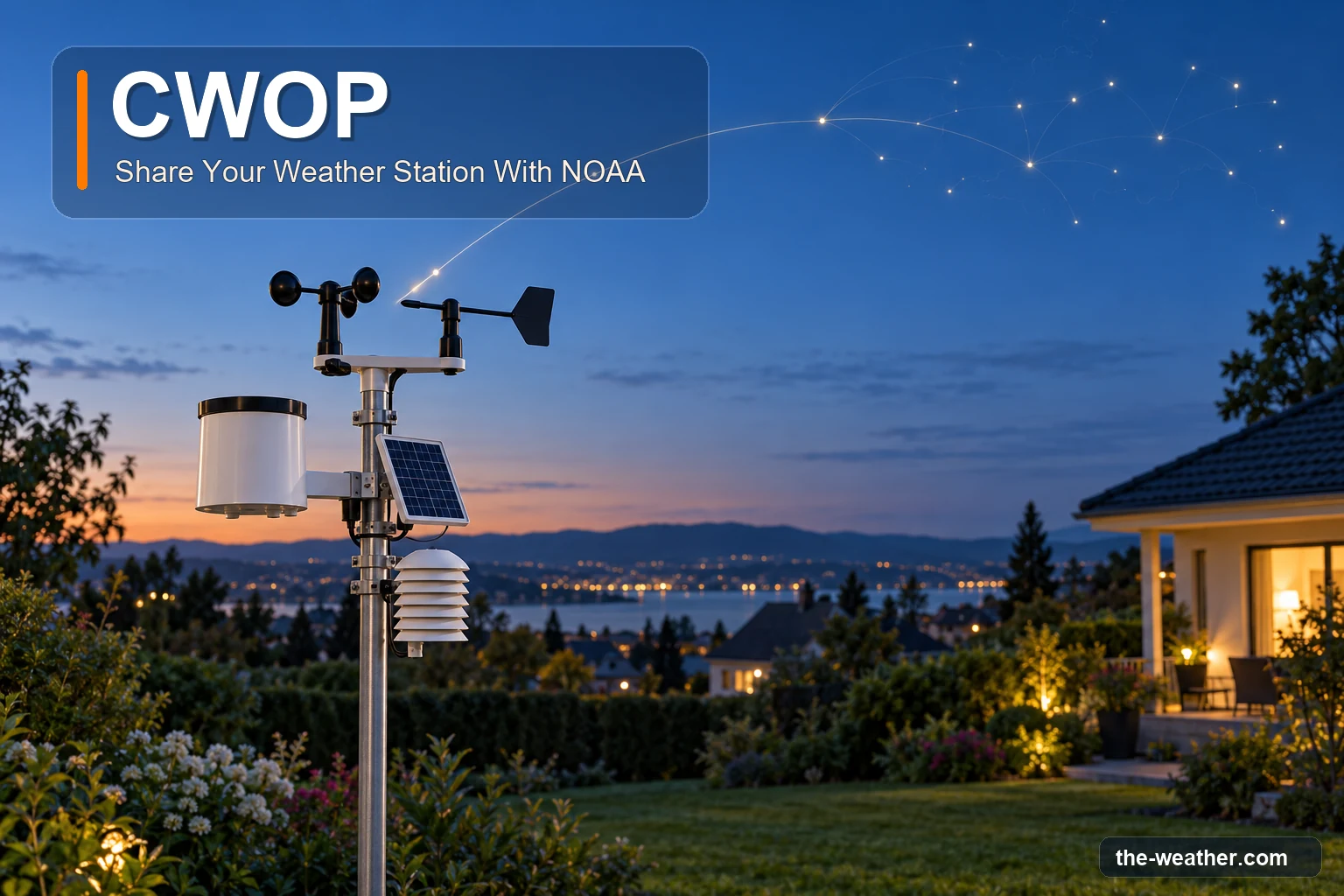
Your weather station already knows things the airport does not: how cold it gets in your valley, when the wind picks up on your ridge, how much rain fell on your street. With CWOP, the National Weather Service can see that too. It is free, the NWS says setting it up is usually quick, and from then on your readings flow to NOAA automatically.
Short answer: the Citizen Weather Observer Program (CWOP) is a free public-private partnership that collects weather data from private stations and makes it available to weather services. To join: note your latitude, longitude and elevation, request a station ID on NOAA's MADIS sign-up page, enter that ID in your station's software, and check on findu.com that your data arrives. Your station is only registered once it actually sends data (NOAA MADIS).
Editorial Research
- Written by
- Lena Thornton, Weather Station Analyst & CWOP Contributor
- Based on
- NOAA MADIS (CWOP sign-up page and FAQ), CWOP pages of the National Weather Service offices in Wilmington OH, Flagstaff AZ and Blacksburg VA, and the NWS El Paso guide to siting a personal weather station
- Research last verified
- October 19, 2026
What Is CWOP?
CWOP stands for the Citizen Weather Observer Program. The National Weather Service office in Wilmington, Ohio describes it as a private-public partnership with three goals:
- collect weather data contributed by citizens;
- make that data available to weather services and homeland security;
- give contributors feedback so they can check and improve their data quality.
Your readings end up in MADIS, NOAA's system that gathers observations from many networks, checks them and passes them on to forecasters and researchers. And it costs nothing: the NWS office in Flagstaff puts it simply, "Signing up for CWOP is easy and free."
One thing people often mix up: CWOP is not the same as Weather Underground. The MADIS FAQ says it plainly: "CWOP is not associated in any way with Weather Underground." You can send to both, but they are separate (more on that below). If you are curious about the other one, see our page on Weather Underground.
Why Your Backyard Data Matters
Official stations are often at airports, and your town is not an airport. According to the NWS office in Wilmington, data from personal stations can improve computer model data, and with it the forecasts for your area. It also helps forecasters spot microclimates: local differences in temperature, wind and rain that an airport sensor simply does not see.
The NWS office in Flagstaff adds that your data becomes part of the tools National Weather Service offices use nationwide.
An honest note, though: a home station is not an official climate station. The same NWS siting guide we use below points out that the accuracy of a personal weather station is not in the range needed for climate-quality data.
What You Need
The NWS office in Flagstaff lists three things:
The second point is the one to check before you start. Not every station has a CWOP option in its own app. Look in your manual or the upload settings for "CWOP" (sometimes listed together with APRS, the radio-amateur network that CWOP data travels over). If it is not there, separate weather software running on a computer can often do the sending for you.
How to Join CWOP in Four Steps
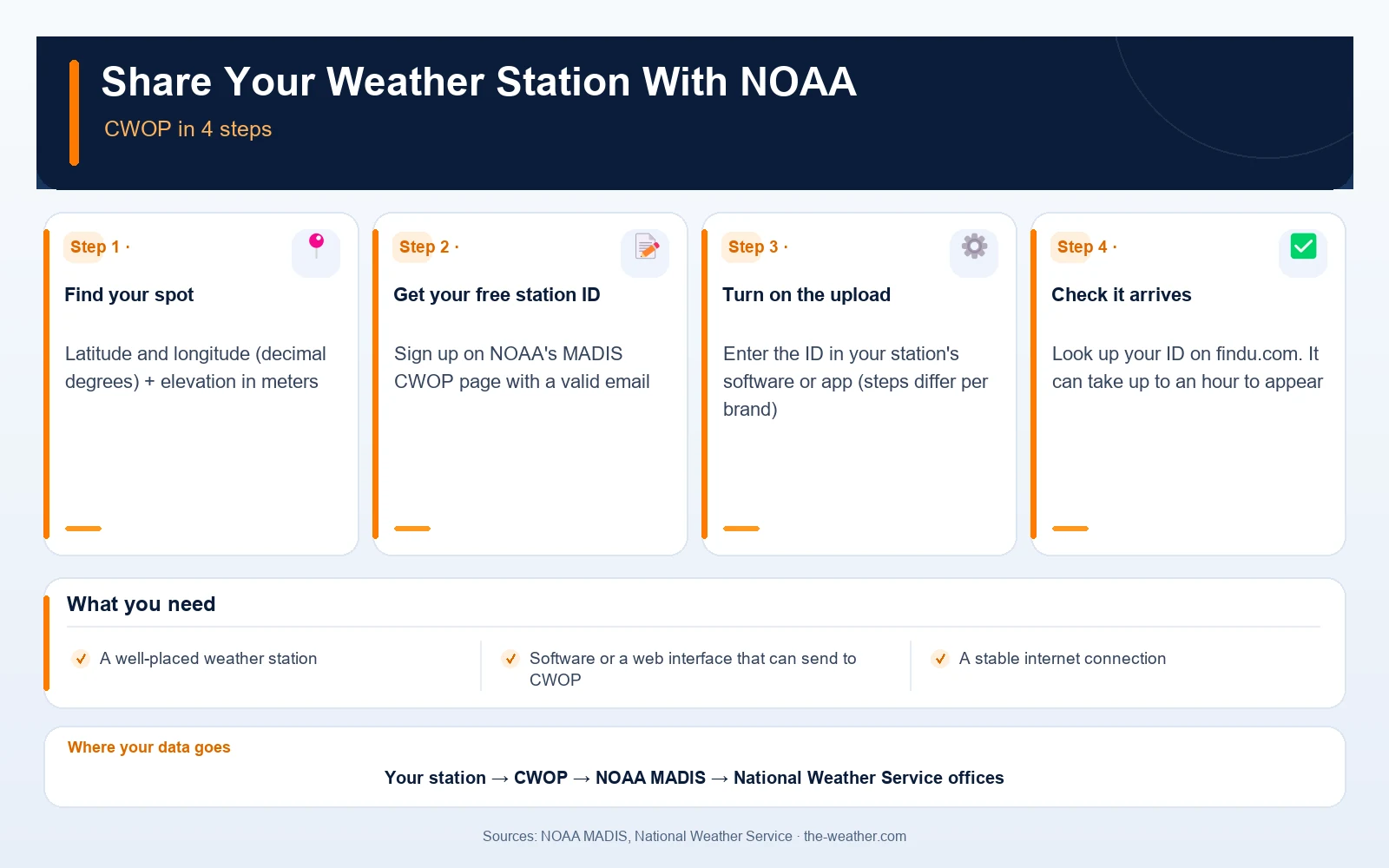
1. Find your exact spot
The NWS office in Blacksburg, Virginia says you need your latitude and longitude in decimal degrees (for example 37.2296, not 37°13'47") and your elevation in meters. Take the location of the station itself, not of your street address, and convert feet to meters if needed (divide by 3.281).
2. Request your station ID
Fill in the sign-up form on NOAA's MADIS CWOP page and choose New Account Request. According to the page, that option is for obtaining a CWOP Site ID or, if you are a radio amateur, registering your ham call sign; the form asks whether you are a ham radio operator. The NWS office in Blacksburg says your station ID arrives in a confirmation email, so use a valid address. Keep in mind: receiving an ID is not the same as being registered. That only happens once your station sends data (step 4 and the table below).
3. Turn on the upload
Enter the ID in your station's software or web interface. The steps differ per brand. As an example, the NWS office in Blacksburg describes it for Davis WeatherLink.com: open your station's bulletin page, then Share and Uploads, Uploads, Add Uploads, choose CWOP from the list and enter your station ID if asked.
4. Check that your data arrives
Look up your station ID on findu.com, the search tool the NWS points to. According to the NWS office in Blacksburg, it may take up to an hour before data starts to appear. You can also look for your station on the MADIS surface observations map.
The Snags That Trip People Up
This is where most sign-ups go quiet. The rules come from the MADIS sign-up page and FAQ:
| What happens | Why | What to do |
|---|---|---|
| Your station shows as inactive | A site is only registered once it sends data. Until then it stays unregistered and inactive. | Finish step 3 and check step 4. Registration follows the data. |
| Your site disappears | A site can be removed if it is not fully registered within 90 days of the application. | Do not sign up and then leave it for months. Set up the upload the same week. |
| You never get your ID | The ID is sent by email, and a bad email is also a reason for removal. | Use an address you check, and look in your spam folder. |
| You also send to another site | MADIS wants to avoid the same readings arriving twice. | Let MADIS technical support know (madis-support@noaa.gov), as the sign-up page asks. |
| Your station sits in the wrong place on the map | The MADIS CWOP FAQ (last updated in 2017) says the CWOP manager checks that the plotted location is reasonable before registering a station. | Double-check the decimal degrees and the minus sign for western longitudes. |
Sources: NOAA MADIS CWOP sign-up page and CWOP FAQ. Two different addresses, both from the sign-up page: questions about the form or your CWOP account go to CWOP Support (cwop-support@noaa.gov); the notice that you also send data to another site goes to MADIS technical support (madis-support@noaa.gov).
That minus sign deserves a moment. For stations in the contiguous United States, longitude is normally expressed as a negative decimal value, because it lies west of Greenwich. Forget the minus and your backyard lands on the other side of the world. Always check the coordinates for your actual location before you submit them.
Siting: Better Placement, Better Data
Since your readings now go to forecasters, placement matters more than before. The NWS office in El Paso wrote a guide to siting a personal weather station. In short: avoid obstructions and anything that biases a reading, such as dark surfaces or concrete that cools slowly. Their ideal standards are below. Note: these are recommendations for better measurements, not entry requirements for CWOP. The sign-up rules are the ones in the table above.
| Sensor | Ideal placement | Distance from obstacles |
|---|---|---|
| Temperature and humidity | Over level ground with a surface typical for the area (not rock, concrete, dark surfaces, roofs or irrigated lawn), in a ventilated radiation shield | 2 times the height of the nearest object (40 ft from a 20 ft tree), away from chimneys, vents and air conditioners |
| Anemometer (wind) | 33 ft (10 m) above the ground; on the side of a mast, on a boom 3 times the mast diameter long | 10 times the height of the nearest obstruction |
| Rain gauge | 4 to 6 ft above the ground, mounted level, away from surfaces that splash or collect snow | 4 times the height of the nearest obstruction |
Source: National Weather Service El Paso, "Personal Weather Station: Siting".
Few backyards can meet all of this, and the guide says so itself: in most cases you will have to make compromises, but the closer you are to the standards, the better. For an all-in-one station, it suggests a height somewhere in between the ideal for the temperature and rain sensors and the ideal for the wind sensor. Their example is about 6 to 7 feet: not ideal for wind, but an acceptable compromise. Mount it higher and the rain funnel will need more cleaning.
The difference between the best placement in theory and the best placement in your yard is normal. A station that is not ideally placed can still give useful local observations, as long as you know its limits (for example, a wind sensor that sits low next to the house) and nobody treats the readings as official climate measurements.
Want to check your own setup? Our guide to choosing a home weather station and the weather station offline fixes help if the upload keeps dropping.
CWOP FAQ
Does it cost anything to join CWOP?
No. The National Weather Service office in Flagstaff says signing up for CWOP is easy and free. You only need a station, software that can send the data and an internet connection.
Do I need a ham radio license?
No. The MADIS sign-up page offers a CWOP Site ID for people without a ham call sign; radio amateurs can register their call sign instead.
How long until my data shows up?
The NWS office in Blacksburg says it may take up to an hour for data to start appearing on findu.com. Your site only becomes registered and active once it sends data.
Is CWOP part of Weather Underground?
No. The MADIS FAQ states that CWOP is not associated in any way with Weather Underground. If you send to both, MADIS asks you to tell its technical support, to avoid duplicate data.
What happens if I sign up but never send data?
Your site stays inactive and unregistered, and it can be removed if it is not fully registered within 90 days of the application.
Update Log
- October 19, 2026: Page published after an editorial review (support addresses, sign-up wording and siting context checked again against the current MADIS sign-up page). Sign-up steps and rules checked against the NOAA MADIS sign-up page and FAQ and the CWOP pages of three National Weather Service offices; siting standards from the NWS El Paso siting guide.
Sources
- NOAA MADIS: CWOP sign-up
- NOAA MADIS: CWOP FAQ
- National Weather Service Wilmington, OH: Citizen Weather Observer Program
- National Weather Service Flagstaff, AZ: Citizen Weather Observer Program
- National Weather Service Blacksburg, VA: Citizen Weather Observing Program
- National Weather Service El Paso: Personal Weather Station Siting (PDF)
See also: Home Weather Stations · Weather Underground · Microclimates