As an Amazon Associate, I earn from qualifying purchases.
In this article 14 sections
- Backyard Accuracy at a Glance
- The App vs. The Station: The Real Difference
- Why Proximity is Everything in Meteorology
- How to Ensure Your Station Stays Accurate
- Comparing the Sources
- The Anatomy of a Storm: Data Timeline
- Common Reasons Forecasts Fail (And Stations Don't)
- Is Your Data Reliable? The 3-Point Check
- A Note on Safety
- Frequently Asked Questions
- Watch: Can You Really Trust Your Weather App?
- More Weather Wisdom
- Reliable Meteorological Sources
- Updates & Revisions

Honey, we’ve all been there. You plan a beautiful backyard BBQ because the app said "0% chance of rain," only to end up flipping burgers under a sudden downpour while the app still insists it's sunny. Bless their hearts, those big weather apps are trying, but they aren't standing in your garden! In this guide, I’m going to show you exactly why your personal weather station data is the only truth you should trust for your home.
Backyard Accuracy at a Glance
Data from your yard, not the airport 10 miles away.
Updates every 16 seconds vs. every hour.
Captures the unique heat or cool of your specific lot.
Know exactly how much water hit your roses.
Direct sensor-to-console connection.
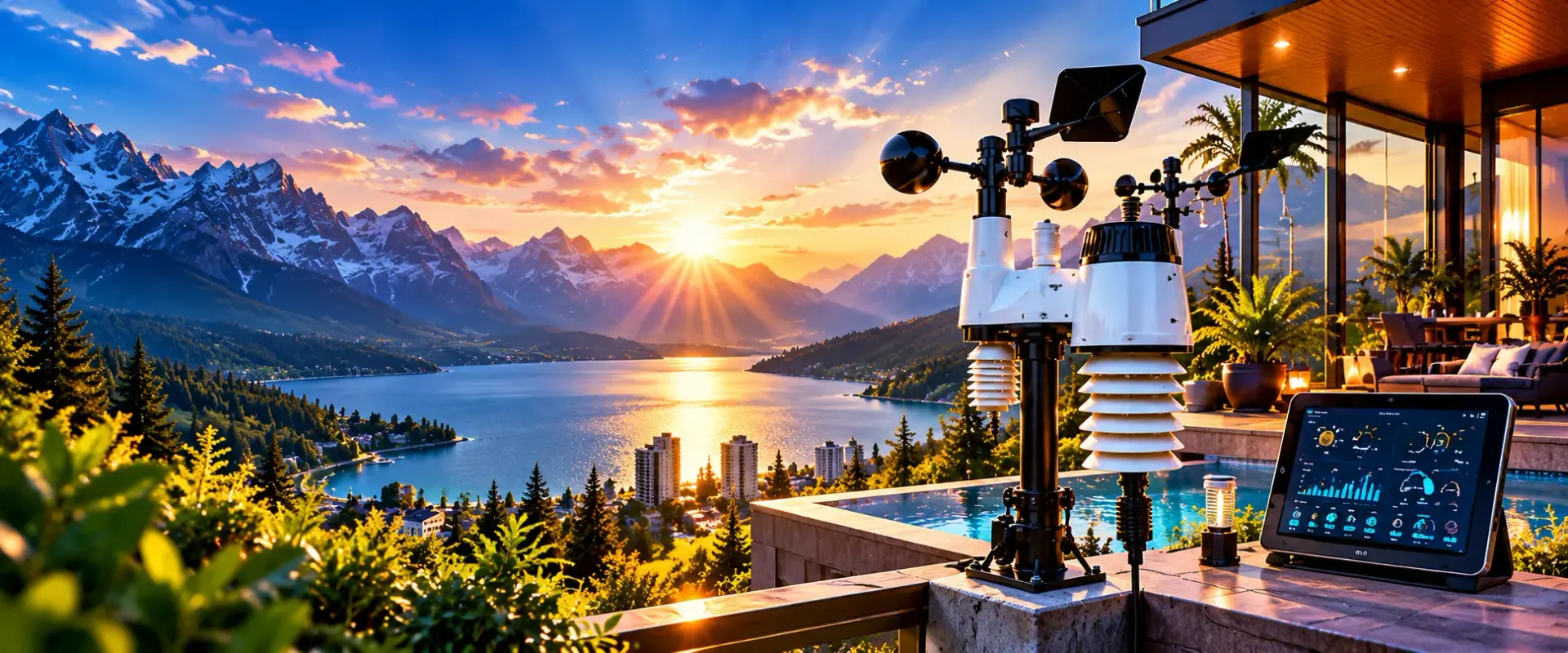
Modern 7-in-1 stations are sleek and compact.
The App vs. The Station: The Real Difference
| Feature | Weather App / Forecast | Backyard Weather Station | The Winner |
|---|---|---|---|
| Data Source | Nearest Airport (NWS) | Your Actual Backyard | Station |
| Update Frequency | 15 - 60 Minutes | 16 - 30 Seconds | Station |
| Microclimate Aware | No (General Area) | Yes (Specific to You) | Station |
| Rain Accuracy | Estimated / Radar | Physical Measurement | Station |
| Reliability | Depends on Internet | Direct RF Signal | Station |
Now sugar, don't get me wrong. The National Weather Service does a fantastic job, but their sensors are usually located at major airports. If you live in a valley, on a hill, or even just in a neighborhood with lots of trees, your weather is going to be different from the airport's flat, concrete runway. This is what we call a "microclimate," and it’s the #1 reason why your app feels like it's lying to you.
When you use a home weather station, you are cutting out the middleman. You aren't waiting for a server in another state to update a map; you are seeing the wind gust that just shook your shutters in real-time. For anyone serious about gardening or storm safety, that difference is everything.
Why Proximity is Everything in Meteorology
The Tree Canopy Effect
Trees provide shade and block wind. An airport sensor is in the wide open, but your yard might be 5 degrees cooler and much calmer.
Urban Heat Islands
Concrete holds heat. If you live in a city, your night-time temps will stay much higher than the "official" forecast predicts.
Localized Downpours
Rain is incredibly spotty. It can pour on your house and be bone dry two blocks away. Only a physical rain gauge knows the truth.

The Data Gap Visualized
This infographic shows the journey of a weather alert. By the time an "official" reading reaches your phone, it has been processed, averaged, and delayed. Your station, however, is a direct line to the sky.
- Sensor: High-precision 7-in-1 arrays.
- Transmission: 915MHz or 433MHz RF signals.
- Console: Instant HD display of current conditions.
- History: Track trends over weeks and months.
If you're curious about the technical side, I highly recommend checking out our weather education section. It’s where we look at the "why" behind the wind!
How to Ensure Your Station Stays Accurate
- Proper Siting: Don't mount your station right next to your house or a brick wall. The heat radiating off the building will throw off your temperature readings. Aim for at least 50 feet away if you can!
- Leveling: Make sure your station is perfectly level. If it's tilted even a little bit, your rain gauge won't tip correctly, and you'll get "phantom" rain or miss half a downpour.
- Height Matters: For the best wind data, get that anemometer as high as possible. Professional wind is measured at 33 feet, but even 10 feet off the ground is better than being tucked behind a fence.
- Regular Cleaning: Spiders love rain gauges, honey! Every few months, give your station a quick wipe down and make sure no leaves are blocking the sensors.
- Calibration: Every once in a while, compare your readings to a trusted source. We have a great guide on how to calibrate your hygrometer using just a bit of salt and a baggie.
Comparing the Sources
Great for broad planning (should I bring an umbrella to work?). It uses massive computer models like the GFS or ECMWF, but it lacks the "eyes on the ground" for your specific street.
The gold standard for home use. Units like the VEVOR 7-in-1 provide a complete picture of your environment without breaking the bank.
Scientific grade and incredibly accurate... for the airport. It’s the data used for historical records, but it doesn't account for the shade tree in your backyard.
The Anatomy of a Storm: Data Timeline
Common Reasons Forecasts Fail (And Stations Don't)
- Model Resolution: Most weather models look at "blocks" of land that are miles wide. They can't see your specific house.
- Update Lag: It takes time for data to be collected, processed, and pushed to your phone. By then, the weather has often changed.
- Sensor Elevation: Official sensors are often at different heights than where you actually live and breathe.
- The "Human" Factor: Forecasters often have to make a "best guess" for a whole city, which might not apply to your neighborhood.
Is Your Data Reliable? The 3-Point Check
Lena's Verdict: If you want to know the weather, look at the sky. If you want to *understand* the weather, look at your station.
A Note on Safety
While backyard stations are amazing for accuracy, they are not a replacement for official emergency alerts. If a tornado or severe storm is heading your way, your Wi-Fi might go down! Always keep a dedicated weather alert radio with a battery backup in your home. Use your station for the data, but use a NOAA radio for your life!
Lena’s Backyard Wisdom
I remember one summer when the local news was screaming about a "Heat Wave" hitting 100 degrees. I looked at my station, tucked under the shade of my big oak tree, and it was a pleasant 88. I spent the whole afternoon gardening while my neighbors stayed inside, glued to their apps. That’s the power of knowing *your* weather. Don't let a general forecast dictate your life, sugar!
Frequently Asked Questions
Why is my station's temperature different from my phone?
Your phone uses data from a station miles away (usually an airport). Your station measures the air exactly where you are. Factors like shade, pavement, and elevation make your yard unique!
How accurate are 7-in-1 weather stations?
Modern consumer stations are incredibly accurate for the price. Most are within 1-2 degrees for temperature and 5% for humidity. You can read more in our close look on 7-in-1 accuracy.
Do I need internet for my weather station to work?
Most stations use a direct radio signal to talk to the indoor console, so you'll see your data even if the internet is out. You only need Wi-Fi if you want to see your data on your phone or upload it to the cloud.
Can I share my data with others?
Yes! Most smart stations allow you to upload your data to networks like Weather Underground, so your neighbors can benefit from your accurate backyard readings too.
Watch: Can You Really Trust Your Weather App?
More Weather Wisdom
Reliable Meteorological Sources
Updates & Revisions
Last Updated: January 15, 2026. This article was reviewed for scientific accuracy regarding microclimates and sensor technology. Updated to include the latest 2026 station performance data.

Lead Reviewer at The-Weather.com
I've spent over a decade tracking storms and researching weather gear. When I'm not analyzing barometric pressure trends, you can find me in my garden or teaching my grandkids how to read a rain gauge. I believe that local data is the best data!