

Our picks in this guide
Compare the models in this guide
See today’s price, delivery options and customer reviews on Amazon.
As an Amazon Associate, I earn from qualifying purchases.In this article 4 sections
A nursery hygrometer gives you a reliable number rather than a guess: useful in winter when central heating dries the air and in summer when humidity rises.
A baby room hygrometer does one practical job: tells you whether the air your baby is breathing is in a reasonable humidity range. Central heating in winter can drop indoor humidity well below comfortable levels. Warm summer months can push it above 60% where dust mite populations increase. A hygrometer makes that visible rather than invisible.
Ideal Baby Room Conditions: What the Numbers Mean

General reference ranges: consult your paediatrician for guidance specific to your baby.
General reference ranges
The 40–60% RH range is commonly cited in childcare and home health resources. In practice, most homes sit within this range naturally during mild weather. Winter heating is where humidity drops most noticeably: forced-air heating can pull indoor humidity below 30% on cold days. A humidifier paired with a hygrometer is a common response for parents who find their nursery consistently running dry.
These are general reference figures. Consult your paediatrician for specific guidance.
Comparing hygrometers? Our overview of the best hygrometers for every room puts the picks for bedrooms, basements, grow tents and humidors side by side.
Quick Picks at a Glance
| Pick | Best for | Phone alerts | Setup needed | Link |
|---|---|---|---|---|
| ThermoPro TP50 ⭐ | Best simple display: zero setup | ✗ | Battery only | Amazon |
| Govee H5179 | Phone alerts while baby sleeps | ✓ Wi-Fi | App + Wi-Fi | Amazon |
| Inkbird IBS-TH2 | Overnight logging and tracking | Via gateway | App + BT pairing | Amazon |
1. ThermoPro TP50: Best Simple Display for Baby Rooms
No app, no Wi-Fi, no setup: battery in and it shows temperature and humidity instantly
For most nurseries, the ThermoPro TP50 is the right choice. It sits on a dresser or shelf, displays temperature and humidity at all times, and the comfort level icon (Dry / Comfort / Wet) tells you at a glance whether the room is in an acceptable range. One AAA battery, no pairing, no account: it works the moment you put the battery in.
The TP50 is particularly well-suited for parents who check the nursery when they enter the room. A glance at the display confirms conditions without reaching for a phone. The daily high and low records tell you the range the room reached since your last check.
The TP50 cannot be calibrated per ThermoPro's official support documentation. For a nursery used as a general comfort monitor, calibration is not critical: readings within ±3% RH are accurate enough for the purpose. For precision monitoring, the Govee H5179 supports in-app calibration.
One genuine limitation for nursery use: no backlight. In a dark nursery at night the display is not readable without turning on a light. If you want a night-readable display, use a phone widget from the Govee H5179 app instead.
- Zero setup: works instantly from a single AAA battery
- Comfort indicator readable at a glance
- Sits on a dresser or mounts on the wall
- Inexpensive, easy to add one to every room
- Daily high/low records show overnight range
- No app, no account: nothing that can stop working remotely
- No phone alerts: will not notify you of changes
- No backlight, not readable in a dark room at night
- Cannot be calibrated
- No remote monitoring or data logging
Best for: Parents who check the nursery regularly and want a simple, always-visible display with no setup or ongoing maintenance.
Check ThermoPro TP50 on Amazon Amazon Associate: no extra cost to you.2. Govee H5179: Best for Alerts While Baby Sleeps
Phone notification when nursery humidity or temperature goes out of range · Swiss-made sensor
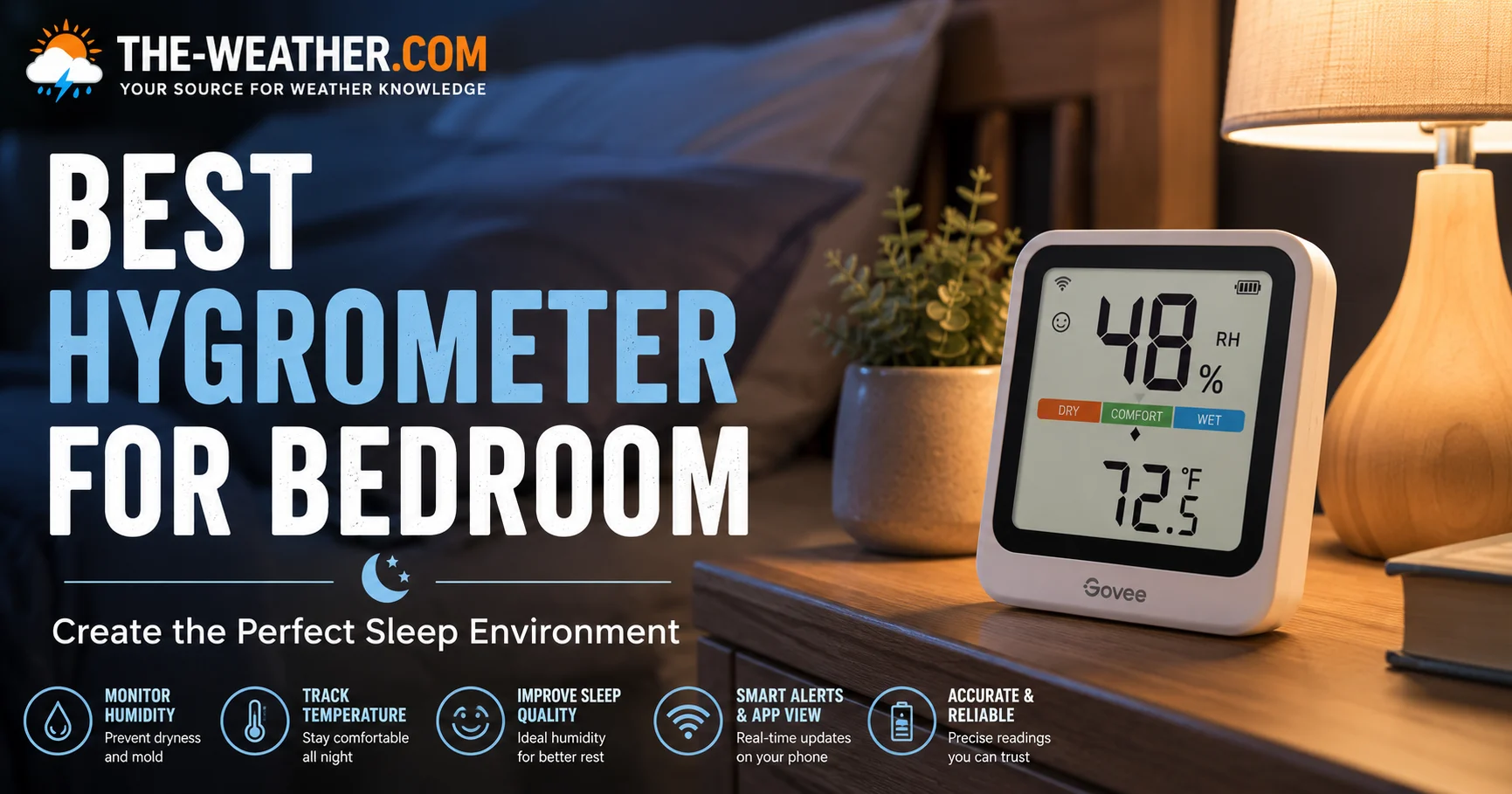
The Govee H5179 adds one key capability over the TP50 for nursery use: a phone notification when the room strays outside your set range. Configure an alert for 40–60% humidity and 68–72°F temperature via the Govee Home app, and you receive a push notification if conditions drift while the baby is sleeping and you are in another room. You do not need to keep checking: the alert comes to you.
The Swiss-made sensor achieves ±0.54°F temperature accuracy: considerably better than the TP50's ±2°F. The 2-second update rate means the app always shows current conditions rather than a reading that is potentially 10–30 seconds old. Up to two years of cloud-based data history lets you see patterns: whether the room consistently runs dry at night, or whether summer temperatures are pushing humidity above the comfortable range.
Two important things to know before buying: The H5179 requires a 2.4GHz Wi-Fi network and will not connect to 5GHz. Alert thresholds must be configured via a direct Bluetooth connection to your phone before they trigger remotely over Wi-Fi. The device has no display: you check conditions in the Govee Home app.
- Phone alert when nursery goes outside set range
- Swiss-made sensor: ±0.54°F accuracy
- Check conditions from any room via app
- Up to two years of data history: spot overnight patterns
- In-app calibration if readings need adjusting
- 2-second updates, always current in the app
- 2.4GHz Wi-Fi only: setup can fail on 5GHz mesh systems
- Alerts need Bluetooth configuration first
- No display on device: app required
- Cloud data storage policy subject to change
Best for: Parents who want a phone notification if the nursery goes out of the comfortable range overnight without checking the room directly.
Check Govee H5179 on Amazon Amazon Associate: no extra cost to you.3. Inkbird IBS-TH2: Best for Tracking Overnight Patterns
Logs temperature and humidity all night · 30,000 records · sync when you check in the morning
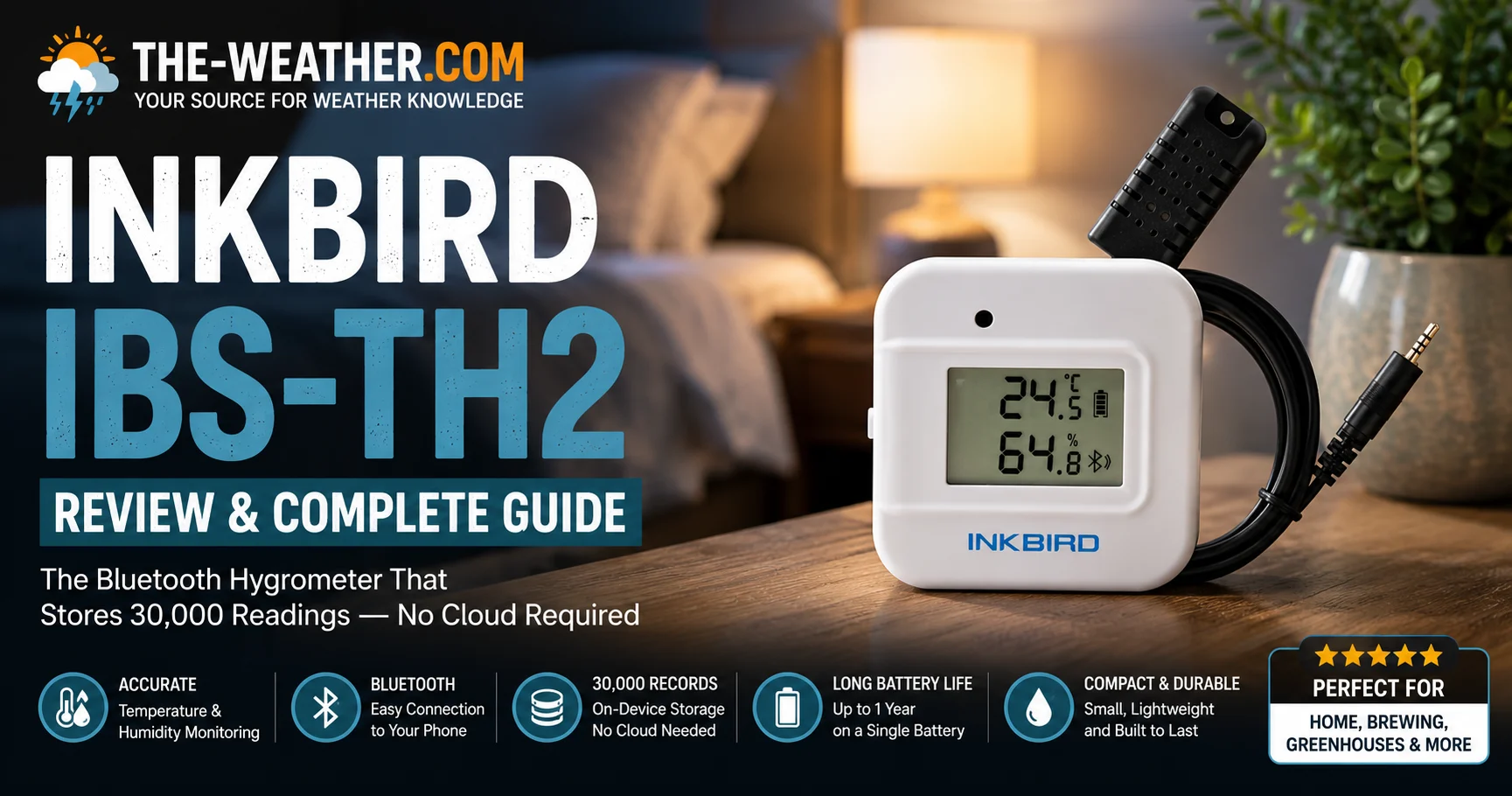
The Inkbird IBS-TH2 logs temperature and humidity continuously, up to 30,000 records on the device itself, even when your phone is not nearby. When you enter the nursery in the morning and your phone connects via Bluetooth, all overnight data syncs to the Inkbird app automatically. You can then see exactly what conditions were throughout the night: what time humidity peaked, whether the room warmed up before the morning wake-up, and how conditions compared across different nights.
For parents trying to understand why a baby is waking at a particular time, or whether a humidifier or fan change improved overnight conditions, this data can be genuinely useful. The on-device storage means no cloud account is needed and no data is lost if the Wi-Fi goes down overnight.
The IBS-TH2 does not send real-time alerts without the optional IBS-M2 Wi-Fi gateway (sold separately). Without the gateway you see the data in the morning rather than as it happens.
- Logs all night: review full overnight conditions in the morning
- 30,000 on-device records: no cloud dependency
- Compare conditions across multiple nights
- Calibration supported in-app
- Compact, sits anywhere without being intrusive
- No real-time alerts without IBS-M2 gateway
- Bluetooth only: data syncs when phone is within range
- Less accurate on temperature than Govee (±1.8°F vs ±0.54°F)
- No display on device
Best for: Parents who want to review overnight data patterns rather than receive real-time alerts, particularly useful when adjusting humidifier or ventilation settings.
Check Inkbird IBS-TH2 on Amazon Amazon Associate: no extra cost to you.Where to Place a Hygrometer in a Baby Room
- At crib or cot level: mount or place the sensor at roughly the same height as your baby when lying down. This gives the most representative reading for the air your baby is actually breathing, rather than conditions near the ceiling or floor.
- Away from the humidifier output, if you run a humidifier, do not place the sensor directly in the humidifier's mist path. This gives an artificially high reading. Position the sensor on the opposite side of the room to get a representative average humidity.
- Away from windows and exterior walls: these are colder in winter, which affects both temperature and humidity readings near the surface. A central wall position is more representative of general room conditions.
- Away from heating vents: direct warm air from a heating vent gives an artificially low humidity reading and an inflated temperature reading near the vent.
- Out of reach, for wall-mounted sensors, ensure they are positioned high enough to be out of reach as your baby grows into a toddler.
Frequently Asked Questions
What is the ideal humidity for a baby room?
The 40–60% RH range is commonly regarded as a comfortable indoor range for infants in home health and childcare resources. Below 35% can irritate airways and dry skin. Above 60% creates conditions associated with mould growth and increased dust mite activity. These are general reference figures: consult your paediatrician for guidance specific to your baby.
What temperature should a baby room be?
Most guidance suggests 68–72°F (20–22°C) for a sleeping baby's room: broadly the temperature that feels comfortable to a lightly clothed adult. A hygrometer that also measures temperature lets you monitor both from one device. Always follow your paediatrician's recommendations.
Do I need a hygrometer in a nursery?
It is not a medical requirement, but it is a practical tool. A hygrometer tells you whether humidity is actually within a comfortable range rather than guessing. In winter when heating runs continuously, nurseries can become significantly drier than the 40–60% range. A hygrometer makes that visible and actionable.
Is dry air bad for babies?
Very dry air can irritate a baby's nasal passages and throat, potentially contributing to congestion and disrupted sleep. This is more common in winter when central heating significantly reduces indoor humidity. Keeping humidity above 40% during heating season is a commonly cited approach. Consult your paediatrician for specific advice.
ThermoPro TP50 vs Govee H5179 for a nursery, which should I buy?
Buy the ThermoPro TP50 if you check the nursery regularly and want a simple bedside display with zero setup. Buy the Govee H5179 if you want phone notifications when the room goes out of range while the baby is sleeping and you are in another room. The Govee also has better temperature accuracy at ±0.54°F versus the TP50's ±2°F.
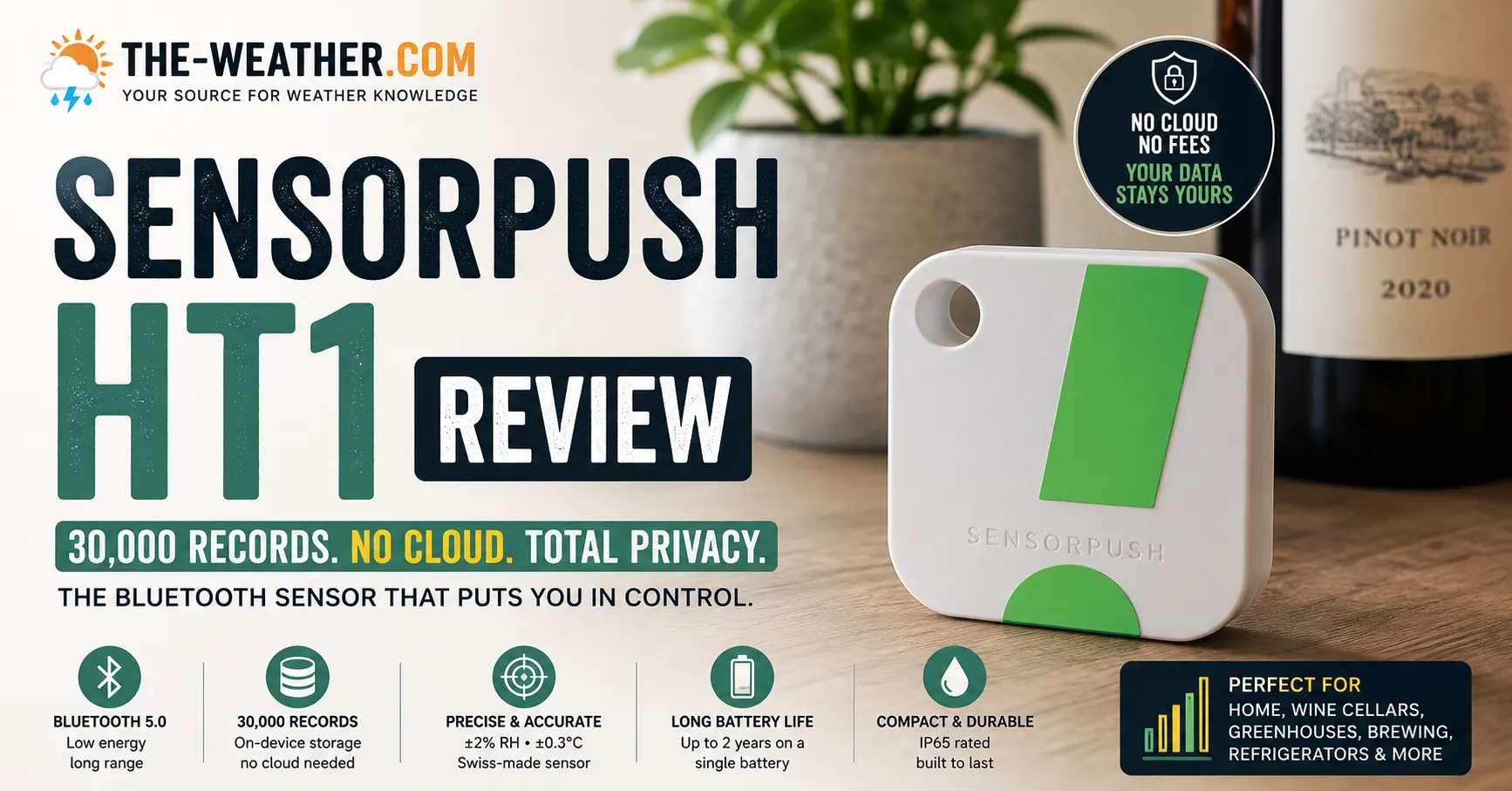
Our main hygrometer roundup covers the ThermoPro TP50, Govee H5179, Inkbird IBS-TH2, SensorPush HT1, and Ambient WH31 with full specs.
Sources
Product specifications from official manufacturer pages: Govee H5179 official US product page; Inkbird IBS-TH2 official page; ThermoPro TP50 calibration status from ThermoPro's official support article. Humidity and temperature ranges are general reference figures cited in home health resources, always consult a paediatrician for specific medical guidance. No manufacturer compensation was received.

Lena Thornton
Weather Station Analyst & CWOP Contributor. Lena has researched, reviewed and analysed weather stations and environmental sensors from AcuRite, Ambient Weather, Govee, ThermoPro, SensorPush, and Inkbird. Published June 2026.
Ready to decide?
Find your pick on Amazon
Prices and stock change daily. Check the current price, delivery options and what owners say in their reviews.
Our top picksCompare our picks on AmazonToday's price, delivery & owner reviews on Amazon
Check on Amazon →