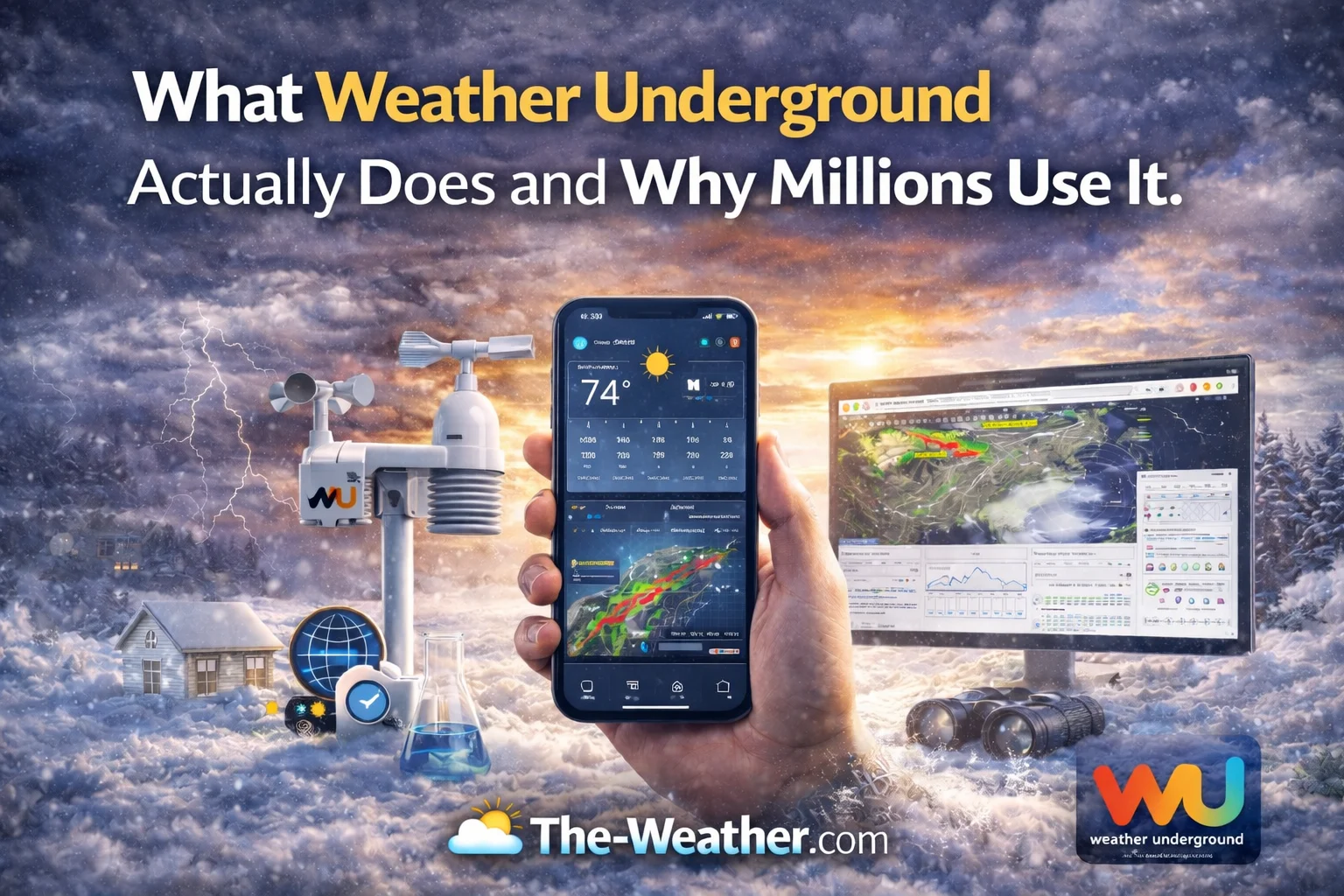
The Short Answer: Weather Underground (often called Wunderground) is a commercial weather service that provides real-time weather information via the Internet. What makes it unique—and why millions use it—is that it does not rely solely on official government weather stations located at airports. Instead, it aggregates live data from a massive network of over 250,000 Personal Weather Stations (PWS) installed in people’s backyards. This allows for “hyper-local” forecasting, telling you the exact temperature on your specific street rather than at the airport twenty miles away.
- 🏠 Source: 250k+ Backyard Stations.
- 📍 Accuracy: Hyper-local (Neighborhood level).
- 🗺️ Feature: Wundermap (Visual Radar).
- 🏢 Parent Co: Owned by IBM (The Weather Company).
The Core Difference: Airport vs. Backyard
I remember the first time I realized my phone’s weather app was lying to me. It said it was raining, but I was looking out the window at bright sunshine. The issue wasn’t the app being “broken”; it was the app telling me the weather at the nearest international airport, which was thirty miles south of my house.
This is where Weather Underground changed the game. Standard weather reports come from official government stations (like NOAA in the US). These are incredibly accurate, but they are far apart. Weather Underground fills in the gaps. By collecting data from enthusiasts who have set up stations in their gardens, on roofs, and in fields, they create a dense mesh of data points.
This approach allows for what we call “nowcasting.” Instead of a general prediction, you get live conditions. However, for this system to work, the data provided by users must be accurate. If a user installs their thermometer in direct sunlight, it will report 100 degrees when it is actually 80. This is why I always stress the importance of hardware. Using a Cekay Universal Pole Mount ensures sensors are positioned correctly—away from heat-radiating surfaces—so the data fed into the network is reliable.
🌍 How the Network Works
It is a symbiotic relationship. Weather enthusiasts buy their own equipment because they love tracking data. They connect these stations to the internet, and Weather Underground scoops up that data to improve their models. In return, the enthusiast gets to see their data published for the world to see.
But it isn’t just about temperature. These stations track humidity, wind speed, UV index, and rainfall. This granular data helps track storms with precision. For example, understanding what heat lightning actually is becomes easier when you can see a cluster of PWS stations reporting a pressure drop and lightning strikes in the distance on the WunderMap.
This network is vital during severe weather. While official radar is great, ground-truth reports of wind speed are invaluable. If you are part of this network, you know the responsibility of providing good data. Learning how to calibrate your hygrometer using the salt test is a rite of passage for any serious Weather Underground contributor. It ensures that when you report 90% humidity, your neighbors can trust it.
The Wundermap: Visualizing the Data
The crown jewel of their service is the “WunderMap.” It is an interactive map that overlays radar, satellite, and thousands of personal stations. You can filter by:
See real-time heat maps of your city. Watch how the sea breeze cools down the coast while inland areas bake.
Track exactly how much rain has fallen in specific neighborhoods during a storm, spotting flood risks instantly.
Visual warnings for tornados and hurricanes. It helps you validate visual signs, like knowing the Red Sky at Night meaning science implies high pressure is incoming.
Using the map helps dispel common fears. You might see a flash and worry, but checking the map confirms if it’s a severe cell. It also helps clarify misconceptions, such as common lightning myths debunked by meteorologists, by showing you exactly where strikes are occurring relative to the rain shaft.
Visual Guide: The Data Journey
How does a breeze in your backyard end up on a smartphone in London? This graphic explains the flow of information.
- Step 1: Your sensor reads the environment.
- Step 2: Console sends data to WiFi.
- Step 3: WU Servers validate and aggregate.
- Step 4: Forecasts are updated globally.
It is the ultimate example of citizen science. Regular people contributing to a global dataset.

Joining the Network: Setting Up Your Own Station
Millions use Weather Underground to view weather, but thousands use it to report weather. Becoming a reporter is surprisingly easy and addictive.
First, you need the right hardware. You cannot just use a simple thermometer; you need a connected suite. The Ambient Weather WS-5000 is widely considered the gold standard for enthusiasts. It connects seamlessly to Weather Underground and uses an ultrasonic wind sensor, which means no moving parts to break in winter.
If you prefer a smart-home approach, the Tempest Weather System is incredibly popular. It uses AI to auto-calibrate and creates a forecast specific to your home. It connects to WU in about five minutes.
Once you are online, you get a “Gold Star” if your data is consistent and accurate. To keep that star, maintenance is key. You need to ensure your rain gauge isn’t clogged with leaves and that you understand the visual cues of weather, like identifying different types of clouds to verify what your sensors are saying.
For more on the history of this amazing platform, you can read about their origins at the University of Michigan.
Reliability and Backup Plans
While Weather Underground is fantastic, it relies on the internet. If a storm knocks out your power or ISP, you lose access to that hyper-local data just when you need it most. That is why reliance on a single app is dangerous.
Every household should have a backup. We strongly recommend keeping a 20,000mAh emergency radio. This device ensures you can still receive NOAA broadcasts and charge your phone during a blackout. To learn more about general preparedness, check our weather education section.
It is also worth noting that IBM purchased The Weather Company (which owns WU). You can read more about their data initiatives here.
📚 The Weather Enthusiast’s Library & Gear
Whether you are teaching kids about snow physics or preparing for the next Nor’easter, these are our top picks for 2025.


Video Explanation
Want to see how easy it is to connect a station to the network? Watch this guide.

Frequently Asked Questions
Is Weather Underground owned by The Weather Channel?
Yes and no. They are both owned by the same parent company (IBM’s The Weather Company), but they operate as separate brands. WU focuses on the PWS network, while TWC focuses on media and general forecasting.
Can anyone join the network?
Absolutely. You just need a compatible weather station and an internet connection. Creating an account is free, and once you connect your device, you are part of the global map.
Why does my station have a “Gold Star”?
A Gold Star indicates that your station has passed Weather Underground’s quality control checks for five consecutive days. It means your data aligns well with nearby reference stations and is considered highly reliable.
📝 The Wunderground Cheat Sheet
Why choose this over other apps?
- ✅ Hyper-Local: Data from your neighbor, not the airport.
- ✅ Community: Verified data from real people.
- ✅ Smart Home: Triggers automation based on local rain/wind.
- ✅ History: Extensive archives of historical weather data.
Last Updated: